


JoomShaper’s birthday month started off with gifts and surprises and it's already time for another one: Power Admin, JoomShaper's free Joomla admin template, has officially moved out of beta and into its stable release!
For those just joining the story, Power Admin is a free Joomla admin template with roots that go all the way back to the Joomla 4 era, originally conceived as a vision for a cleaner, more modern Joomla backend experience. Years of refinement later, the concept returned as something the Joomla community could actually use: a complete, modern backend template.
Power Admin is Ready for Live Site
The beta release was meant to be a conversation. We put Power Admin’s Beta versions out early, invited the community to test it, and listened to what came back.
Now with the stable release, the rough edges are smoothed out. With this version you can expect all the reported issues to be solved. Plus, overall stability improvements round out the release, making this version solid enough to trust on a live site and it's free for every Joomla user.
Recap of What's in Power Admin
For a quick recap, here's what Power Admin brings to your Joomla backend:
Minimal Login Panel
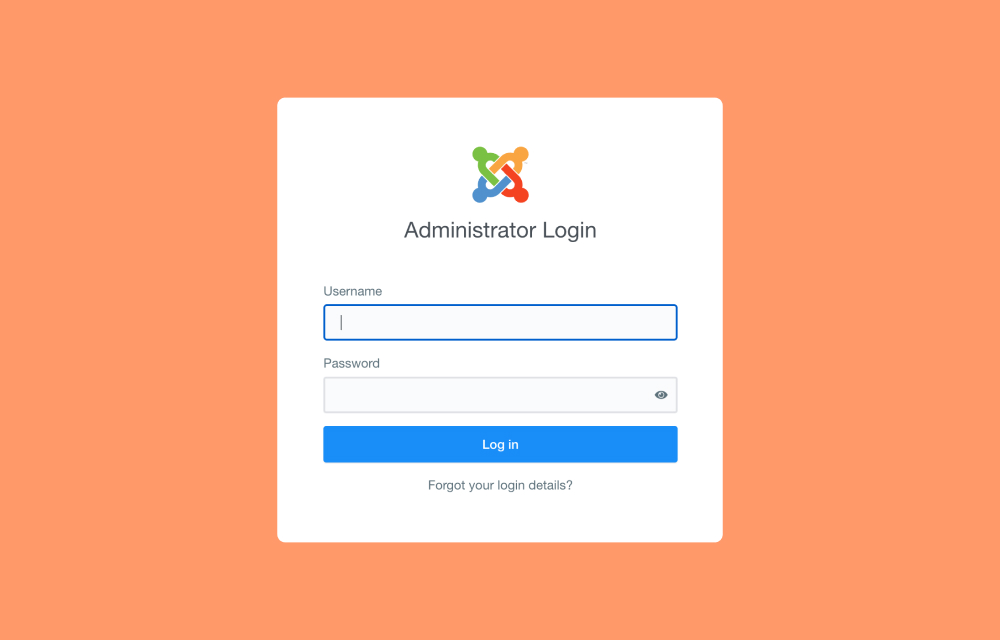
Power Admin greets you right from the start - the login panel. You will be presented with a clean, modern login screen that feels fresh without straying too far from the familiar Joomla feel you already know.
A Cleaner, More Organized Dashboard
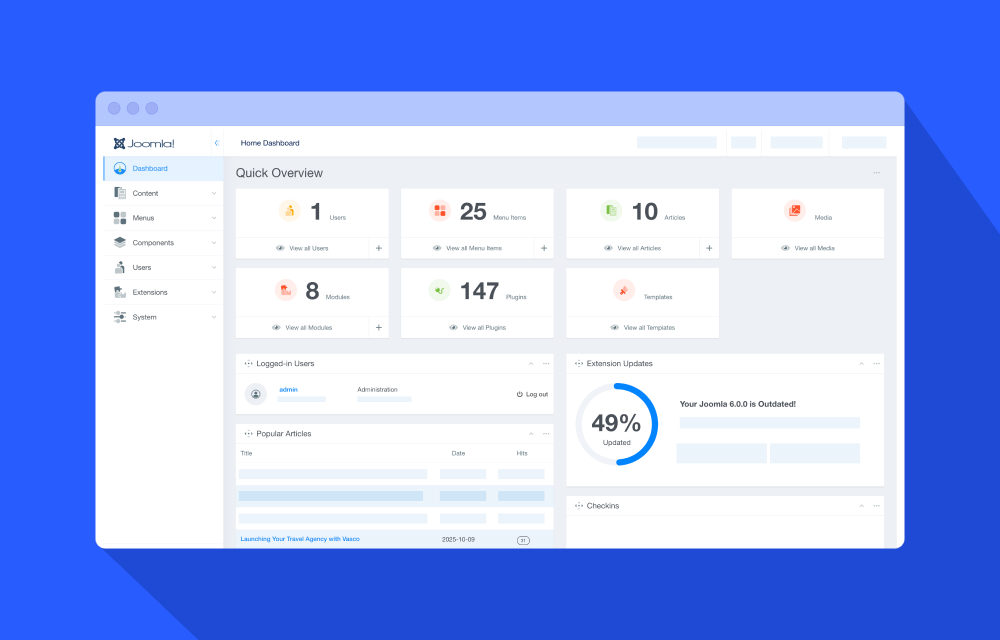
The first thing you notice when you log in is how uncluttered everything feels. The dashboard gives you a clear picture of your site's essentials through organized modules and statistics cards.
- Drag modules around to arrange the layout exactly the way you like it
- Show or hide modules based on what you actually need, just like the default Joomla dashboard
- Simple to customize, familiar enough that nothing feels out of place
Quick Overview Display
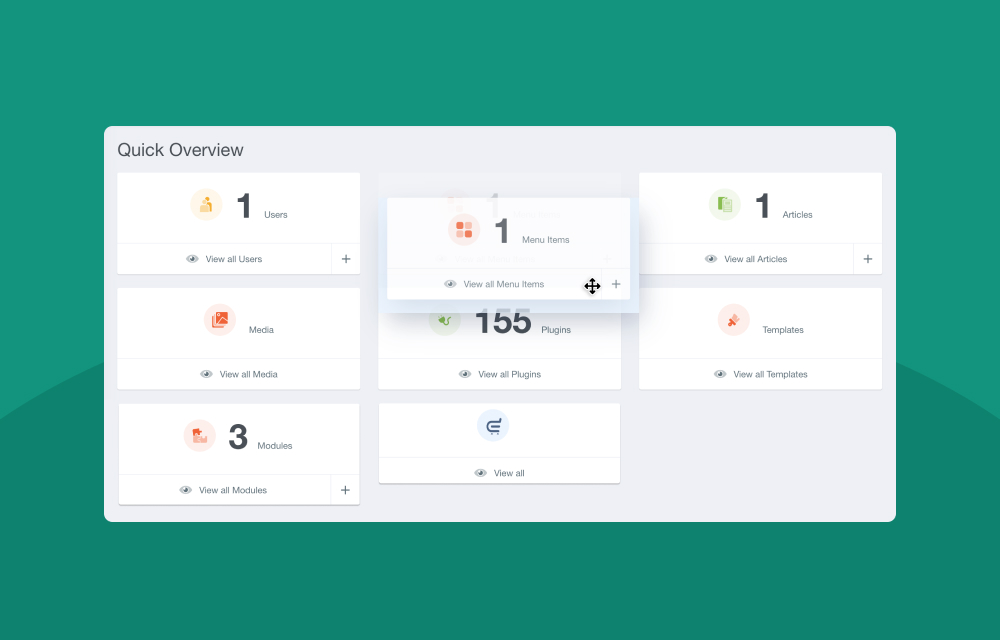
Get a snapshot of your site's key metrics through clean, at-a-glance cards for Users, Articles, Menus, Media, and more. Each card also acts as a direct shortcut, taking you straight to the relevant section for faster navigation.
Add, Edit, and Manage Dashboard Modules
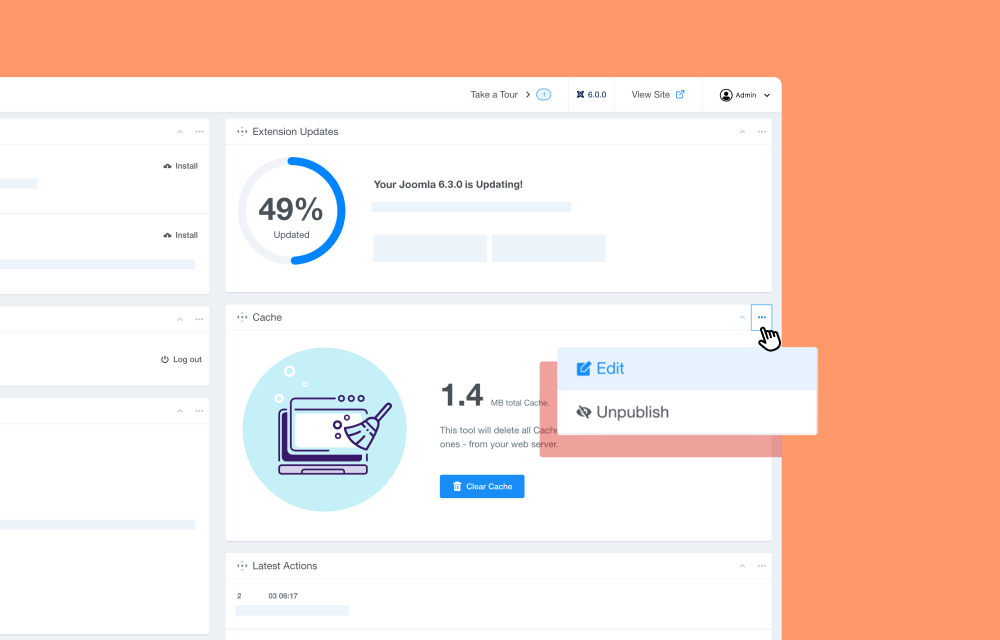
The built-in module controls let you add, edit, collapse, or unpublish dashboard modules without any extra steps, so only what matters to you stays on screen.
Create Articles Straight from the Dashboard
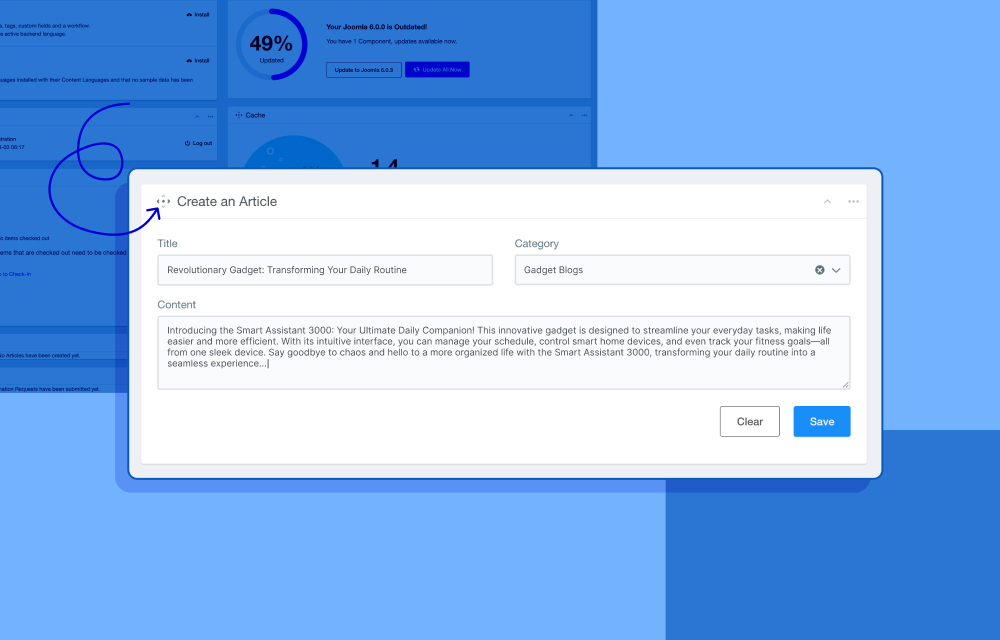
No need to navigate to the Articles section just to start writing. Enter a title and select a category right from the dashboard, and your article is saved instantly and ready for further editing.
Clear Your Cache in One Click
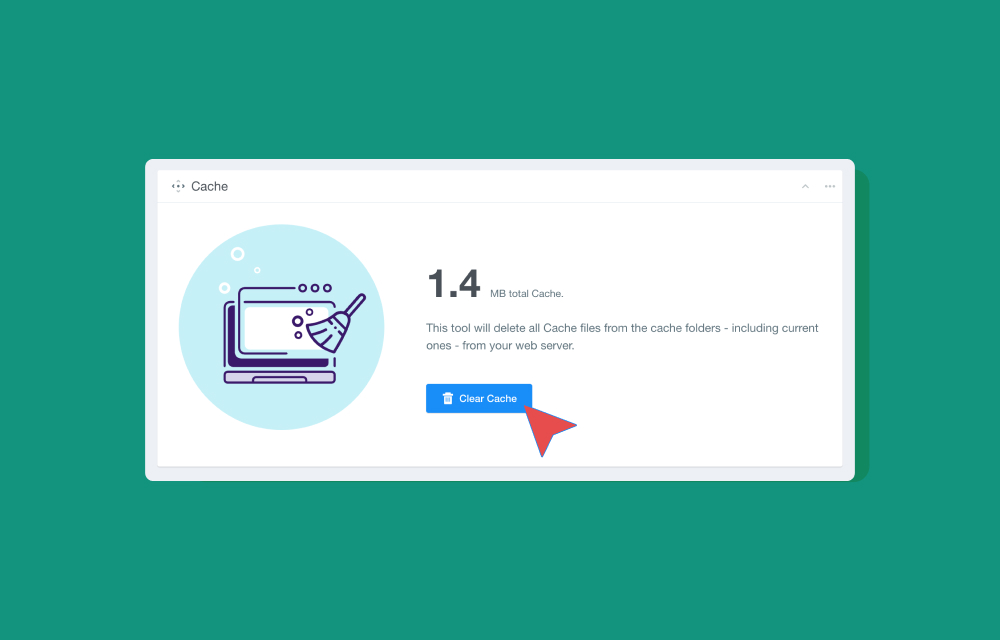
View your current cache size from the dashboard and clear it with a single click. Quick, straightforward, and one less reason to dig through system settings.
A Real-Time Look at Your Site's Update Status
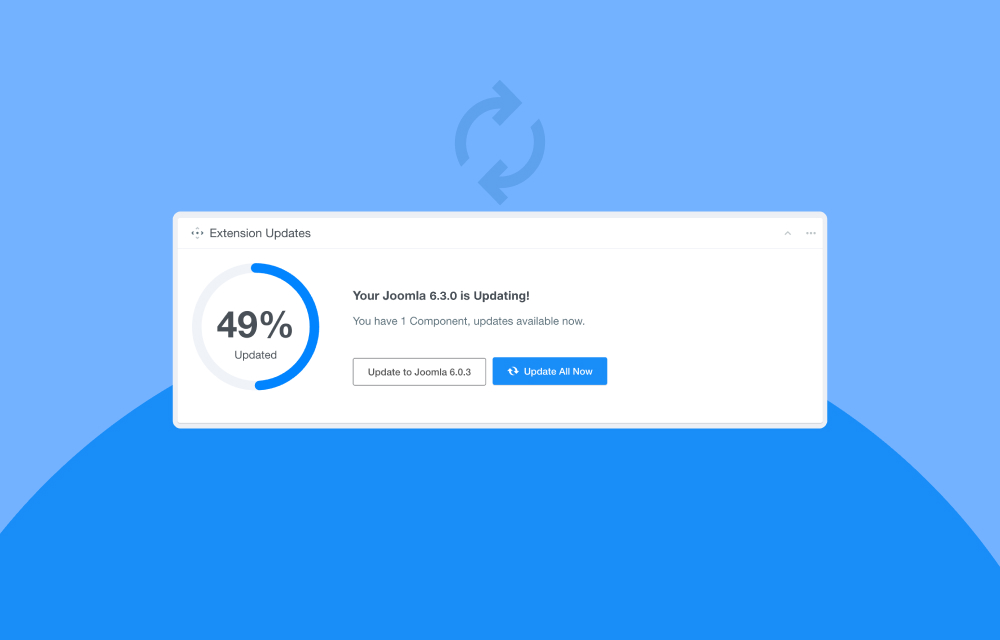
The Update Center gives you an instant read on how up to date your site is, displaying the percentage of extensions that have been updated at a glance. If anything needs attention, direct action buttons let you kick off the update process right from the dashboard without any extra navigation.
Light and Dark Mode

Not everyone works the same way, and Power Admin gets that.
That’s why Power Admin lets you switch between Light and Dark mode whenever you feel like it, and if you would rather not think about it, the "Follow OS Scheme" option automatically matches your operating system's theme preference.
A Cleaner, More Accessible Articles Section
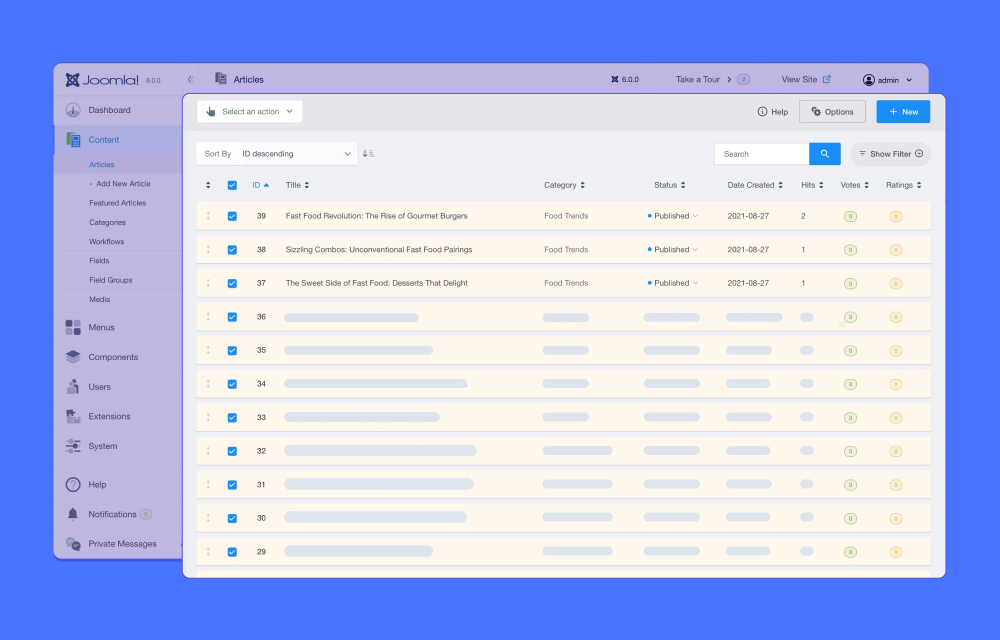
The Articles section gets a cleaner, more organized layout with an "Add New Article" shortcut placed directly below the Articles menu item. Jump straight into writing without opening the list first.
Clutter-Free Article Editor
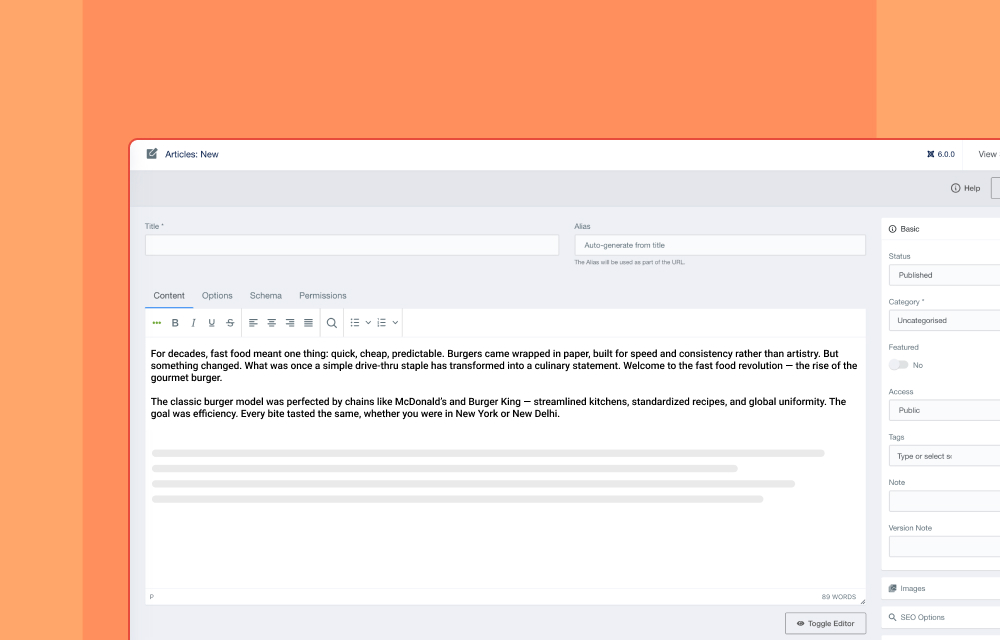
The article editor is redesigned to keep your focus where it belongs: on writing. Settings panels for Basic, Images, SEO, Links, and Publishing are neatly arranged on the right side, leaving the main workspace clean and uninterrupted.
A More Comfortable Media Manager
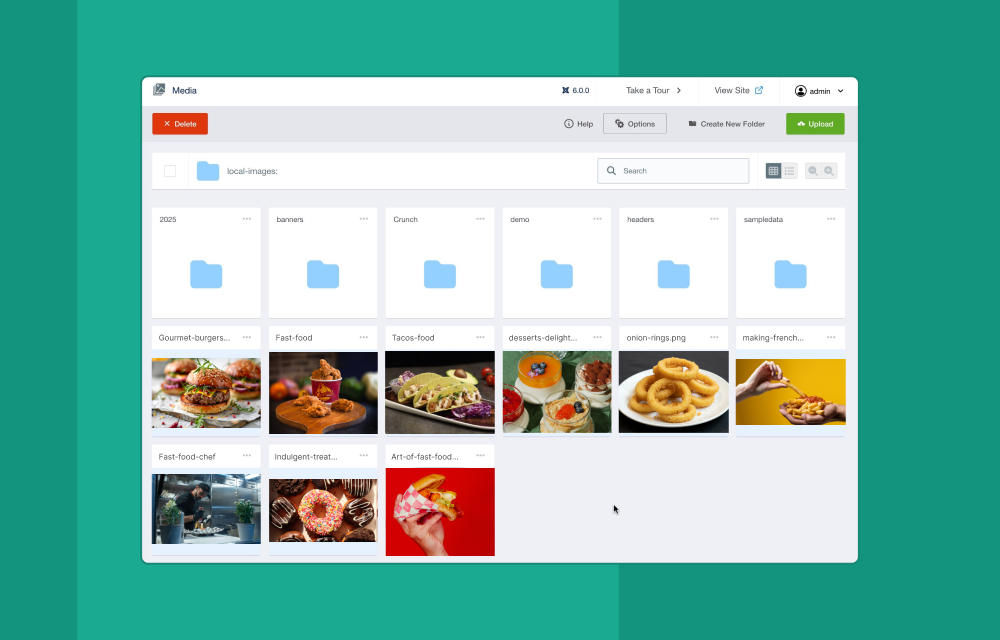
The Media Manager also gets a fresh coat of paint in Power Admin. It is the same familiar Joomla media management experience, now wrapped in a cleaner, more organized interface that makes uploading, managing, and accessing your files feel noticeably smoother.
Intuitive Menu Management
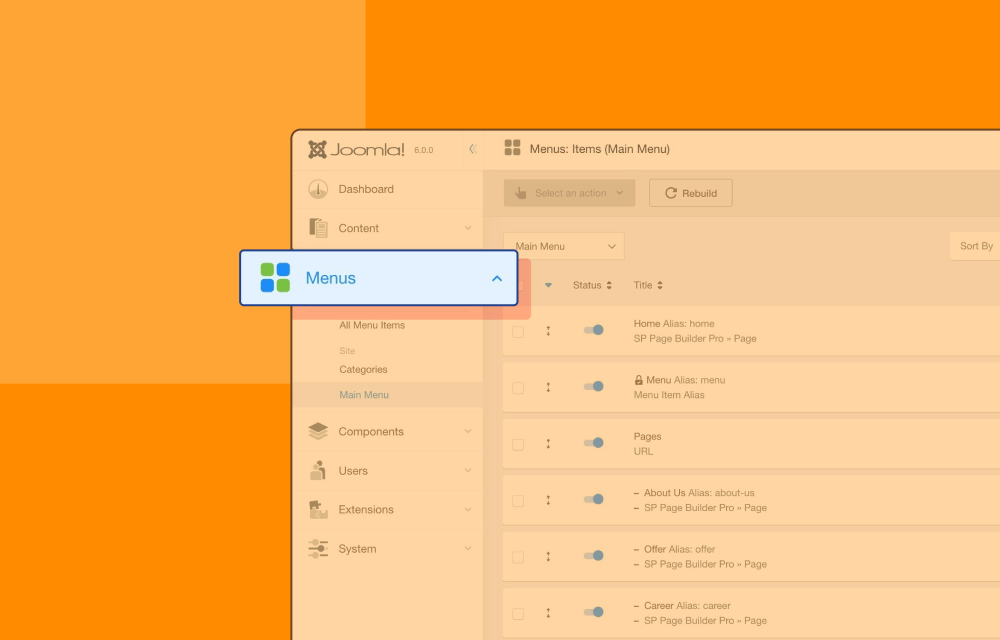
Toggle publish and unpublish status directly from the Status column, browse Menu Item Types through a dropdown with hover preview, and find all supporting settings neatly arranged on the right side for a cleaner editing experience overall.
Visually Refreshed Components Section
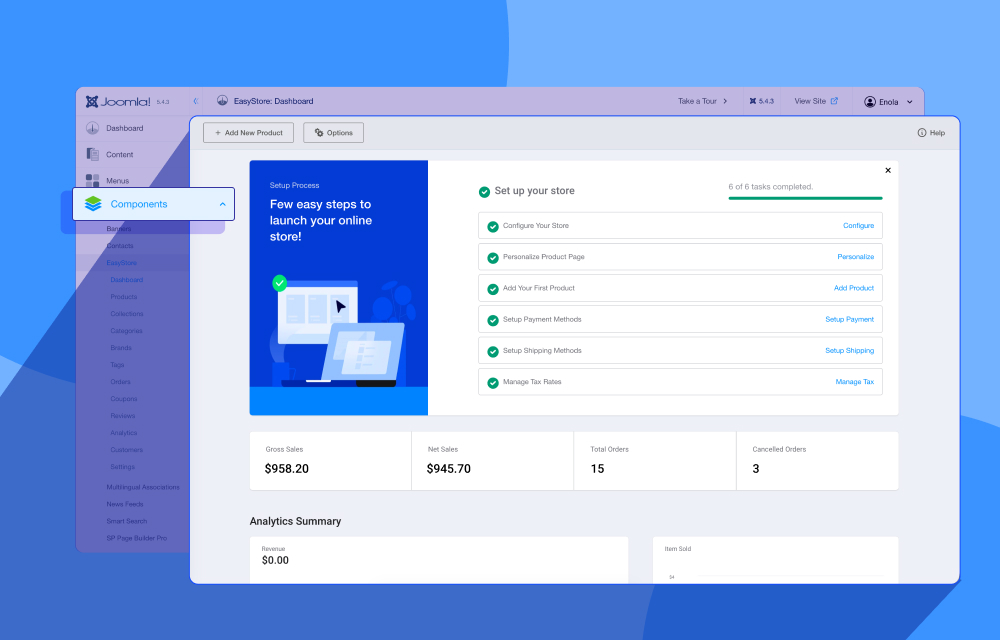
The Components section looks better without working any differently. The familiar functionality stays exactly as it is, now presented in a cleaner, more modern interface that is easier on the eyes.
Familiar User Management
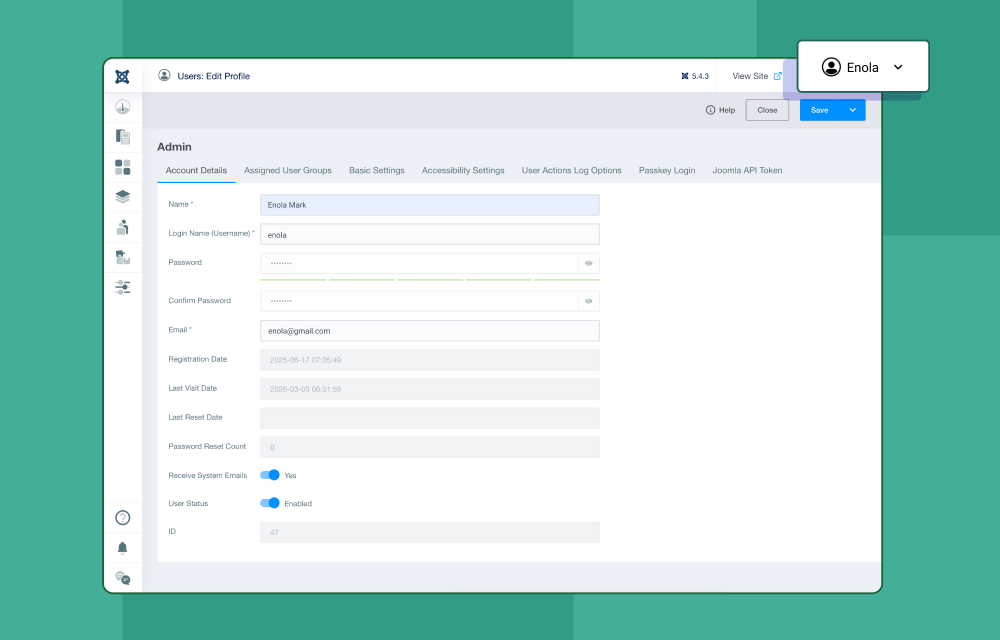
Everything you rely on for managing users is still right where you expect it. Manage, Groups, Access Levels, Fields, User Notes, Privacy, and Mass Mail Users are all preserved, laid out in a cleaner interface that does not ask you to relearn anything.
Unified Extensions Hub
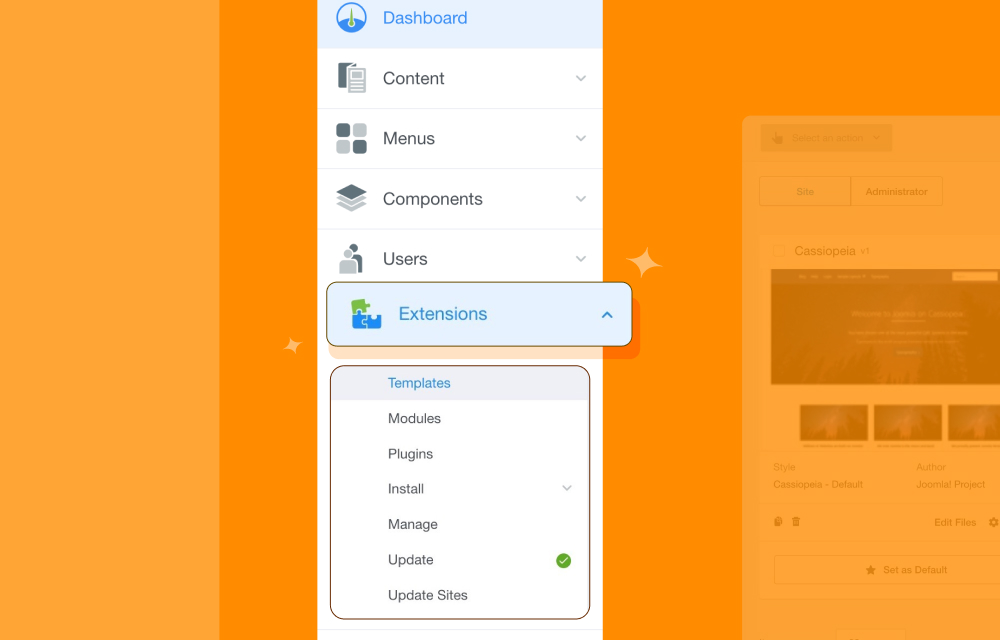
Manage your installed templates, plugins, modules, and components, install new extensions, and access update sites, all from one dedicated place.
Faster Way to Get to Your Systems Settings
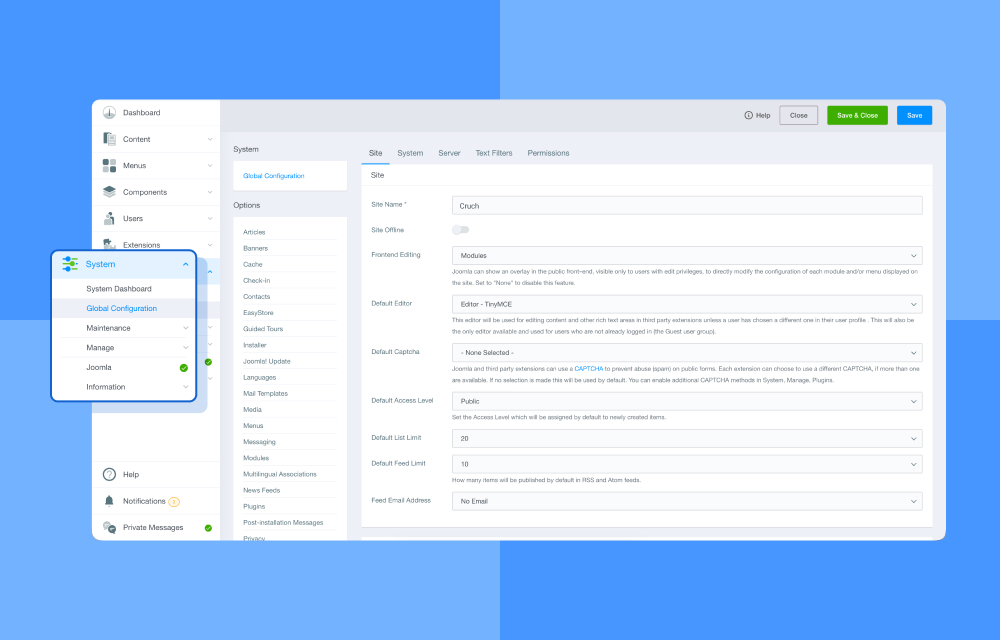
System settings are easier to reach in Power Admin. Global Configuration, Maintenance, Joomla, and Information are pulled directly into the expanded Systems menu, so you can get to what you need without going through an extra page first.
Help, Alerts, and Messages Always Within Reach
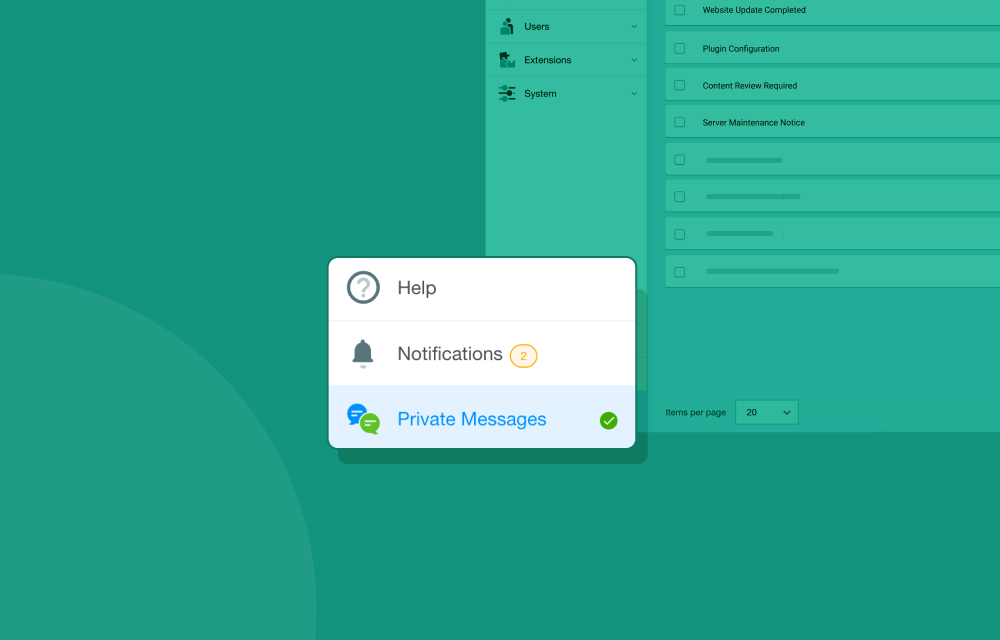
Tucked into the lower left corner of the dashboard, the Help, Notifications, and Private Messages panel stays close without crowding your workspace.
Consistent Experience Across Every Devices
Your workspace should not change just because your screen does. Power Admin is built to look and feel just as good on a tablet as it does on a desktop. Clean, consistent, and seamless across every device.
How to Install Power Admin
Getting Power Admin running on your Joomla site takes just a few steps:
- Download the Power Admin .zip file from the JoomShaper site.
- In your Joomla backend, go to Extensions > Install and upload the downloaded .zip file.
- Once installed, navigate to Extensions > Templates and choose the Administrator section.
- Set Power Admin as your default administrator template.
- Done! Welcome to your new Joomla backend.
Power Admin works with Joomla 6.x, 5.x, and 4.x. As always, installing on a staging site before switching over to a live environment is a good habit to keep.
Get Power Admin Now!
Now that the test drive is done, it is time to take Power Admin home! It is completely free, open to every Joomla user, and just one download away from making your daily backend work feel a whole lot better.
Try it out and tell us what you think in the comments below, we would love to hear from you!





I believe this issue should be fixed in a future update.
Kind regards
An error has occurred.
0 Unsatisfied dependency "template.poweradmin.ltr" for an asset "template.active" of type "style".
I hope this can be fixed.
Best regards
Ulf