Cannot modify Joomla articles using SPPB - Forum | JoomShaper
Solved SP Page Builder

Cannot modify Joomla articles using SPPB

Asked by Hector 5 years ago Last activity 5 years ago

Hi friends,

All of a sudden I can no longer modify Joomla articles created with SPPB.

Here is an example of a Joomla article (within the admin section):
https://imgur.com/a/dzVScTS

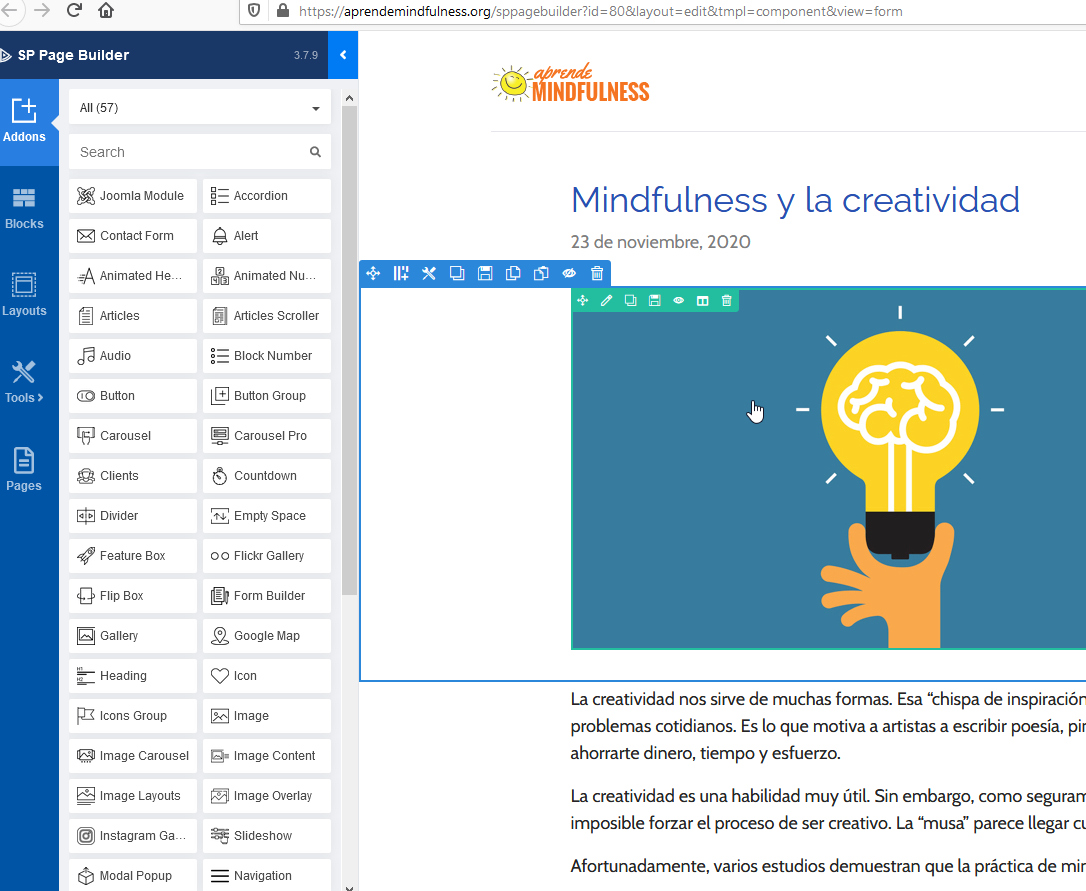
But once I click to edit an addon on that page, the SPPB blocks disappear completely:
https://imgur.com/a/VOtloQG

As a workaround, I go to the page itself on the front-end and click on "Edit with SP Page Builder", and then modify the page.

However, something is not quite right, since I should be able to modify the blocks from the Joomla article back-end, right?

Also, I am having a very weird issue with this particular blog post (again created as a Joomla article using SPPB):
https://aprendemindfulness.org/blog/mindfulness-y-menor-burnout-en-los-medicos

As you can see, the page displays fine, but when I click on "Edit with SP Page Builder", there are no blocks at all. This is what I see:
https://imgur.com/a/QMZ0qDd

Please could you have a look?

Many thanks,
Hector

Accepted answer

Marked as the solution
Paul Frankowski Senior Staff
5 years ago · edited

First thing, always keep "TinyMCE" as Default Editor. It has option to switch to HTML mode if you need to add few lines.

4 more replies

Paul Frankowski Senior Staff
5 years ago · edited

Hi,
As I remember a week ago all was OK, I wonder what happened in the meantime.

Have you installed any new extension ?

Sure, I will try to investigate.

Paul Frankowski Senior Staff

Now seems to be OK. Please check.

foto_5709_2021.jpg

Hector Asked this

Hi Paul,

Excellent, many thanks.

I am sorry, I did not know that Tiny MCE is necessary as the default editor, for SPPB to work in Joomla Articles.

I will bear that in mind from now on =)

Best wishes,
Hector

Paul Frankowski Senior Staff

Now you know.
You're welcome.

Log in to reply.