I can change the wording, but I can't find where to change its behavior.
It seems everyone else can do that, even with the last few lines above the 'continue' control to fade out, but I just cant find where to set that.
I can change the wording, but I can't find where to change its behavior.
It seems everyone else can do that, even with the last few lines above the 'continue' control to fade out, but I just cant find where to set that.
Please share a screenshot of where you want the change. I am assuming that it is related to the template, not SP Page Builder.
Best regards
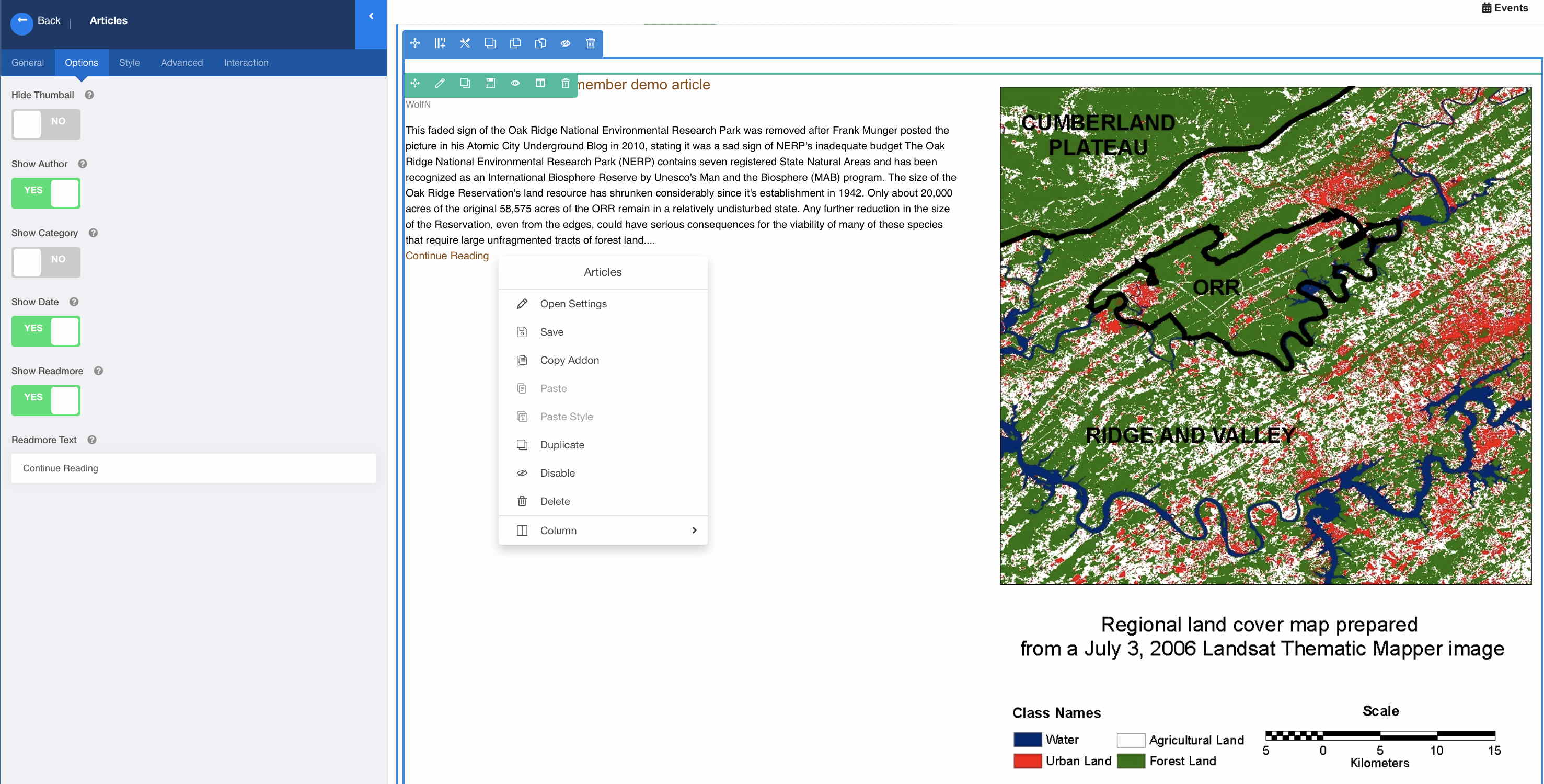
No, it comes from the SP Page Builder addon. The site use Helix Ultimate only with no other template on top of it.
I'm probably using the wrong addon.
What I need, even if no blank space is present below, just to reveal the continuation of the article in place and push everything that's below on the page further down.
(It would be nice of course, if the addon were smart enough and had an option to fill the blank space with text from the article and pusjing just the Read more or Continue rading link further down within the original height of the section.)
I understand it now. Unfortunately, no way to achieve this with our addons. You can control introtext limit though.
