
Hi, I am trying to remove the "Video Icon" - I want to keep everything else the same (animation etc.) but the link must goto another page (not a video) - I cannot find how to remove the video icon (cannot even find it in CSS either) please help.
Solved
SP Page Builder
Remove a Video Icon in a image carousal
Asked by Ashley
4 months ago
Last activity 4 months ago
Accepted answer
Marked as the solution
Toufiq Senior Staff
Hi there,
Thank you for reaching out. Please add this css code inside the custom.css file.
.hero-section .sppb-carousel-extended-subheading {
    display: none;
}
Best regards,
Toufiqur Rahman (Team Lead, Support)
1 more reply
Ashley Asked this
Super thanks, this worked. thanks for your help.
Toufiq Senior Staff
You are most welcome! We appreciate your feedback and are delighted to hear that you're satisfied with our service.
To officially close this forum post, mark it as accepted. If you have any more questions or need further assistance in the future, please don't hesitate to reach out to us.
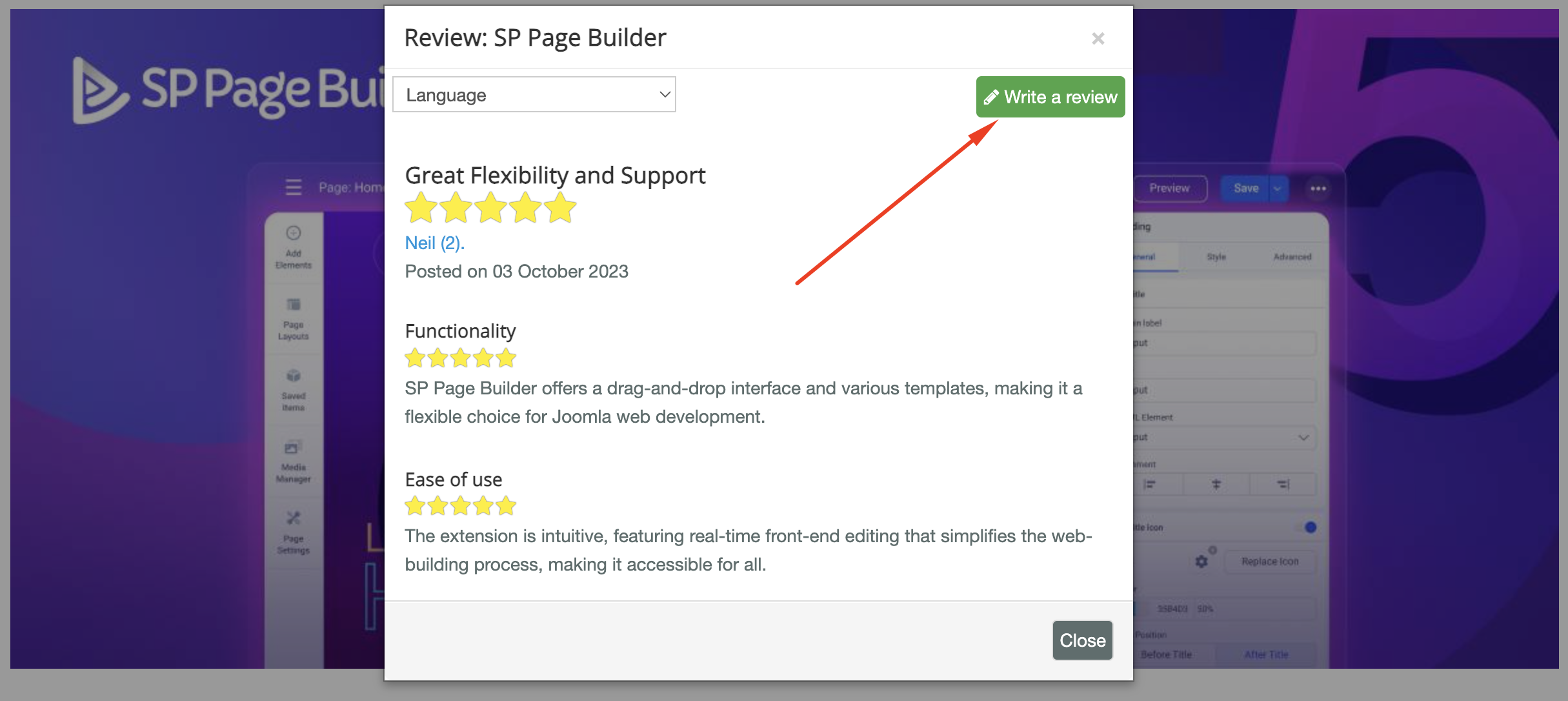
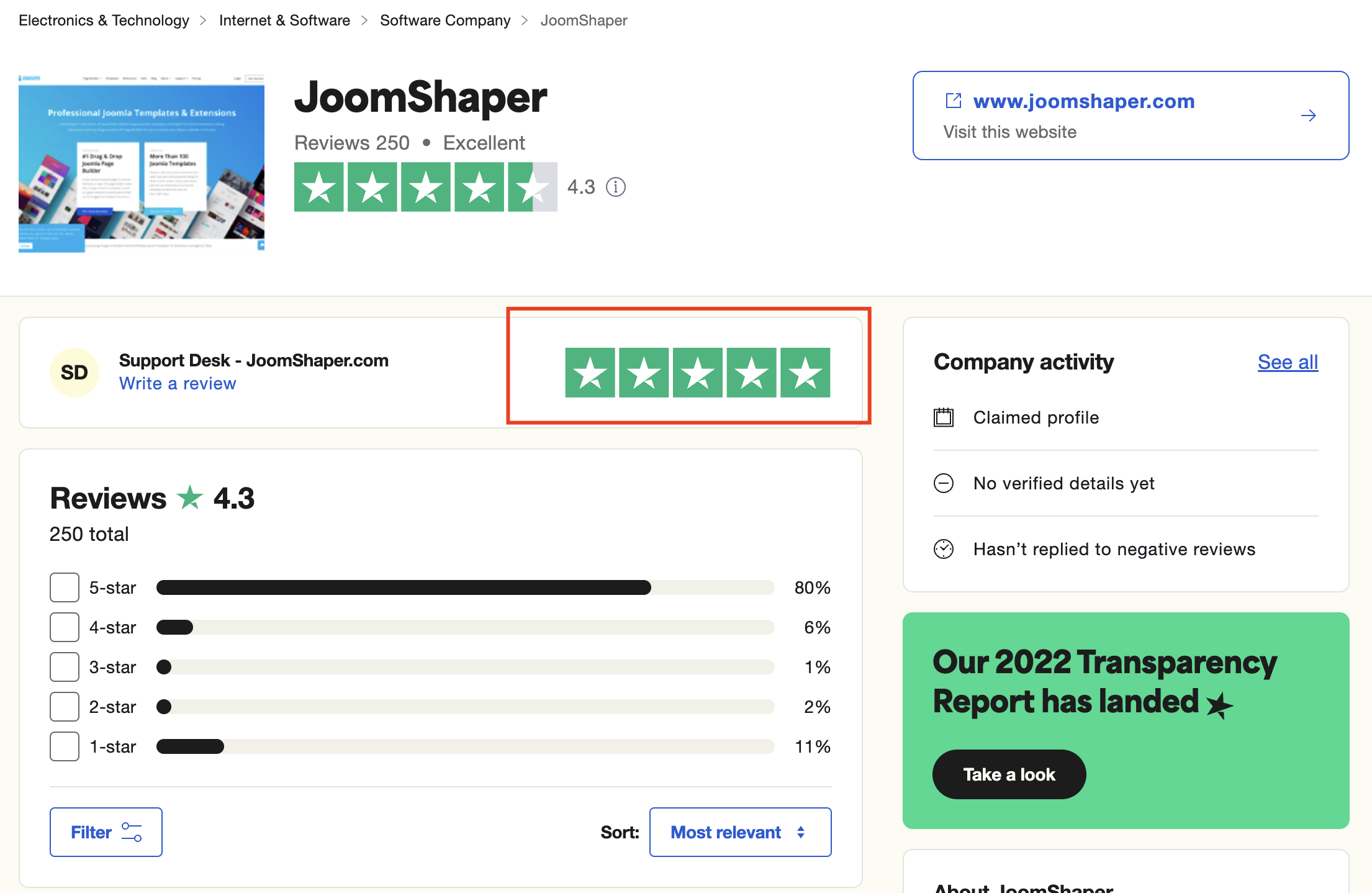
As for writing a review about our product and support quality, we would greatly appreciate it! Your feedback helps us improve and serves as a valuable reference for others. Please take a moment to share your thoughts about your experience with our product and the support you received. Your input is valuable to us and the community. Thank you in advance for your time and support.
We're here to assist you with any further questions or requests you may have. Once again, thank you for choosing our product and for being a part of our community.
Best regards,
Toufiqur Rahman
Team Lead, Tech Support (JoomShaper)
Log in to reply.