Interactions
Motion that responds to every scroll.
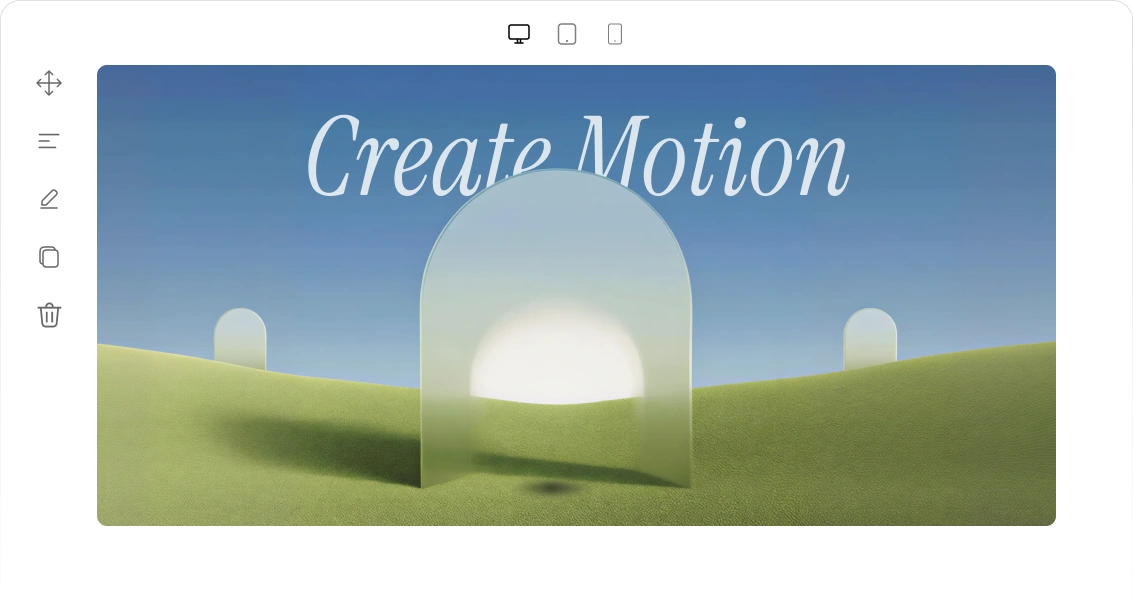
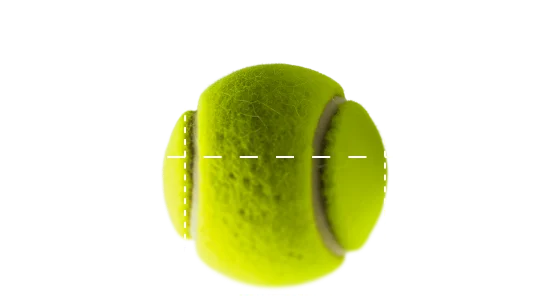
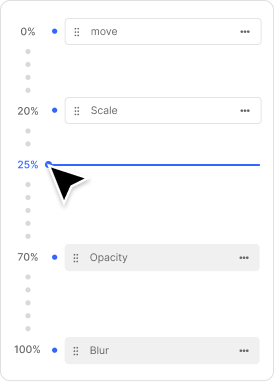
Scroll interaction
Six effects to transform every scroll.
Each effect responds to your scrolling, creating smooth, interactive motion as you move through the page.
01
Move




02
Scale
Change an element’s size as visitors scroll for fluid motion and visual depth.
Emotion Over Perfection

03
Rotate
04
Skew
Skew elements without rotating them.
Create the illusion of speed and direction.
Make flat layouts feel more dynamic.



Inspired by the harmony of the universe, celebrating the patterns and repetitions at its core.
05
Blur
Soften elements in or out of focus with a single blur value.
Layer it with Move or Opacity for a depth-of-field effect.
Anchor the blur to a custom transform origin.

06
Opacity
Control element visibility as users scroll or interact. Set opacity from fully visible to transparent for smooth reveals.
Fade elements in or out with one value.
Trigger fades at any point in the timeline.
Control where the fade starts.
Human
Human
Human
07
3D tilt
Add a cursor-driven 3D tilt to interactions. Choose the direction, speed, and maximum tilt angle.
Available across all 6 interaction effects.
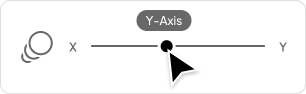
Choose a tilt direction.
Control tilt speed.

Control every detail of your interactions.

Transform origin

Perspective
