The #1 page builder for Joomla
Build any Joomla site, Visually. Natively.
An extremely powerful drag & drop tool that lets you build sites visually and instantly. Trusted since 2014, built for the latest Joomla.


4.9/5
Average user rating
63
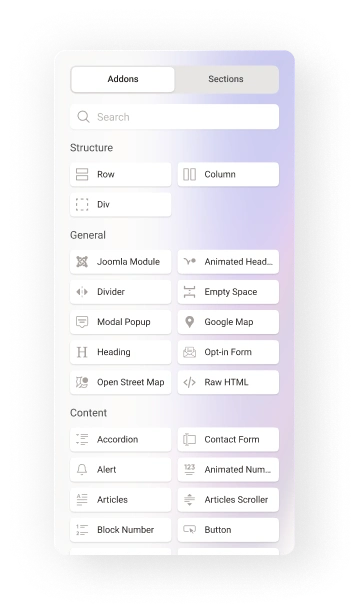
Built-in addons in Pro
12+
Years in the Joomla ecosystem
J5 & J6
Always on the latest Joomla
Dynamic Content
All your content type in one place.

Team directory
Organise team profiles with structured information, custom fields, filters, and dynamic layouts.

Job boards
Create searchable job listings with structured details, categories, filters, and automatically updated content.
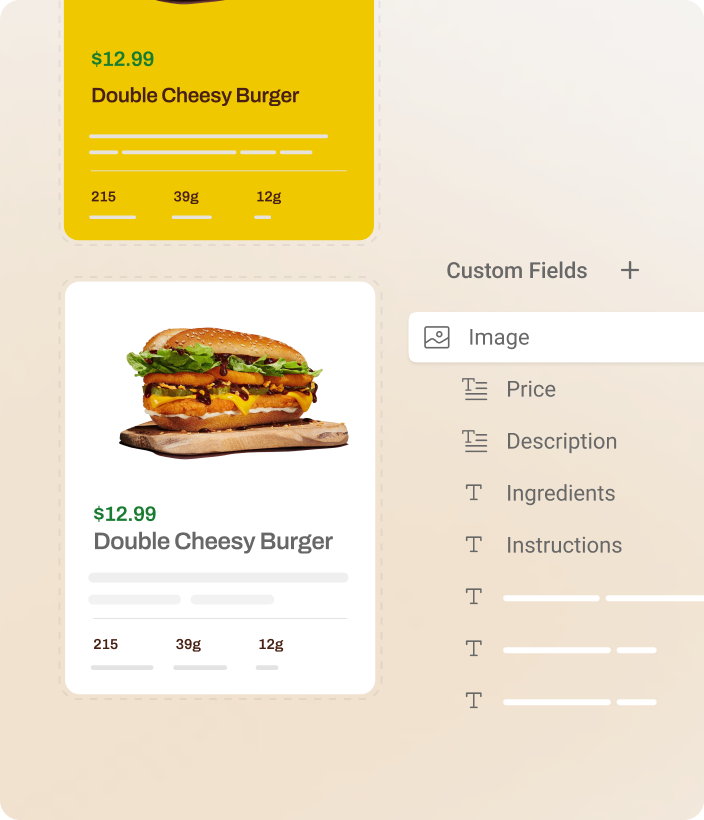
Recipe websites
Display recipes with ingredients, instructions, images, categories, and custom fields in dynamic layouts.
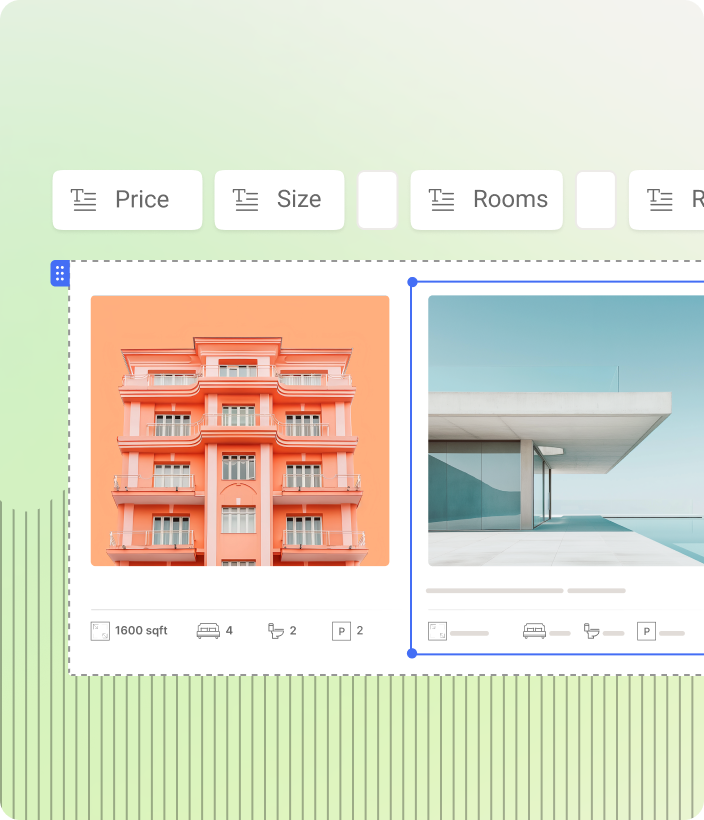
Property listings
Display properties with images, prices, features, and geolocation fields in rich, dynamic listing layouts.
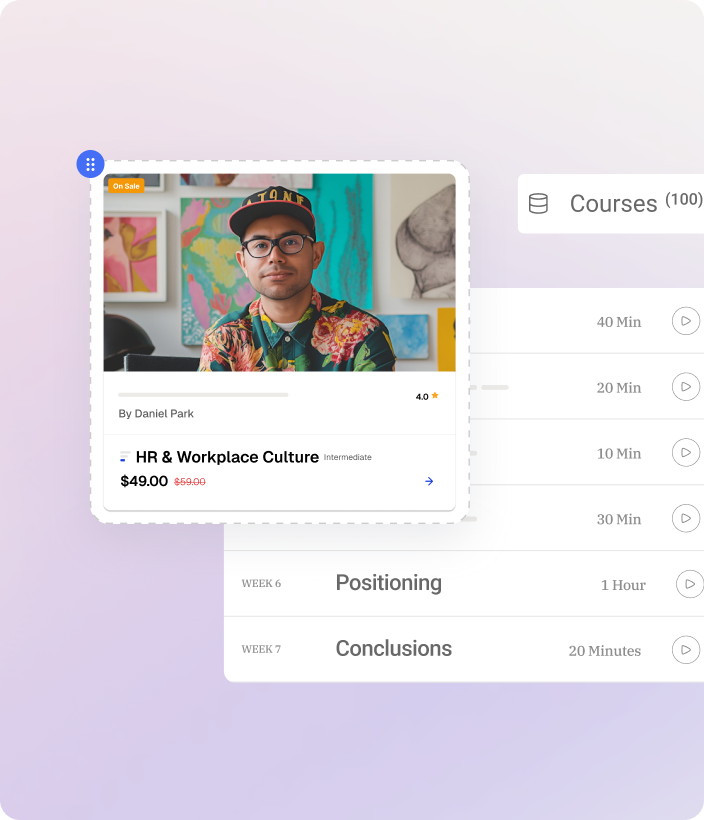
Course platforms
Structure courses, lessons, instructors, and resources into organised, dynamic learning experiences.
Comments
Native comments built into the page.
- Built right in No extra extensions or setup. Native Comments works inside SP Page Builder and fits right into your content.
- Better engagement Let visitors reply, react, and join the conversation while keeping your pages lively and engaging.
- Make it yours Place comments anywhere, match them to your site, and add Gravatar avatars for a personal touch.
- Full control Manage every comment with ease. Approve, edit, publish, unpublish, delete, and control anonymous comments.
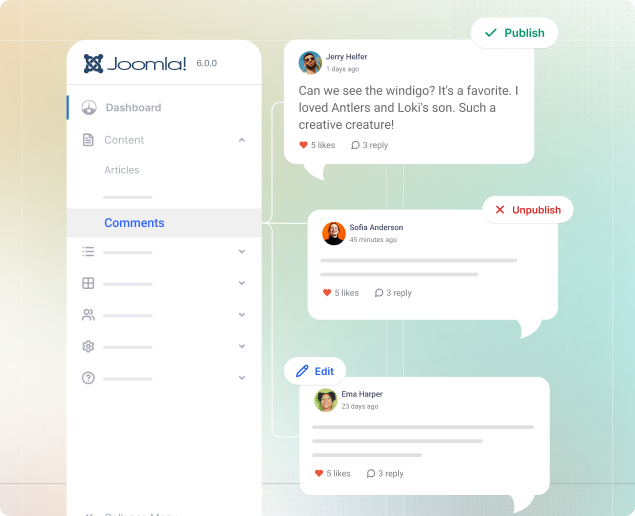
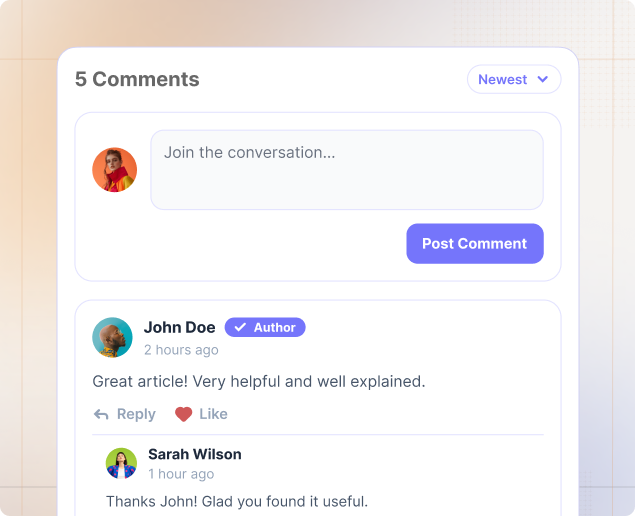
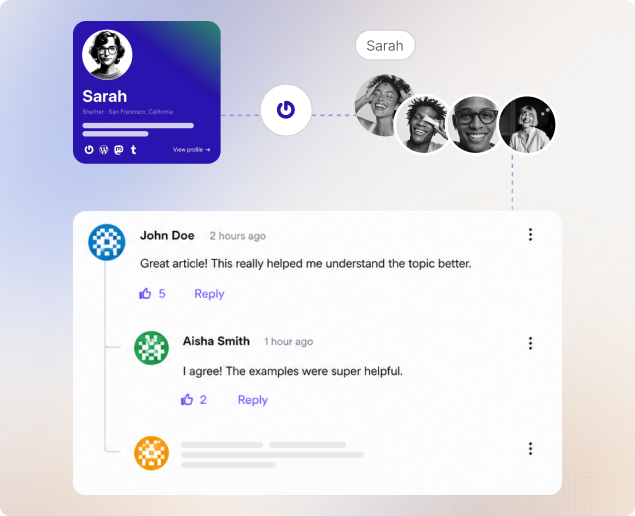
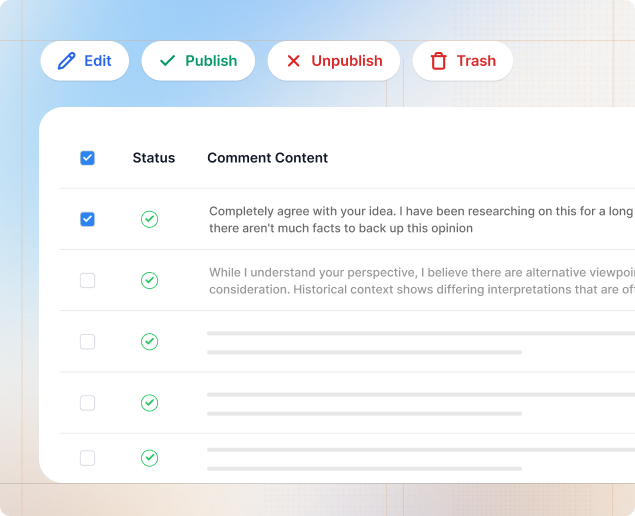
In dynamic articles: Any article page built with dynamic content can carry its own native comment section.
In Joomla articles: Your Joomla articles get the same native commenting, with no third-party plugin required.
In dynamic details: Native comments work on any dynamic detail pages, such as a listing or a case study.
Interactions
Motion that answers the scroll.





Move
Shift an element up, down, left, or right from its original position.

Scale
Make an element larger or smaller without touching the rest of your layout.

Rotate
Turn an element clockwise or counterclockwise to any angle you want.

Skew
Slant an element horizontally or vertically for a more dynamic look.

Blur
Soften an element to create depth or push it into the background.

Opacity
Set how transparent an element is, from fully visible to faded out.
Popup Builder
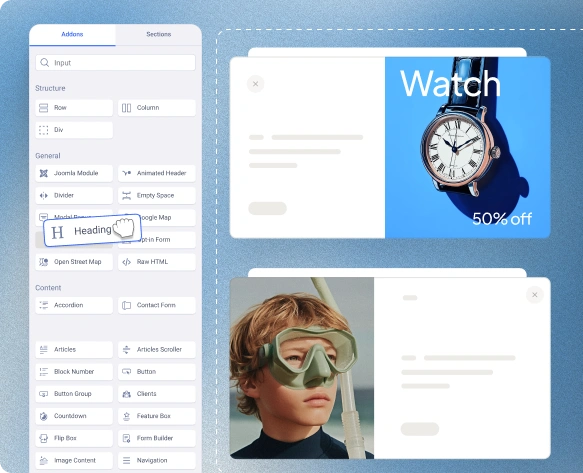
Create popups for offers, announcements, forms, and more, right inside SP Page Builder. Use ready-made layouts, easy-to-manage settings & conditions to build them faster.
- Blank canvas for your freedom Use SP Page Builder's drag & drop canvas and 50+ addons.
- Define visibility conditions Complete control over setting the visibility conditions.
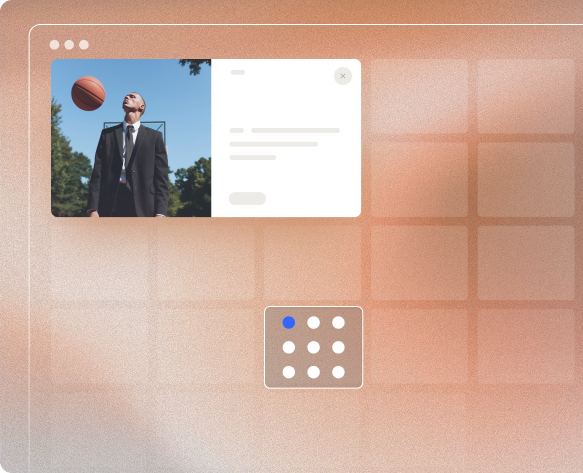
- Position anywhere you want Catch users' attention by placing popups anywhere on the page.
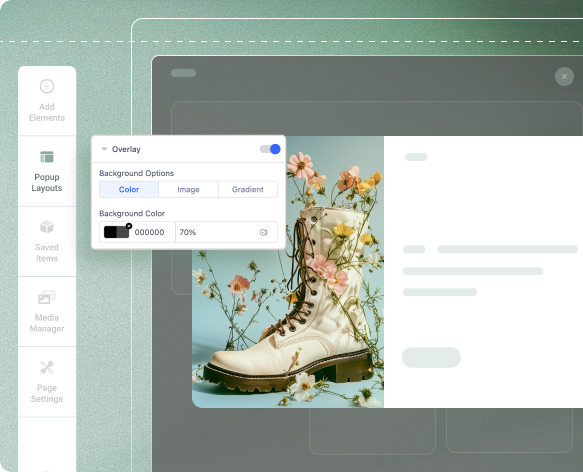
- Tailor the overlay design Customize the overlay to match your design seamlessly.
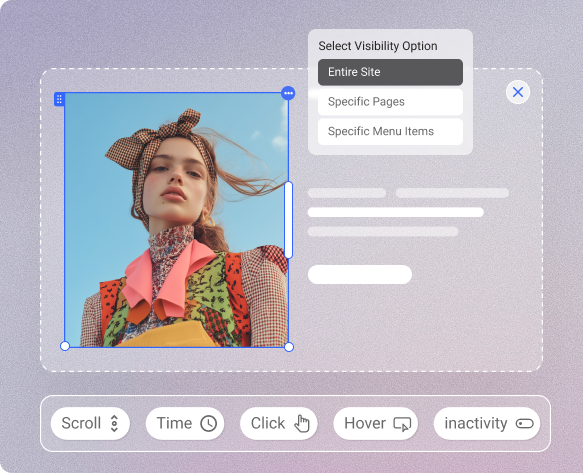
On scroll & landing: Trigger popups when the page loads or when visitors reach a specific point while scrolling.
After inactivity: Show your popup when visitors stop interacting with the page for a set amount of time.
On click & hover: Set a popup to appear when visitors click or hover over a selected element on the page.
Date range: Run time-sensitive offers, or campaigns with a specific date range for when popup appears.
Forms
Contact forms, custom forms, and newsletter forms, all in one builder.
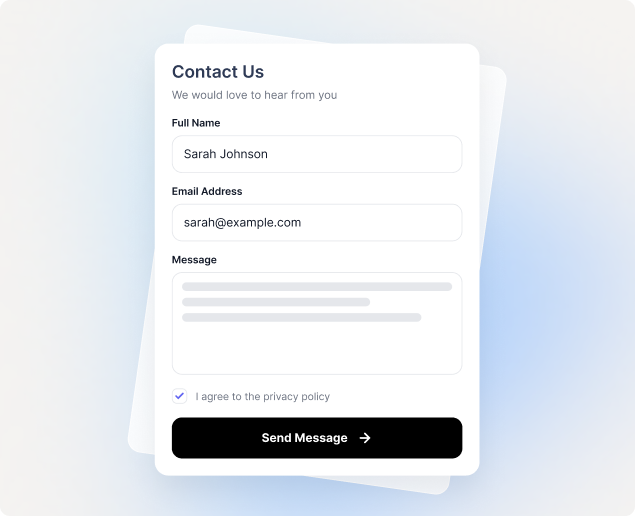
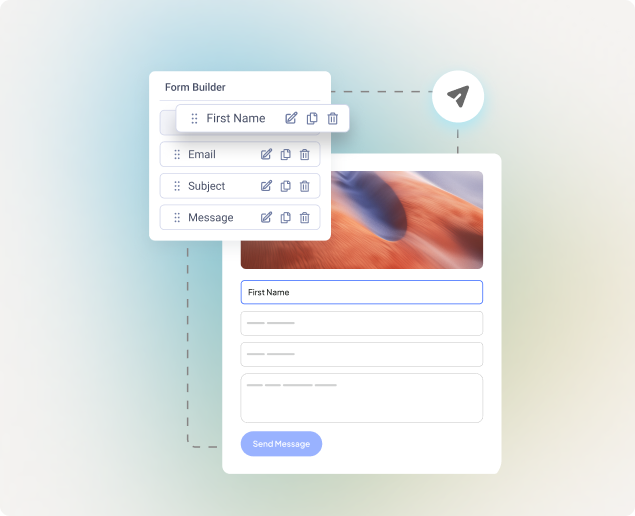
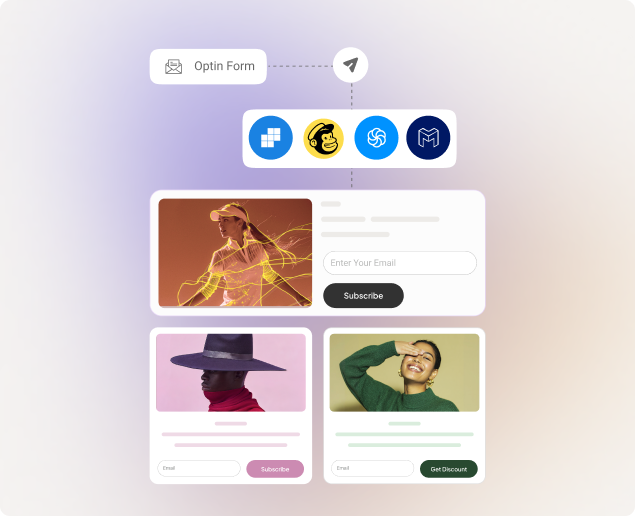
CAPTCHA options: Choose from a range of CAPTCHA options to protect your forms from spam.
Rate limit: Control how often visitors can submit a form to prevent repeated or excessive submissions.
Multi-step forms: Make longer forms less overwhelming by splitting them into clear, simple steps.
AI Tools
Pick your AI, then start creating. Generate text and images with GPT or Gemini directly in SP Page Builder. Add your API key, and you’re ready to go.
- Generate text with AI Create website copy from simple prompts without leaving your SP Page Builder workflow.
- Turn prompts into images Describe your idea and generate four image variations for your page.
- Edit with magic fill Brush over an area, adjust the brush size, and prompt AI to add or change elements.
- Choose the right aspect ratio Choose an aspect ratio to create visuals that fit your layout and design.
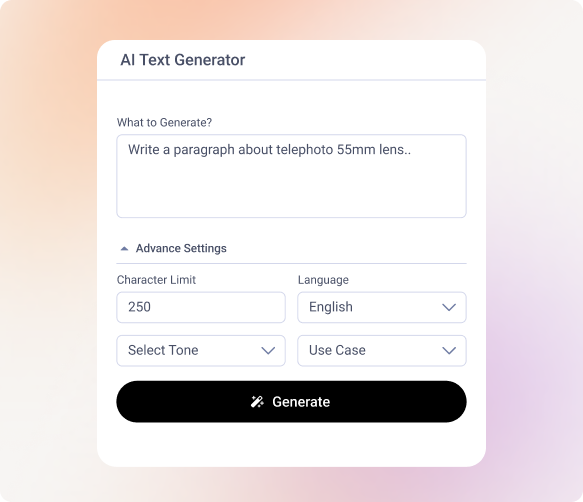
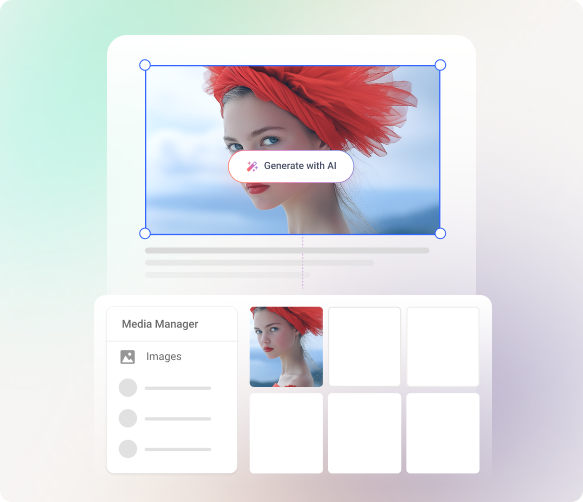
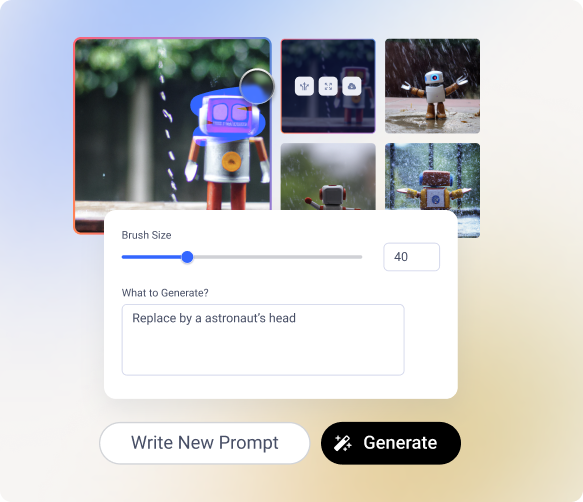
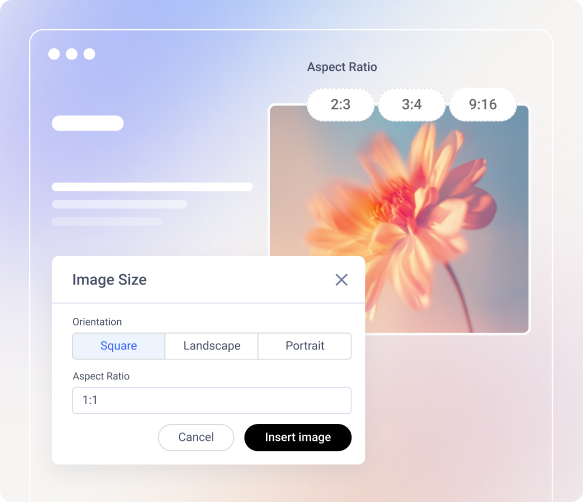
Multiple AI models: Use supported GPT and Gemini models for your AI-powered content and image generation.
Explore image variations: Generate four variations from a prompt or create new variations from an existing image.
Expand your images: Enlarge images and extend their backgrounds with AI while keeping them ready for your page.
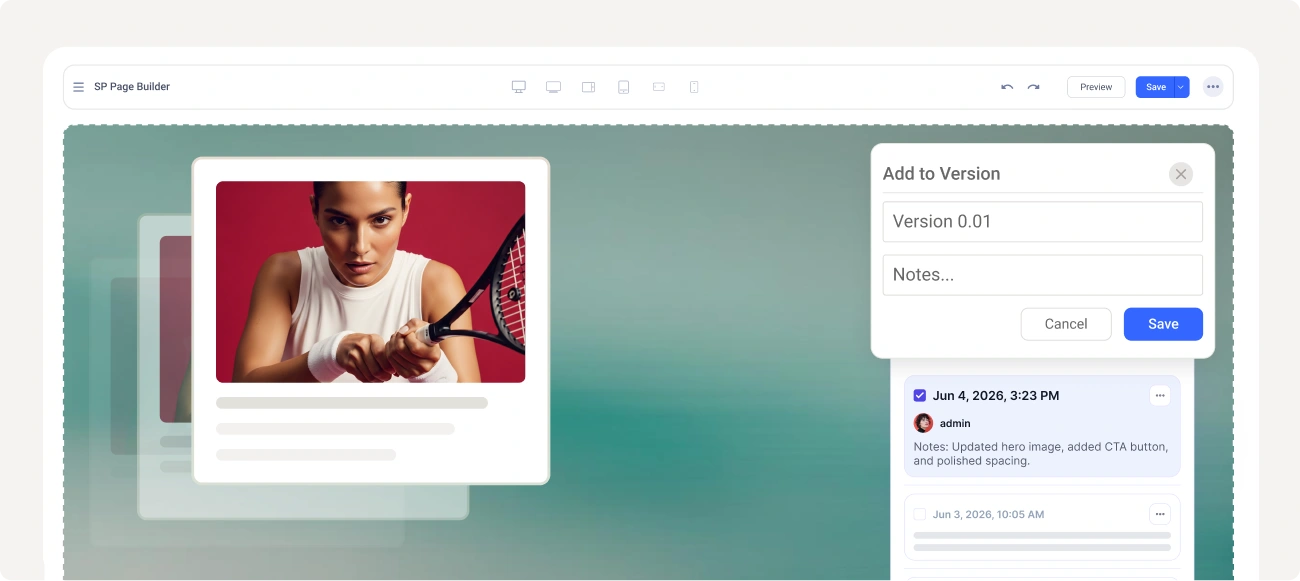
Versioning
Never lose good work to a bad edit. Roll back anytime.
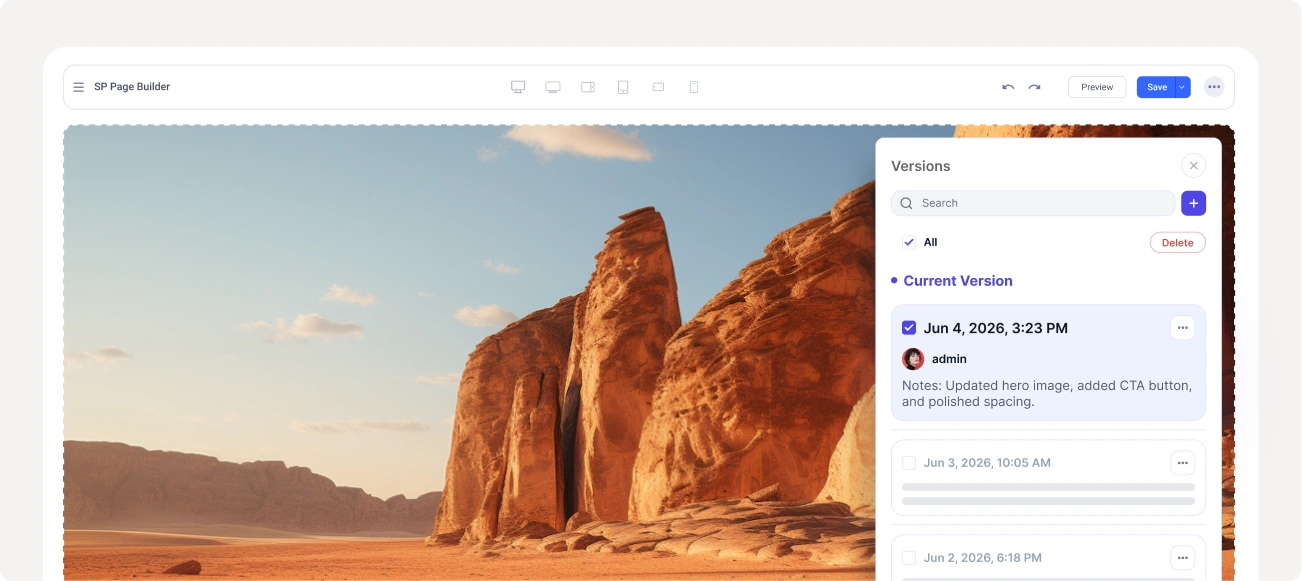
- Edit without fear Try bold layouts and big changes, knowing every earlier version is stored and ready to return to.
- Auto-versions on save Versions are created every time you save. No extra clicks and no manual copies to manage.
- Rename your versions Name the key versions or essential leave notes and jump straight back to them any time.
- Preview, then restore See exactly how an older version looks before you commit, so there are no surprises on your live page.

Start building your best Joomla site today
Free to start. No lock-in. Trusted by Joomla developers and agencies since 2014.
Personal
$591 Website Licenses
Buy Now
- Access to All Layout Bundles
- 1 Website License
- 1 Year Support & Updates
- Not Included
- No Access to Templates
- No Access to Extensions
- EasyStore Not Included
RecommendedBusiness
$12910 Website Licenses
Buy Now
- Access to All Layout Bundles
- 10 Websites License
- 1 Year Support & Updates
- Not Included
- No Access to Templates
- No Access to Extensions
- EasyStore Not Included
Agency
$399Unlimited Website Licenses
Buy Now
- Access to All Templates
- Access to All Extensions
- Access to All Layout Bundles
- Unlimited Website License
- 1 Year Support & Updates
- Not Included
- EasyStore Not Included
Frequently asked questions

Documentation
Step by step guides and detailed instructions

Forums
Community discussions and shared solutions
First, make sure you have SP Page Builder Pro installed. Then go to Joomla Admin → SP Page Builder Pro → Settings → License & Update. Enter the email address associated with your JoomShaper account and your 32-digit license key and click Save Changes.