With every SP Page Builder update, we’re committed to making your web building journey easier, faster, and more powerful. And this release is no different—it’s packed with enhancements that will surely refine the way you create your Joomla projects.
This time, we're bringing you an update packed with exciting new features, improvements, and fixes that are definitely worth checking out. So let’s dive into what’s coming your way this time!
SP Page Builder v5.5.5 Changelog:
- New: Added support to use template preset colors in the Color Library (Helix Ultimate-based templates only).
- New: Added Global Typography settings.
- New: Added Telegram and BlueSky support to the Social Share addon.
- New: Added linking options in the Image Overlay addon, allowing customization based on user preference.
- New: Added the ability to randomize slide order across all slider-related addons.
- New: Added a "Send Copy" feature in the Contact Form addon for applicants to receive a copy of the original mail.
- Update: Improved accessibility in the Article Scroller addon.
- Update: Enhanced upload process in the folders tab of Media Manager.
- Update: Improved Smart Search indexing to handle only published pages.
- Update: Added a conditional notification system for language pack downloads.
- Fix: Fixed missing src attribute causing broken images in dynamic content.
- Fix: Fixed scroll-to behavior for external links in the Navigation addon.
- Fix: Resolved export failures when media file names contained whitespace.
- Fix: Fixed crashes in the Testimonial Carousel caused by empty ratings.
- Fix: Addressed crashes related to range fields in the Form Builder addon.
Template Preset Colors Now Available in the Color Library
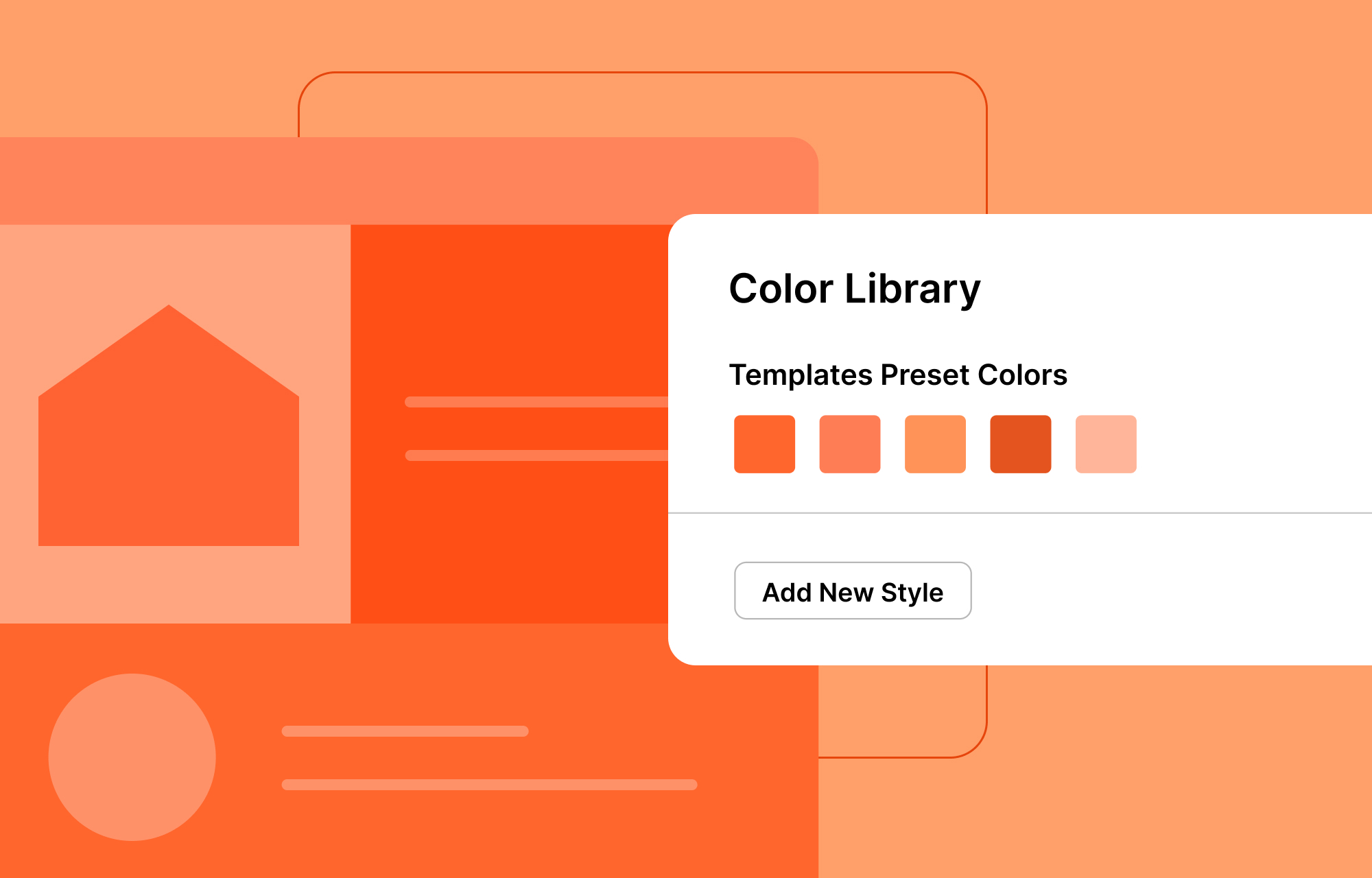
Designing your web pages with SP Page Builder just got smarter and more efficient! Because if you’re using Helix Ultimate-based templates, you can now tap into your template’s preset colors directly from the Color Library. This new integration lets you apply your template’s predefined color schemes seamlessly, making site-wide customization faster and more cohesive than ever before.
Style Your Texts Smartly With the Global Typography
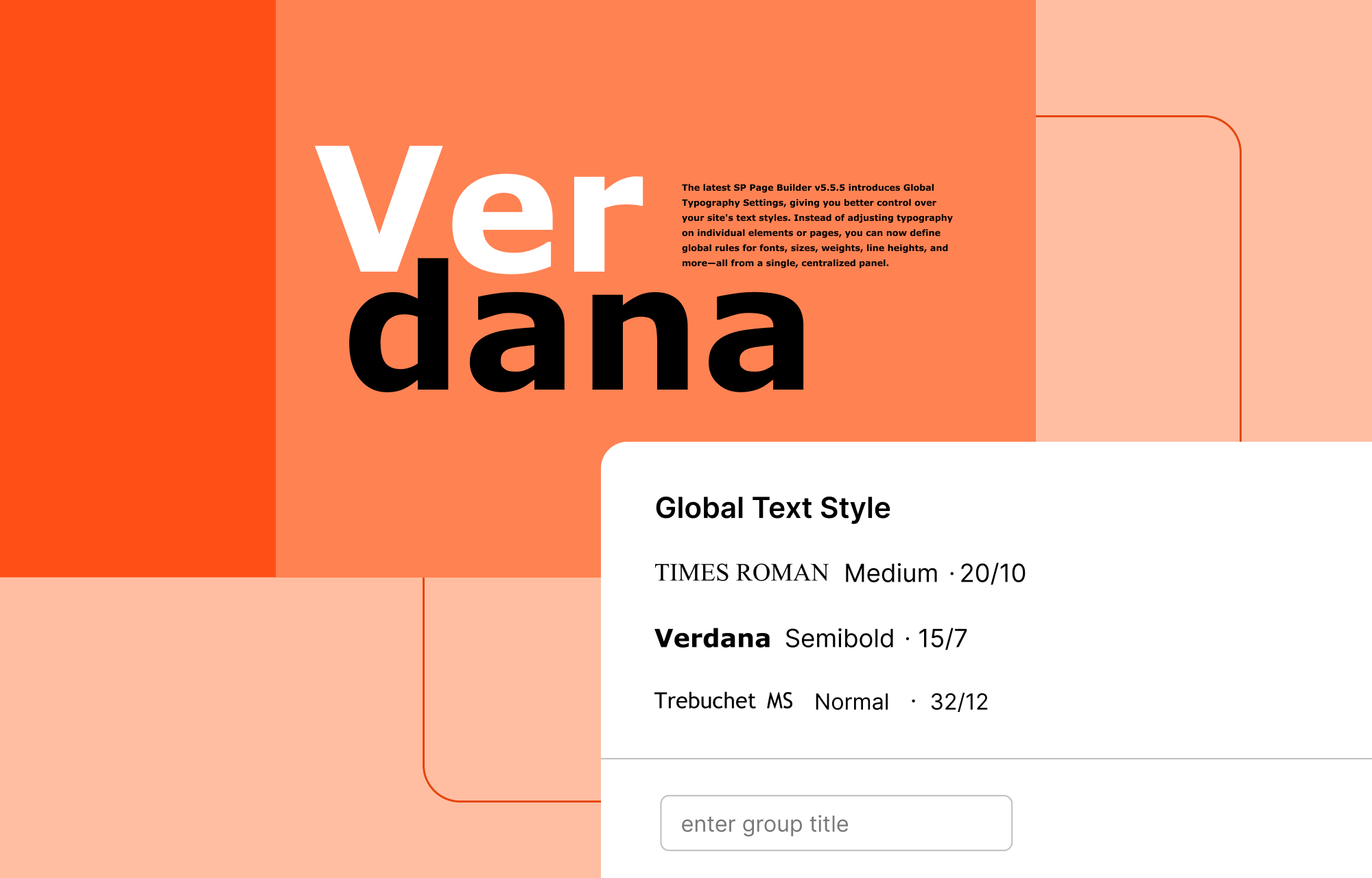
The latest SP Page Builder v5.5.5 introduces Global Typography Settings, giving you better control over your site's text styles. Instead of adjusting typography on individual elements or pages, you can now define global rules for fonts, sizes, weights, line heights, and more—all from a single, centralized panel. These settings are easily accessible and can be applied directly through the typography options in your addons.
This powerful feature ensures a consistent look across your entire site while streamlining the customization process, saving you time and effort. It’s typography, made smarter and simpler!
Engage Visitors With Randomized Slider Order
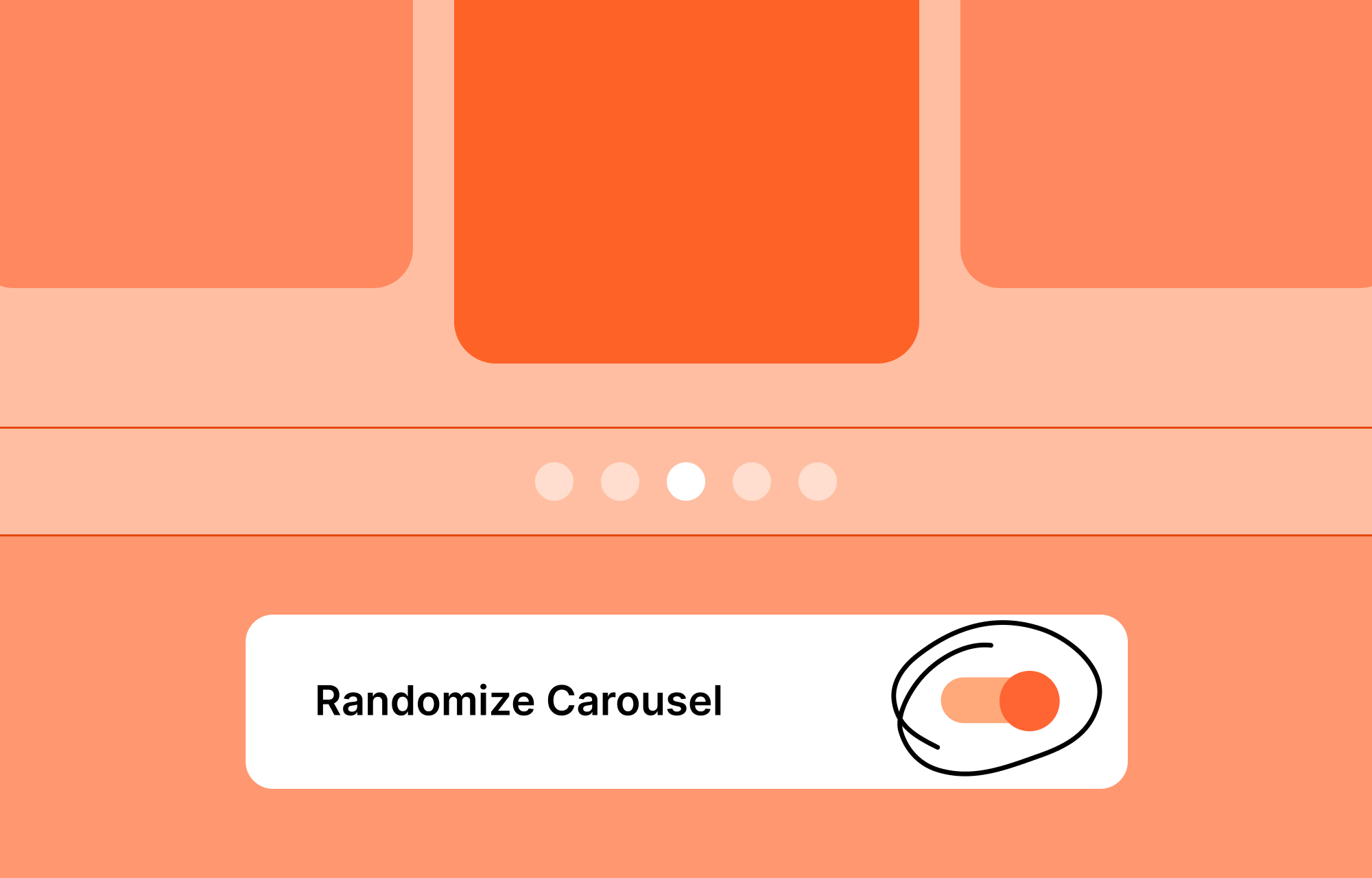
The SP Page Builder v5.5.5 update also introduces a new feature that allows you to randomize the display order of slides in all slider-related addons.
With this functionality, the sequence of your slider content will shuffle on every load. This ensures that visitors see varied content arrangements, making it ideal for showcasing diverse portfolios, testimonials, or featured items in an engaging and dynamic manner.
Other New Additions in This Update
Wait, there’s even more goodness! This update brings along more new enhancements you'll want to check out. Here's the full scoop:
- Added a "Send Copy" feature in the Contact Form addon: This new addition in the Contact Form addon allows applicants to receive a copy of the email they submit through the contact forms, providing them with a record of their original message.
- Telegram and BlueSky support in the Social Share addon: In the latest SP Page Builder v5.5.5 update, the Social Share addon has been enhanced to include support for Telegram and BlueSky, expanding your website's social sharing capabilities.
- Added linking options in the Image Overlay addon: The Image Overlay addon has been enhanced with new linking options. You now have the flexibility to choose between two linking options: Title or Content.
Miscellaneous Updates & Fixes
With this version, we have also rolled out a series of updates and fixes aimed at refining and improving the overall functionality of SP Page Builder. Here are some of the notable improvements included in this release:
Enhanced upload process in the folders tab of Media Manager
Uploading files in the folders tab of Media Manager is now more intuitive and user-friendly. The upload process in the Media Manager's Folders tab has now been improved to offer greater flexibility and convenience.
Improved Smart Search indexing to handle only published pages
Smart Search indexing has been optimized to include published pages. This improvement reduces clutter in the index and delivers a more refined search experience.
Fixed missing src attribute causing broken images in dynamic content
A bug causing missing src attributes in dynamically loaded images has now been resolved. This fix prevents visual disruptions and improves the reliability of dynamic content rendering.
Fixed scroll-to behavior for external links in the Navigation addon
The Navigation addon now correctly handles scroll-to actions for external links. This fix improves usability, ensuring smooth navigation for users clicking on external anchors.
Resolved export failures when media file names contained whitespace
Export processes no longer fail due to media file names with spaces. This fix enhances compatibility and reliability when working with diverse file naming conventions and smooths out your overall experience.
Check out the changelog to know more about other fixes and enhancements that come packed with this version.
Update Now!
So why wait? Take the leap and upgrade to the latest SP Page Builder now and take your web projects a step further.
Let us know your experience in the comments—we’re eager to hear from you. Good luck!
Comments (11)