I'm using the helixultimate template. I've moved the position of the social icons to "footer 1" and wondered if there's an option to centralise these within the footer, and also add an alternative logo above this.
Solved
Extensions
Customising page footer
Accepted answer
Marked as the solution
Paul Frankowski Senior Staff
Hi Thomas,
only via Custom CSS as I know. If you can share link, I can suggest something
2 more replies
Thomas Asked this
Thank you.
The image i want to use is this one: https://quantum-alliance-emea.com/images/Quantum-Alliance/images/quantum-alliance-white.png

Paul Frankowski Senior Staff
4 years ago
· edited
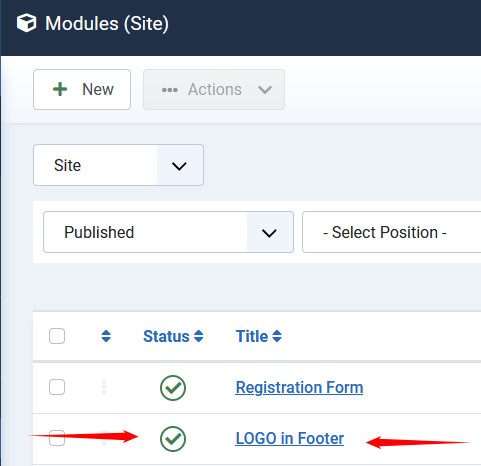
Just put image inside Custom module, and publish inside footer2 position.
Using even TinyMCE or JCE you can center image inside module, and its column.
<div style="background-color: #002878;"><img style="display: block; margin-left: auto; margin-right: auto;" src="/images/Quantum-Alliance/images/quantum-alliance-white.png" alt="quantum-alliance-white" /></div>
Yes, I set it on your site already. It's centered in footer2 column.

Log in to reply.