Hi, I set in the home page font-awesome icons but it doesn't work
Solved
Templates
Template Travelia: font awesome 5 doesn't work
Accepted answer
Marked as the solution
Paul Frankowski Senior Staff
In Template Options > Custom Code > Custom CSS add that:
.sppb-icon-container .fas {
  font-family: "Font Awesome 5 Free";
  font-weight: 600; }

.sppb-icon-container .fab {
  font-family: "Font Awesome 5 Brands";
    font-weight: 600; }
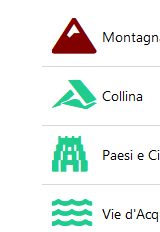
After using it you should see that
4 more replies
Paul Frankowski Senior Staff
Ciao Daniele,
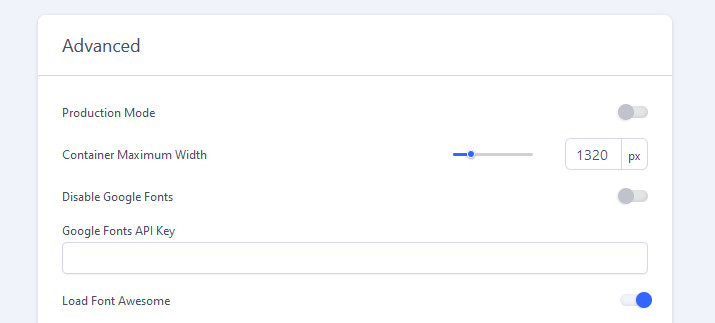
as the first step - please enable FontAwesome 5 Free - in SPPB Settings
Daniele Asked this
Now I see a square in the space of font awesome
as you can see
Daniele Asked this
Could you help me?
Daniele Asked this
Thanks it works!!!!
Log in to reply.