
Hi,
On pool service layout, where can I change this wave background color?
See here : http://prntscr.com/10q49wp
Thanks
L.
Hi,
On pool service layout, where can I change this wave background color?
See here : http://prntscr.com/10q49wp
Thanks
L.
Hi,
I hope now is all clear
(2)
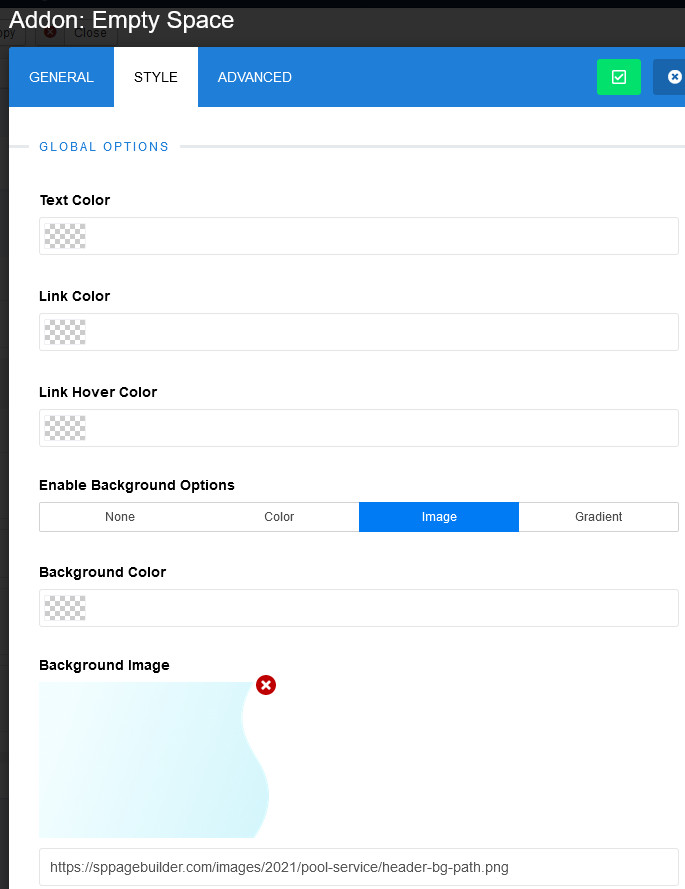
OK thank yuo I see now.
It is not user frindly to find it because I need to use SPPB back-end.
from SPPB front-end how can I find this empty space? it's seems to be not visible?
any news?
Just edit from back-end, you are doing it ones.
ok but could push this to developers?
because it's a pity to have a fantastic tool to do it from front-end, and only for that, we must use back-end.....
in case, end-users does not access to back-end...that's why front-end is so important.
thank you ;-)
Worked for me thanks
