Hide Video Icon on LMS lesson page - Forum | JoomShaper
Staff replied Extensions

Hide Video Icon on LMS lesson page

Asked by Adam 5 years ago Last activity 5 years ago

Hello Im trying to set up a new sit with SP LMS and edulif template.

I im not having a video on my first lesson and want to be able to hide the video Icon under the lesson image.

I also want to hide the calander icon and time.

Idealy if there is no video or date/time entered these icons should automatily not show.

Also how do you Add the FAQ section like on the lessons in the demo?

And how do I hide The FAQ link if i dont want to show it?

If I have reviews turned off how do I Hide the review Link?

4 replies

Ofi Khan Staff

Hello Adam

Please share a screenshot of your issue to understand it better.

Best regards

Ofi Khan Staff

Please use this CSS to Template Options -> Custom Code -> Custom CSS

.com-splms.view-course .course-details .course-header .course-info-wrap .total-hours{
  display: none;
}
.com-splms.view-course .course-details .course-header .course-info-wrap .adminission-dealline{
  display: none;
}
.com-splms.view-course .course-details .nav-area.nav-sticky ul li:nth-child(3){
  display: none;
}

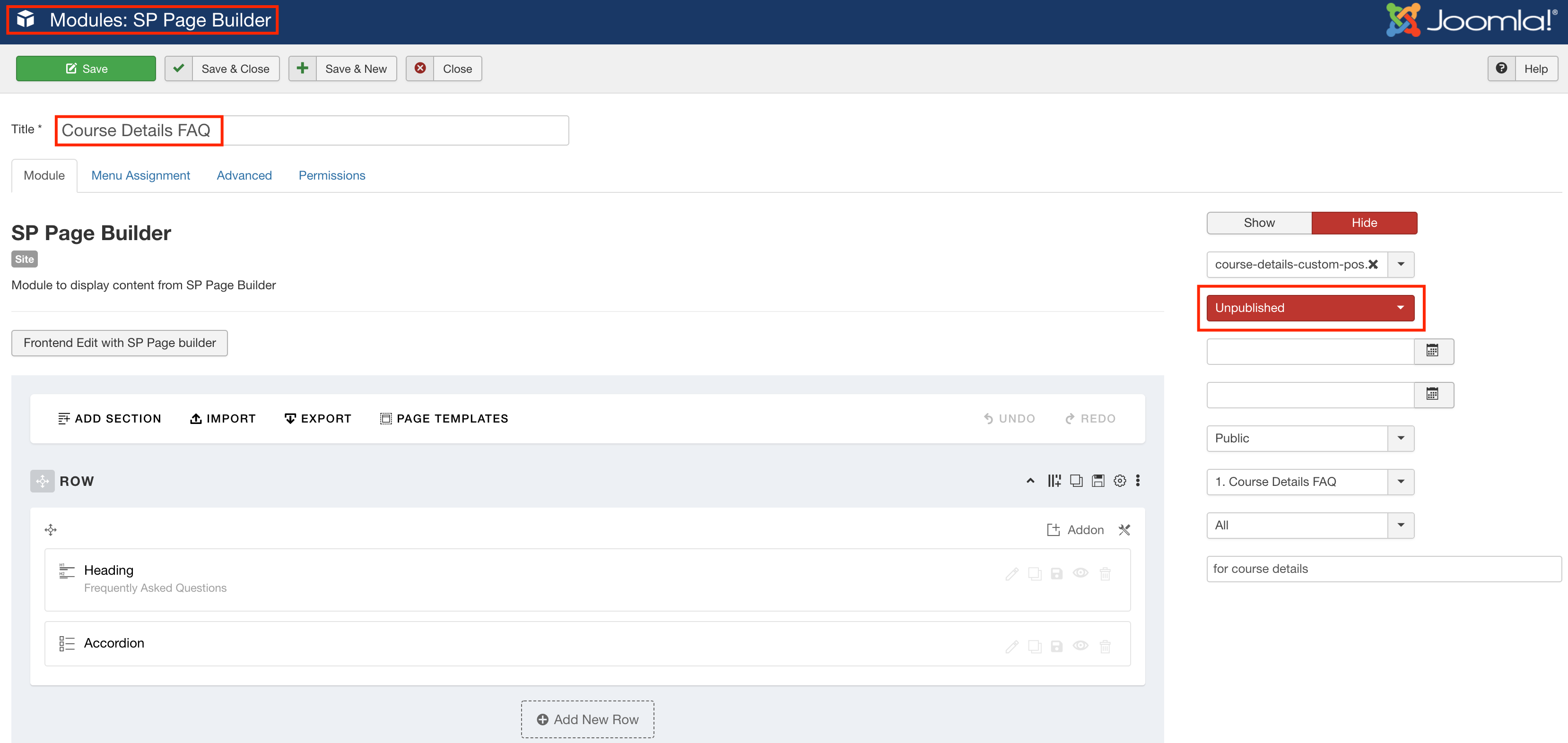
Unpublish Course Details FAQ module if you do not want the FAQ section. Or edit if you want to show it.

Screenshot at Mar 29 13-47-20.png

Log in to reply.