Hi
On a site i have suddenly a strange phenomena.
With Firefox everyhting looks ok but on firefox and edge i see the images double.
Thank you
Best regards
Christoph
Hi
On a site i have suddenly a strange phenomena.
With Firefox everyhting looks ok but on firefox and edge i see the images double.
Thank you
Best regards
Christoph
Hello Kriss,
Please, check these URL and let us know that everything is alright.
https://www.kaempfen.com/news-start
https://www.kaempfen.com/projekte-uebersicht
I have checked these in all browsers and they are fine. There was a css class in your row option in both article. I removed that and they are working.
-Regards
Hello there,
Thanks for contacting with us. The image is double on firefox too. May be you have used the image for two times. Please, disable one and try again.
-Regards
Hi
Yes. For some strange reasons there are two images. So i deleted one. Now when i look at the Page, i can see the image on firefox but i can't see any Picture on Chrome. This happend suddenly. The Site was running without any problems.
Regards
Christoph
Hello Kriss,
Thanks for contacting with us. Can you give us a screenshot for better understanding? I have checked this on chrome and It seems fine from my end. Please check the screenshot:
https://prnt.sc/1nw2rxz
https://prnt.sc/1nw3o12
Please, clear the joomla and browser cache . You can check the site in incognito window.
-Regards
Hi Anne
Thanks for helping. the most of the Pages are working as expected.
I have to pages with problems:
https://www.kaempfen.com/news-start
An image with firefox
No image with chrome/safari/edge
https://www.kaempfen.com/projekte-uebersicht
It looks good, but for some reasons i have to enable 2 Images.

When i disable one (the other is enabled), there ar no images on all browsers-
And yes. Off course. I clear the cache (browser and joomla!) all the time.
Best regards
Christoph
Hello kriss,
I have found 2 images in chrome , edge and safari but 1 image in incognito window for this url:
https://www.kaempfen.com/projekte-uebersicht
It will be very helpful for me if you give me a screenshot about the problem that you are facing for this url :
https://www.kaempfen.com/news-start
-Regards
Hello Kriss,
Please share your administrator access here to check the issue. Use the Hidden Content box to share the credentials.
Best regards
Hi Anne
Thanks for Helping.
See
Hello Kriss,
Thanks for the administrator access. It will be very helpful for me if you give me a screenshot about the problem that you are facing for this url : https://www.kaempfen.com/news-start
Because all images are loading for this site in chrome , safari and edge.
-Regards
Ok
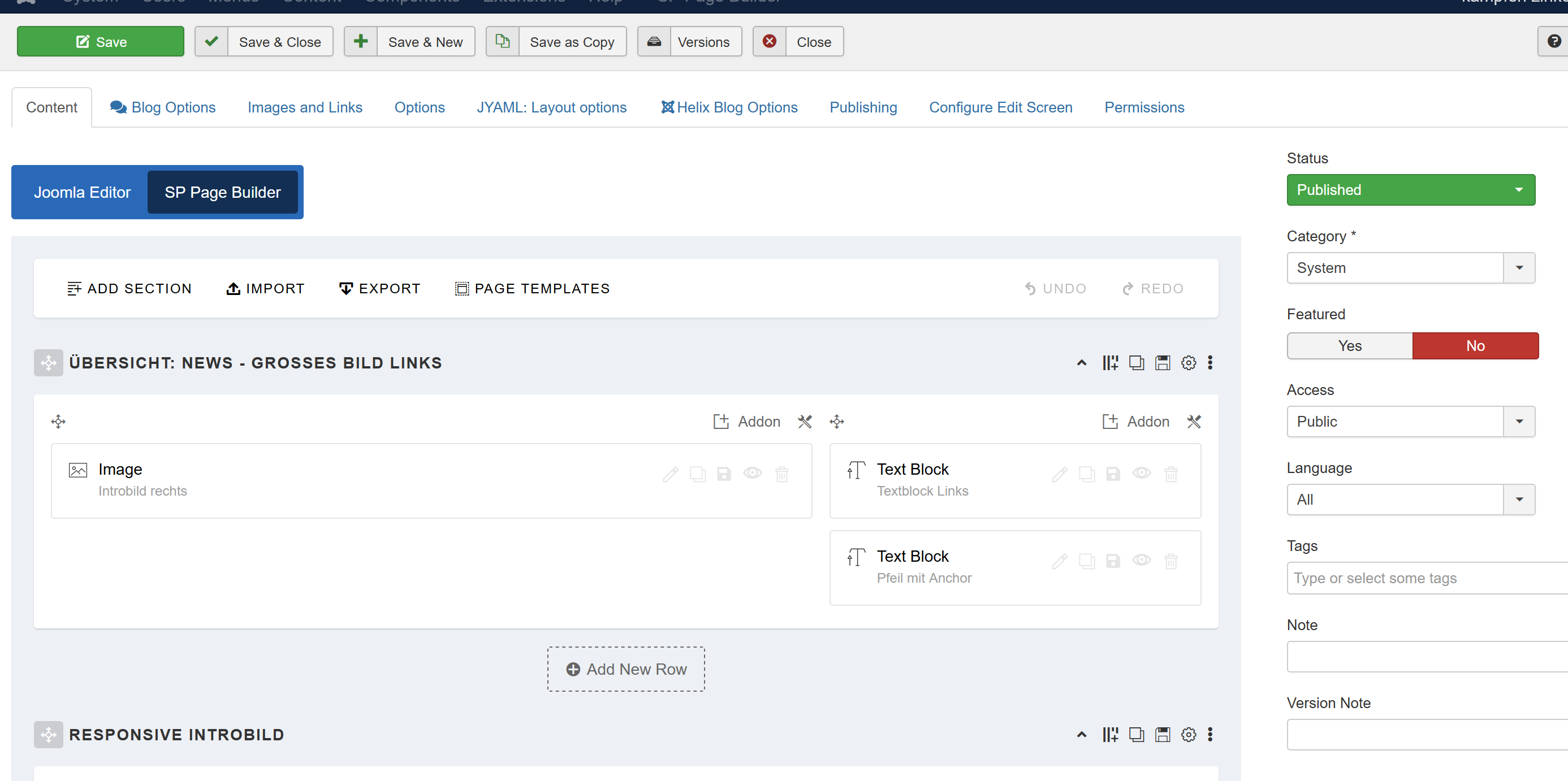
Article ID 556
https://www.kaempfen.com/news-start
Setup seems OK:
No images here (all Browsers):
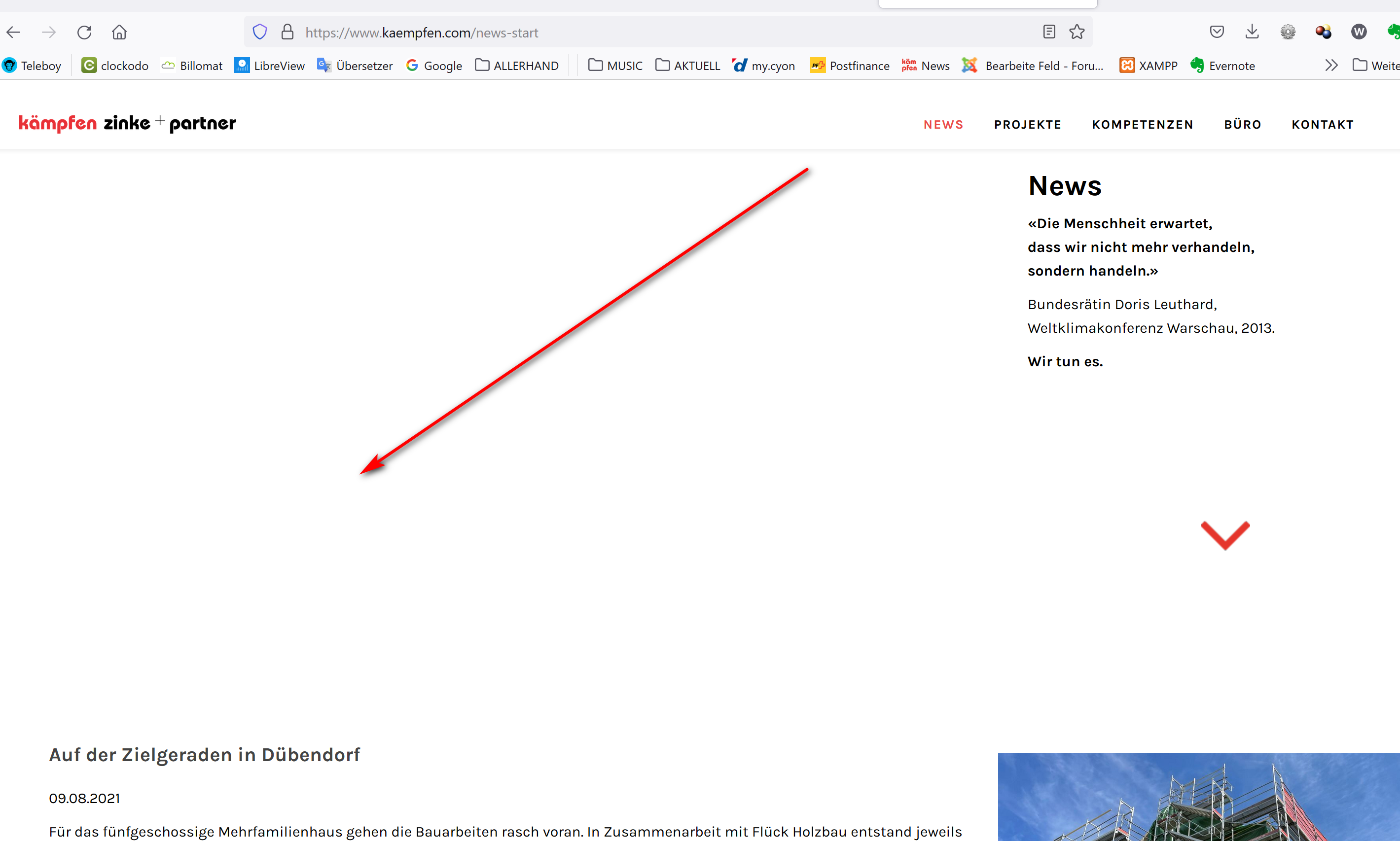
Article ID 663
https://www.kaempfen.com/projekte-uebersicht
Setup: There are 2 Image-Addons
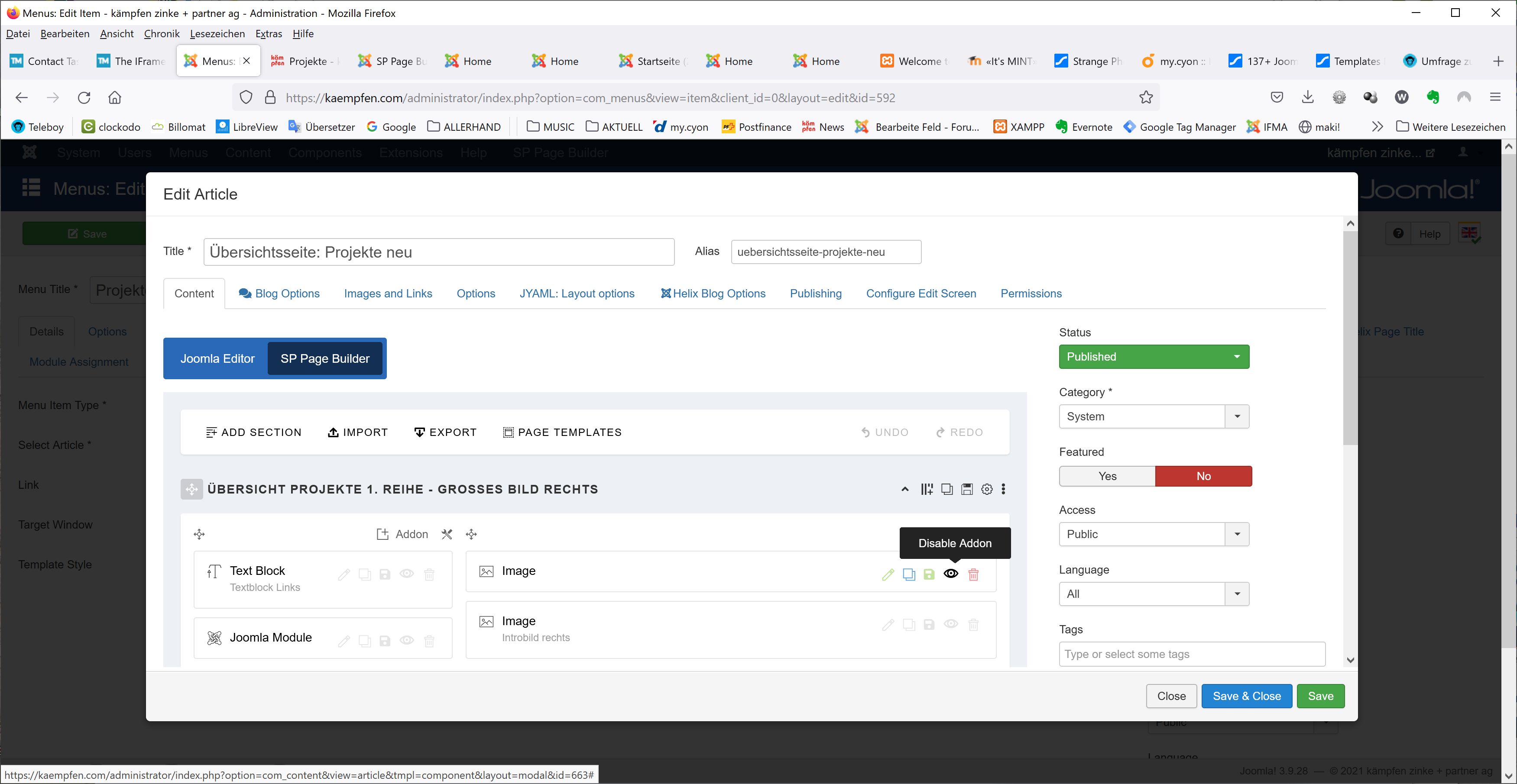
When disable one of them, I can see the image in Firefox but no image in chrome
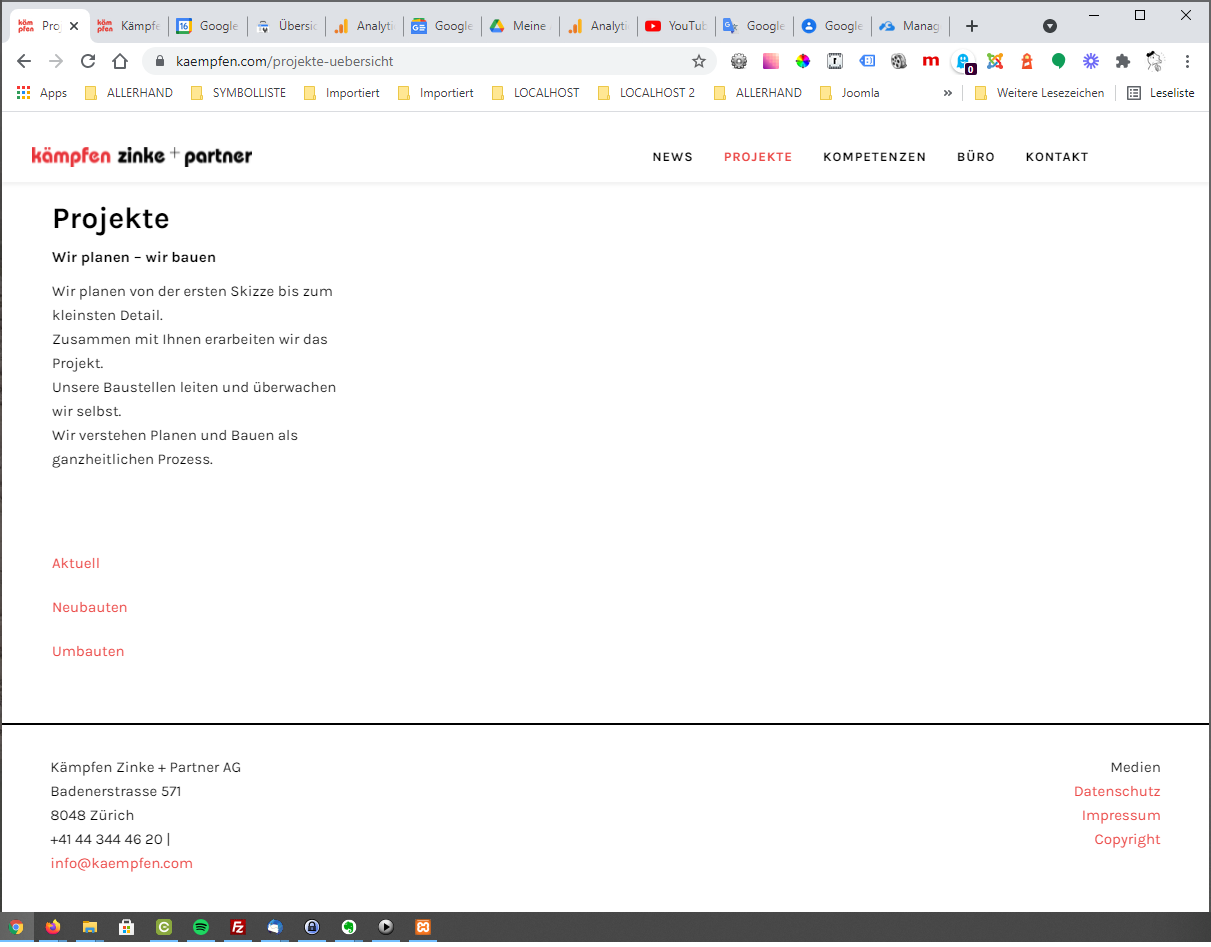
Strange ...
Hello Kriss,
I have created a new article https://www.kaempfen.com/uebersichtsseite-projekte-neu-2
and a new menu . I have kept the menu hidden.
https://prnt.sc/1pouhng https://prnt.sc/1poyc5d https://prnt.sc/1po6fq5
You can check them. I used 2 images. If you enable both of them, then 2 images are shown. If you enable 1, then 1 image is displayed. I have checked them in all browsers. You can use this instead of your previous one.
-Regards
Hi Anne
Thanks a Lot. It seems to work now ...
All the best
Christoph
Hi Kriss
I am glad that it is working.
