Helix3 logo not resizing - Forum | JoomShaper
Solved Helix Framework

Helix3 logo not resizing

Asked by Lon Czarnecki 1 year ago Last activity 1 year ago

I'm using the shaper-shopin template, but the settings for a logo are in Helix3 so I assume it's a Helix issue.

When I add a standard logo and a retina logo using the Helix3 settings, neither one rezise to fit the top bar. When I reduce the logo size to fit the space (175x75px) it looks too low-res and terrible. If I leave the Helix logo setting blank and use a module space in the logo position, then the module shows fine and the default SHOPIN logo shows directly under the module logo. How can I just make the Helix3 logos fit the top bar space?

Helix3 logo settings only

Module logo only
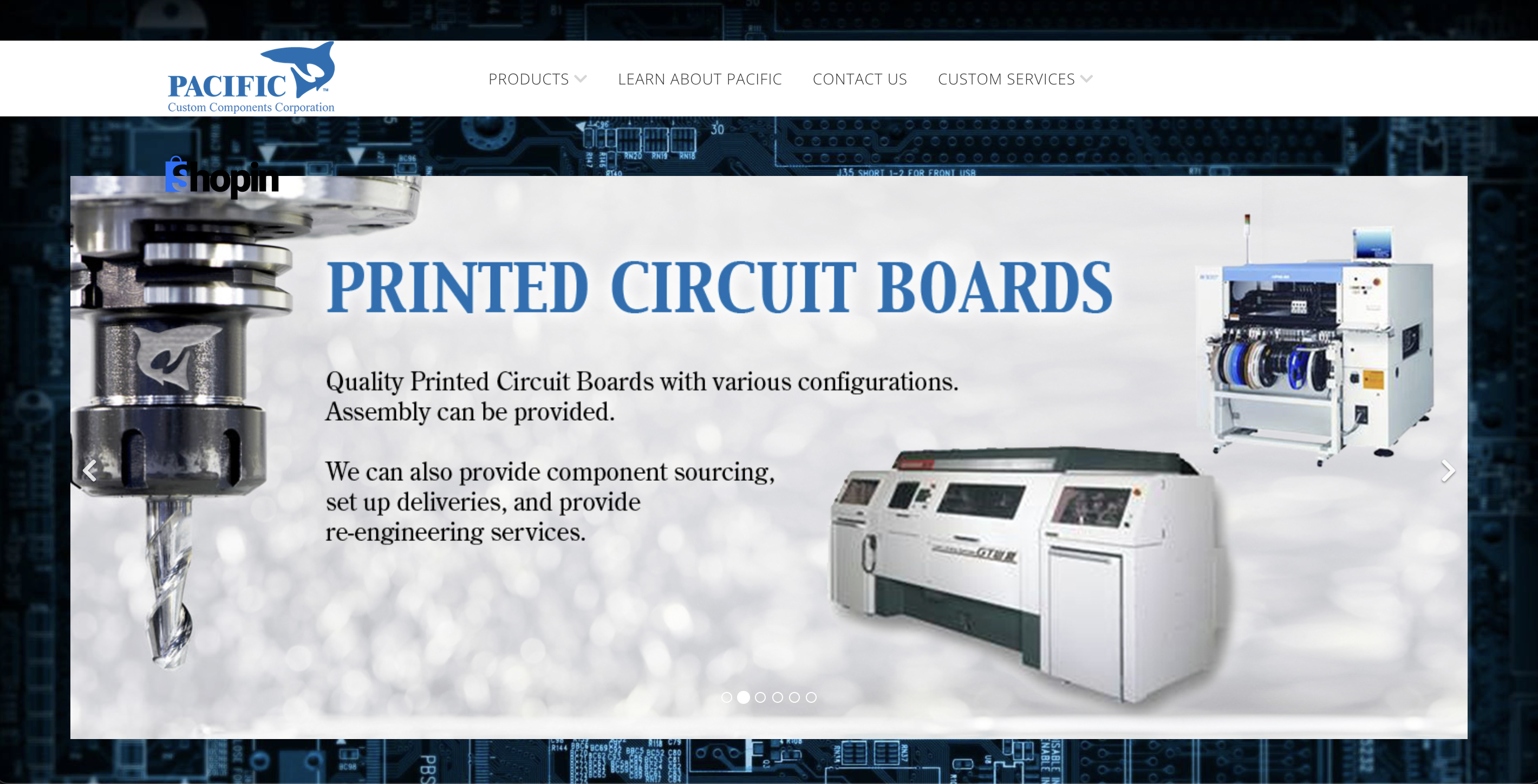
Both module and Helix3 logo

Accepted answer

Marked as the solution
Atick Eashrak Shuvo Staff

I added some CSS to resize the logo in the template's custom CSS section. No, this is not an override, so you won’t need to check it when updating to Joomla 5.

Please marked the issue as solved

4 more replies

Atick Eashrak Shuvo Staff

Hi there!

Thank you for bringing this to our attention, and I sincerely apologize for the inconvenience caused.

To assist you more effectively, may I kindly request temporary administrative access to your site? This will allow me to thoroughly investigate and resolve the issue for you.

Before sharing the credentials, I strongly recommend taking a complete backup of your site to ensure all data remains secure.

Looking forward to your response.

Best regards

Lon Czarnecki Asked this

Of course...

Atick Eashrak Shuvo Staff

Please check now

Lon Czarnecki Asked this

Excellent, thank you!

May I ask what you did? Will it be an override I will need to check when updating to J5?

Log in to reply.
