
Greetings,
Please help me remove the current-item active tag, as it shifts the sections and prevents me from viewing the contact information.
URL: https://www.greenongrid.com/
Thank you.
Greetings,
Please help me remove the current-item active tag, as it shifts the sections and prevents me from viewing the contact information.
URL: https://www.greenongrid.com/
Thank you.
Hi linarob70,
site is hacked. Browser - see the HTML - Ctrl+U and find Ctrl+F current-item active.
I looked for him, and then what action did he take?
Hola,
Yes, it's sign that template code or Joomla itself was hacked.
Ask your hosting provider to recover site from full backup (5-10-15 days old) then update everything inside, and to be sure, scan site using firewall.
It is critical and concerning that your templates are being hacked, what is the solution?
To wake up from this slumber, according to your analysis, they should work on the security of the templates. Remember, you pay for a membership, or am I mistaken?
Every CMS can be hacked!!! Joomla and WordPress, it's time to wake up from the sweet dream.
If you are not expirenced webmaster do what I told you. It will be faster and better then spending hour(s) on cleaning site.
Then update:
Sign that template code was hacker, doesn't mean that template code was guilty! It doesn't work this way. Hole could be from one of many extensions that you (may) have. Only in last 6 weeks security holes were found in many extensions for Joomla.
And as you know Joomla 3.10.12 it's not supported by Joomla.org anymore, and may have security holes, some of them were fixed in Joomla 3.10.15. But then project was closed for obvious reasons. Joomla 6 or Joomla 5 core is more secured than Joomla 3 core.
Still, I understand that getting hacked—whether it's a website or a home or a car —isn't a pleasant experience.
How to Install Firewall component and scan site?
Yes, but mostly for current versions of Joomla 5 and Joomla 6.
I don't understand why you're holding a grudge against us. You had two years to upgrade Joomla and update extensions and template. However, for some reason, you didn't do it. Second, since you're running Joomla 3.10, you're aware of the risks. And you should have a firewall installed. Besides, your anger directed at the criminal, not at us, right.
Yes, we published Helix update also for older J3. https://www.joomshaper.com/blog/security-update-for-joomla-3-users
Do what I wrote. If that doesn't help, tomorrow we'll figure out what to do next. This is my advice for now.
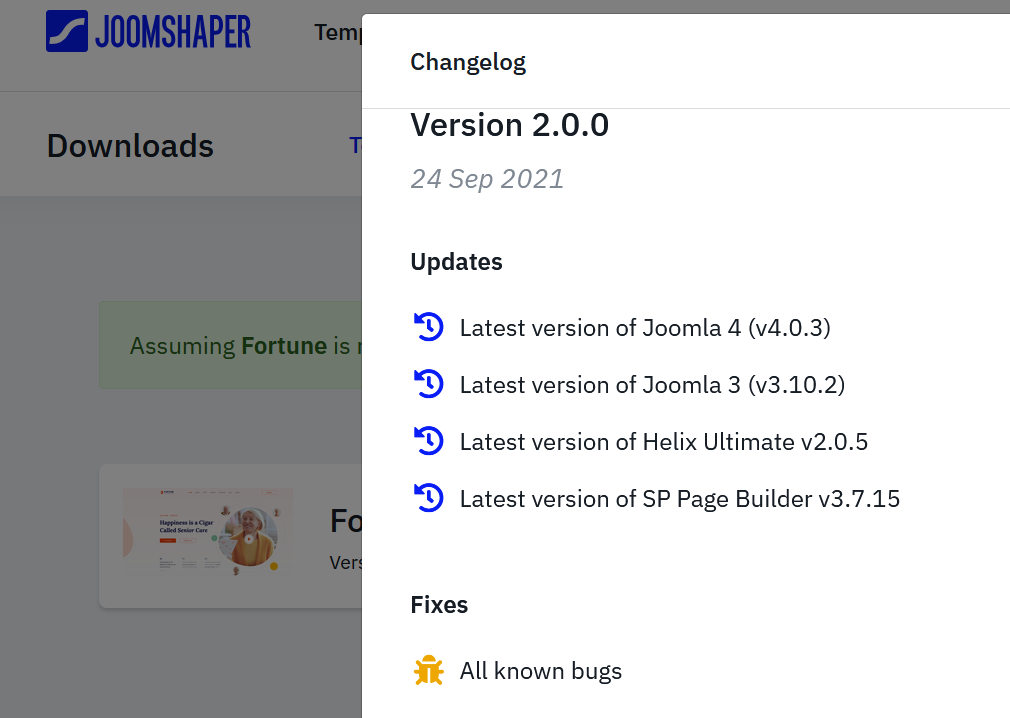
Check, maybe you have that version on your laptop, becuase you have v1.0 installed.
It depends which one, but most of them are components.
Just install like any other extension, then search for "Scan " button and follow