https://webtomixresearch.com/simmer/index.php/available-homes/49-the-parkview-6
I am looking to find out if there is an option to add an ability to scroll the thumbnails on the properties vs. just the large image.
https://webtomixresearch.com/simmer/index.php/available-homes/49-the-parkview-6
I am looking to find out if there is an option to add an ability to scroll the thumbnails on the properties vs. just the large image.
Thanks for your response.
Kindly check the screenshot of the preview of our SP Property, Real estate extension.
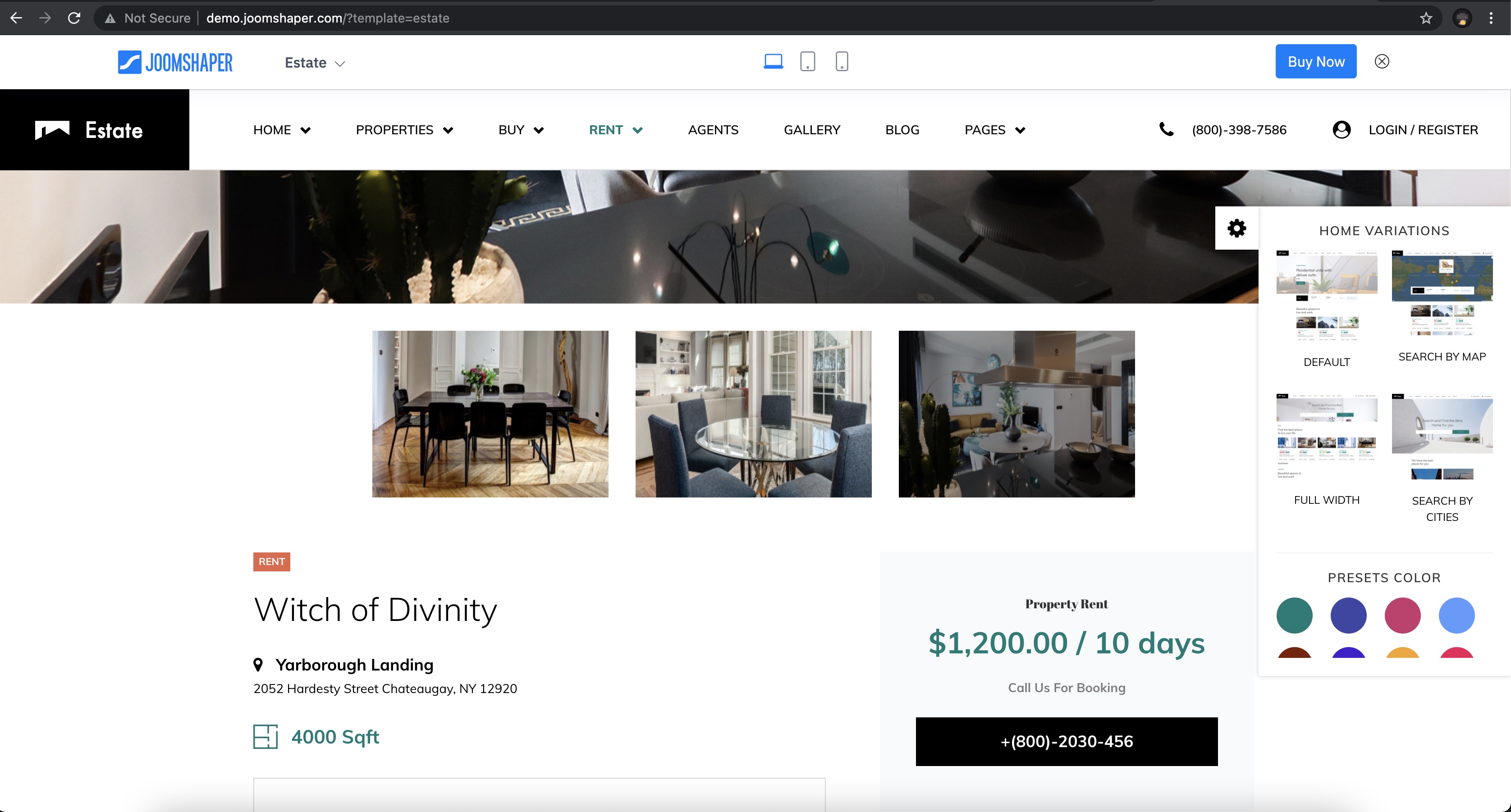
For the three images below if you want to navigate you will only get the scroll options, nothing more.
Hello
Thank you for your query, could you kindly explain a bit more?
That would be helpful for better understanding.
If you click on the link there is a large image with thumbnails below the large item.
Kindly use the following css rule in Custom CSS section of your default template.
.property-dots-container {
    justify-content: normal;
}
Please do let me know if that works.
It pushed the thumbnails to the edges of the screen but there doesn't seem to be any navigation options.
But is there a limit of how many thumbnails you can have?
No, there is no limit for this.
That is great, but it doesn't display all of the thumbnails. It gives me only about 10 of them.
I can actually see 18 thumbnails from my end.
Could you kindly share a screenshot if possible?
I believe the thumbnails are showing correct now but I am getting black thumbnails. I had fixed these and now I have one displaying black again.
Thanks for sharing the screenshot.
The Image URL is tagged as "Invalid property value" as i checked from my end in the Broswer.
Can you check the URL for the image which is appearing to be black, to make sure it is okay?
The links are just fine on my end. I believe the issue is that the file was too large. I sized it down and it is working fine now. Thank you for your assistance.
Thank you for letting me know. I am glad I could help :)
I have one humble request, and would be very grateful if you could honor it and share your kind review in the link below.
