

Custom Marker On Openstreet Map Moves Position When Zooming Map
H
Heinz
Hi, in SP Pagebuilder opensstreetmap addon works fine. Zooming in and out the default marker stays exactly on the selected Latitude,Longitude - point. Selecting a custom marker (icon 40x40px for exemple - i tested different sizes) will change this behaviour. Zoomin in (near to detail) the point get exactly. Zooming out; as farer away the zoom goes, as farer away the custom marker goes from the effective Latitude,Longitude - point. It seems as the zoom-center is not exactly the Latitude,Longitude - point. In my opinion this is a bug. Can you please check that? Regards Heinz
6 Answers
Order by
Oldest

Toufiq
Accepted AnswerHi there,
Thanks for contacting us. Sorry for the inconvenience. I have added commercial bank with custom marker. It works fine.
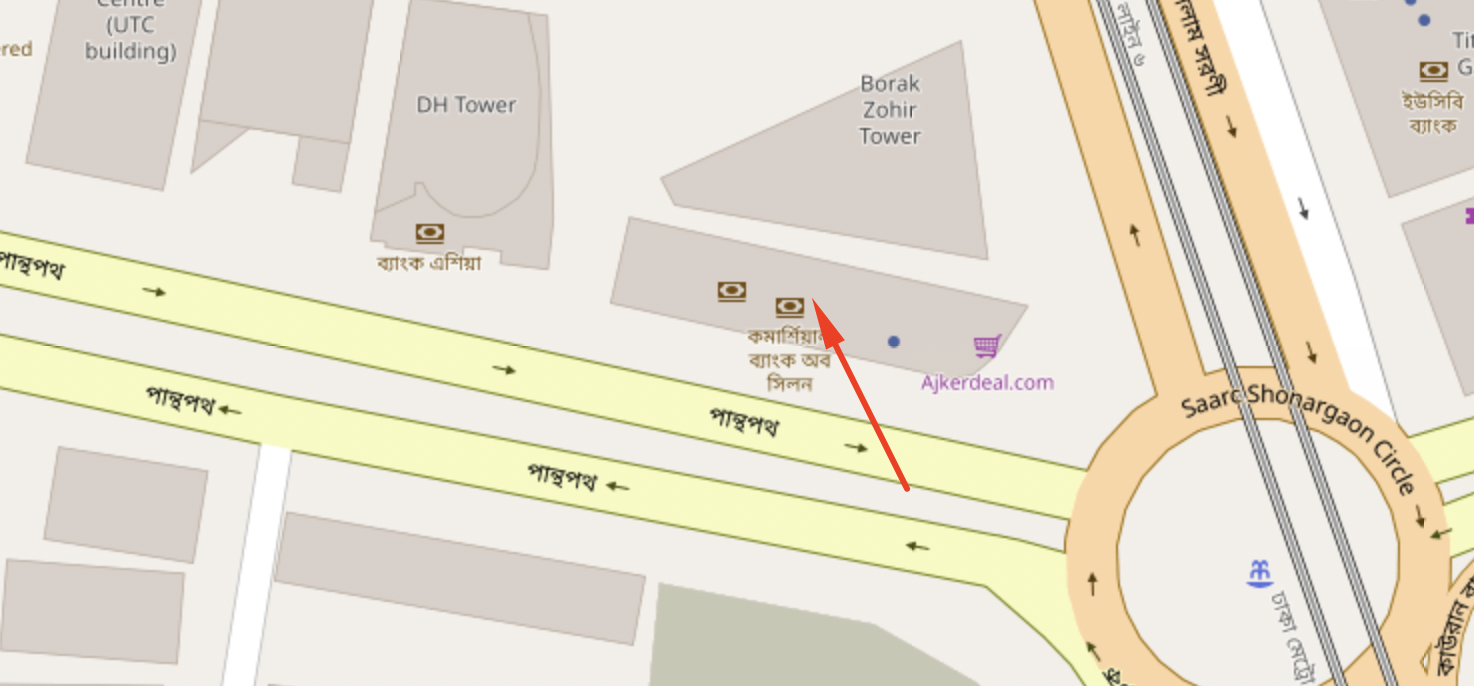
-Thanks
H
Heinz
Accepted AnswerHi Toufiq I did not found your commercial bank map. But with your login I made an openstreet map with custom marker. You find the link below in hidden content. Do a zoom and you will see, that the orange point I added as custom marker will not stay at correct position by zooming. Each step the marker moves. Zooming in the point is in correctly in manhattan, zooming out it mooves finally to canada... this behaviour is only with custom marker added. Regards Heinz

Pavel
Accepted AnswerI have added commercial bank with custom marker. It works fine.
Hi Toufiq. It never worked fine and is useless setting. We have to use JavaScript to replace the default marker to our own.
This has already been reported for several years.
Toufiq
Accepted AnswerI have forward to our developer team. Hold on for the feedback from our devs team. Thanks
H
Heinz
Accepted AnswerHi Toufiq As I saw with newest SPPB 3.8.3 this issue should be solved. It seems thats ok, but if I insert a custom marker now, for example a circle with 40x40px, this image is totally distorted in height. Is there a dimension, such a custom marker should have (height - width)? Regards Heinz