

Page Width
J
joeb1000
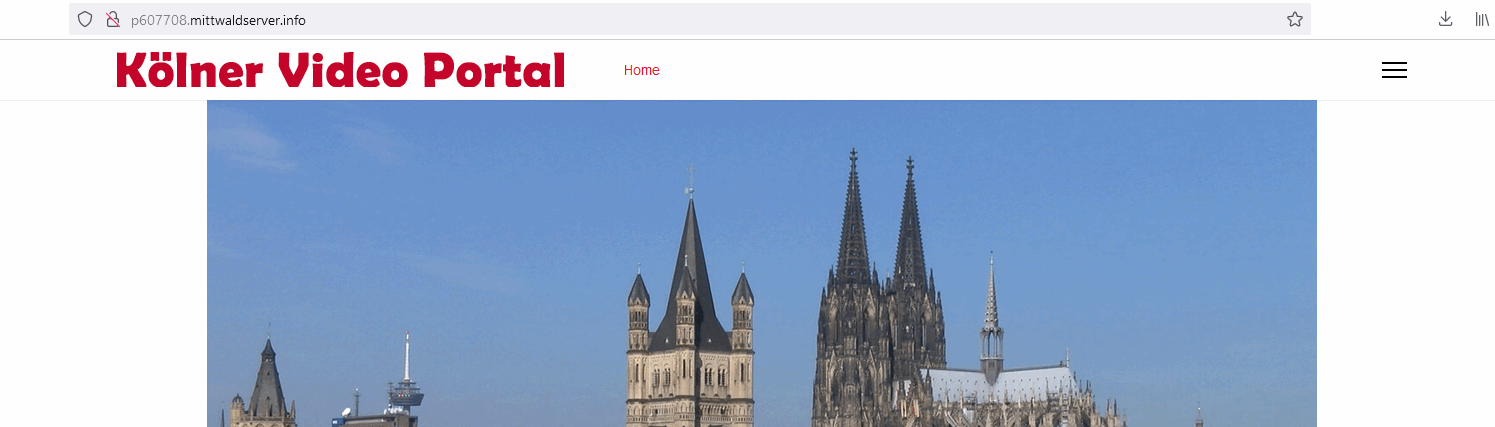
Please take a look at http://p607708.mittwaldserver.info/.
The logo at the top should left allign with the large picture and the navigation and the three bars should right allign with the large picture. Also, the white space under the large picture should not show.
How can I achieve these demands of my client. I do not want to continue with the site until this problem is solved.
10 Answers
Order by
Oldest

Paul Frankowski
Accepted AnswerI added this line inside your template already:
#sp-header.header-sticky {
  left: 50%;
  transform: translateX(-50%);
}Paul Frankowski
Accepted AnswerHi,
It's how it looks now.
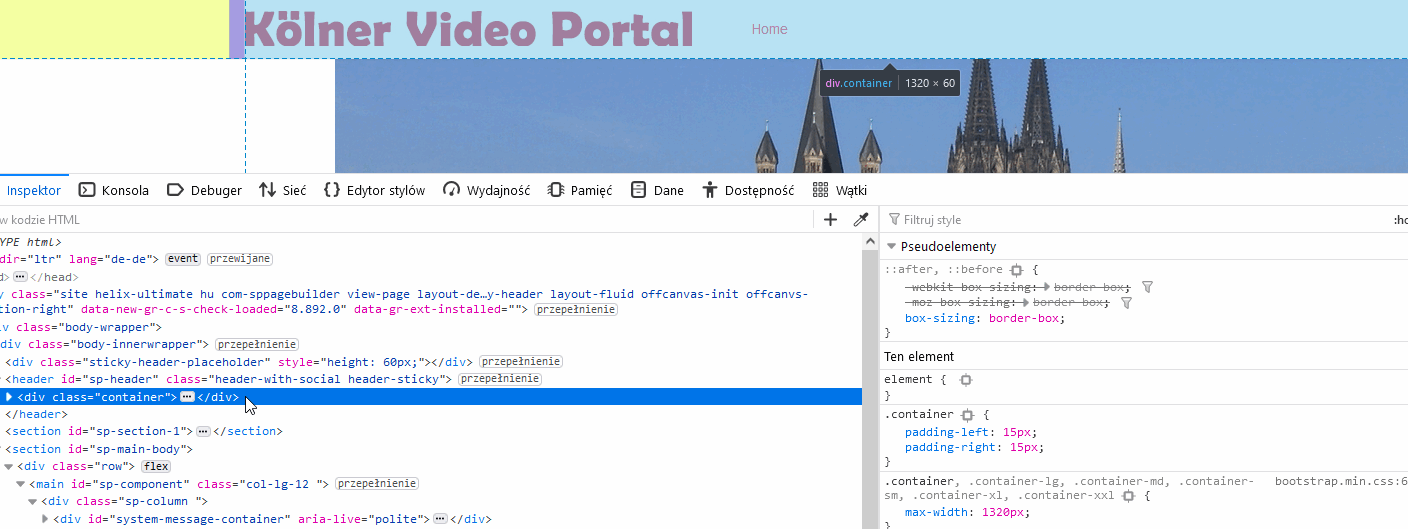
Do you want to remove container (max-width) from Header?
Share mock-up if you're webmaster you know how it's helpful.


Pavel
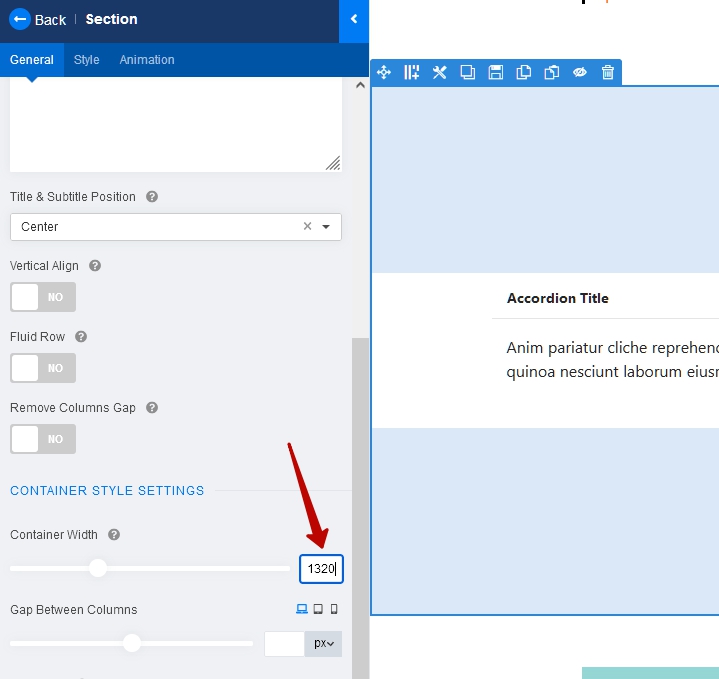
Accepted AnswerHi. In each section settings, set the width of the container to 1320.
(Min width of your image also should be 1320px)
Paul Frankowski
Accepted AnswerMy suggestion is to add this custom CSS
#sp-header {
  box-shadow: none;
  max-width: 1140px;
  margin: 0 auto;
}
to get

Paul Frankowski
Accepted Answerand to align mega menu into right add also this line:
#sp-menu.menu-with-social .sp-megamenu-wrapper
{justify-content: end;}
J
joeb1000
Accepted AnswerThanks, it works now when I open the page:

But when I start to scroll down, it changes like this:

How can I get rid of this effect?
Pavel
Accepted AnswerI think instead of all this code for the header width and header-sticky alignment it would be enough just one rule
#sp-header .container {
    max-width: 1140px;
}
The smaller the code, the better for the performance of the site