

Remoev Social Icons On Pagebuilder Pages
DA
Dina Abramson
How do I remove the entire bar or section or line that shows the social icons on my article pages?
Like on this page https://awdtest1.com/services
https://awdtest1.com/images/icons.png

I can hide it with css code but it doesn't delete the entire section Thanks
8 Answers
Order by
Oldest

Ariba
Accepted AnswerHello Dina Abramson
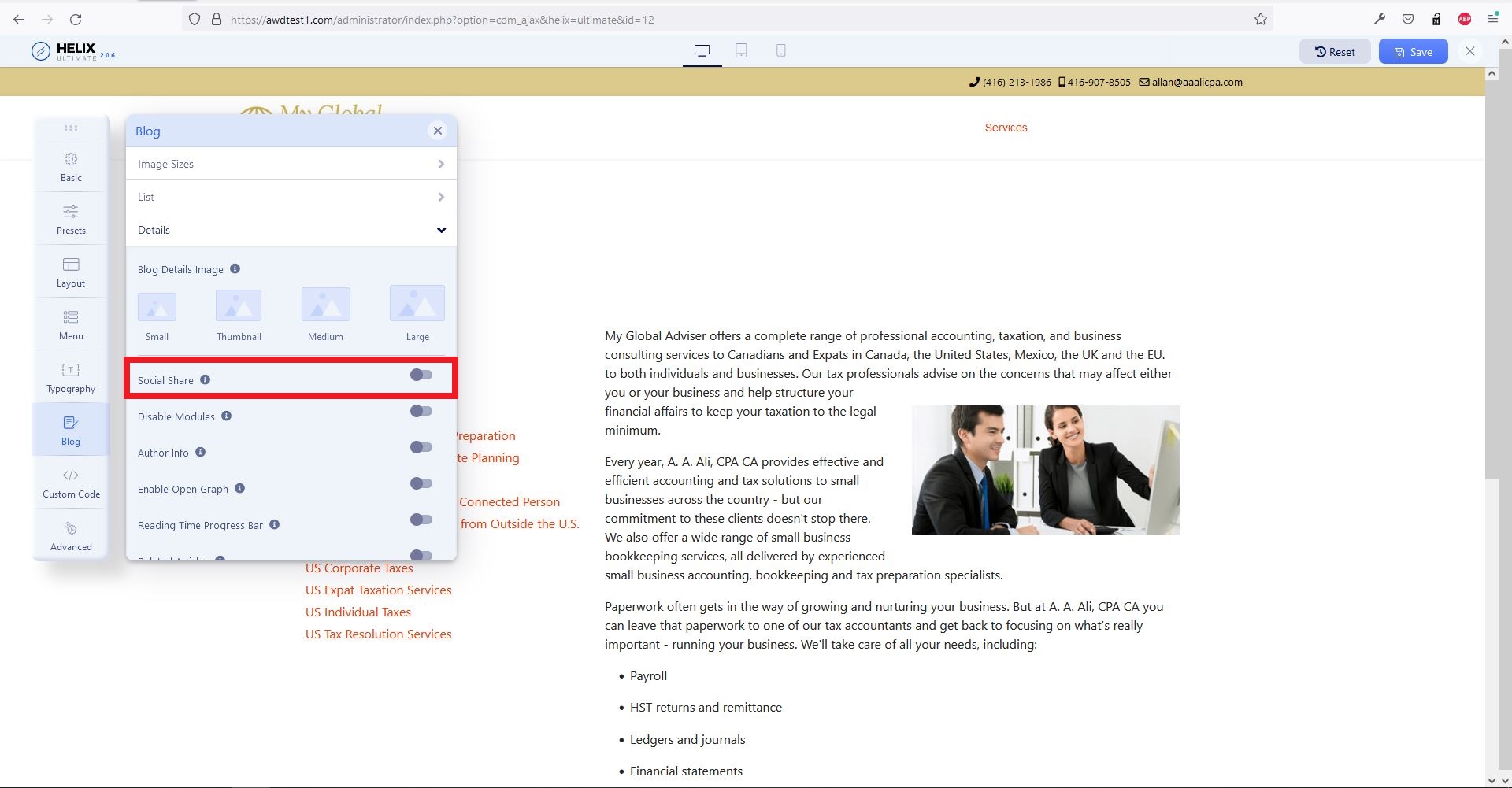
Please check now. I have disabled "Social Share" from blog details section.
Ariba
Accepted AnswerHello
Thank you for your query.
From Template Options, please go to Blog. From Details, disable "Social share". You can kindly check the screenshot below:
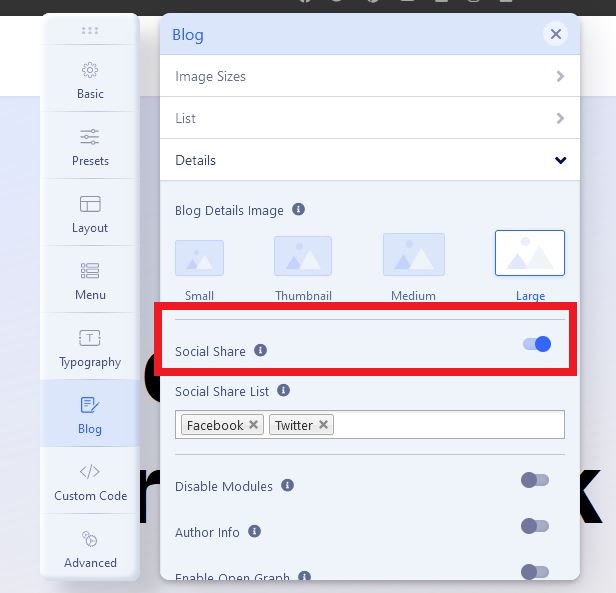
Please do let me know if this helps you.
DA
Dina Abramson
Accepted AnswerThat setting only controls the social icons in the top bar position.
The icons that I am referring to are on the pagebuilder pages.
Look at the page I sent the link to !!
Ariba
Accepted AnswerCan you please provide your admin access? Use the hidden mode to share the login credentials.
A
Arthur
Accepted Answerthere is a serious problem with Social Icons in the template. I have lots of problems with it. The only way to fix those bugs at the moment is to DISABLE it.
DA
Dina Abramson
Accepted AnswerI'm sorry, I didn't see that there were social icons in the blog area of the template manager, I thought there was only the ones referred to in the top bar in the Basic settings
Thank you