Hello, how do I change the highlighted color in a photo from yellow to # 324c3a and text #fffff?
Solved
Templates
Color
Accepted answer
Marked as the solution
Mehtaz Afsana Borsha Staff
Hi
Use this custom CSS
::selection {
    background-color: #324c3a !important;
    color: #fff !important;
}
Path towards custom CSS: Extensions>Templates>Styles> Click on your current default template name then choose Template Options. Then find custom CSS within the custom code.
4 more replies
Mehtaz Afsana Borsha Staff
Hi
Thanks for contacting us. Could you please check your site ? Because I cant access your site.
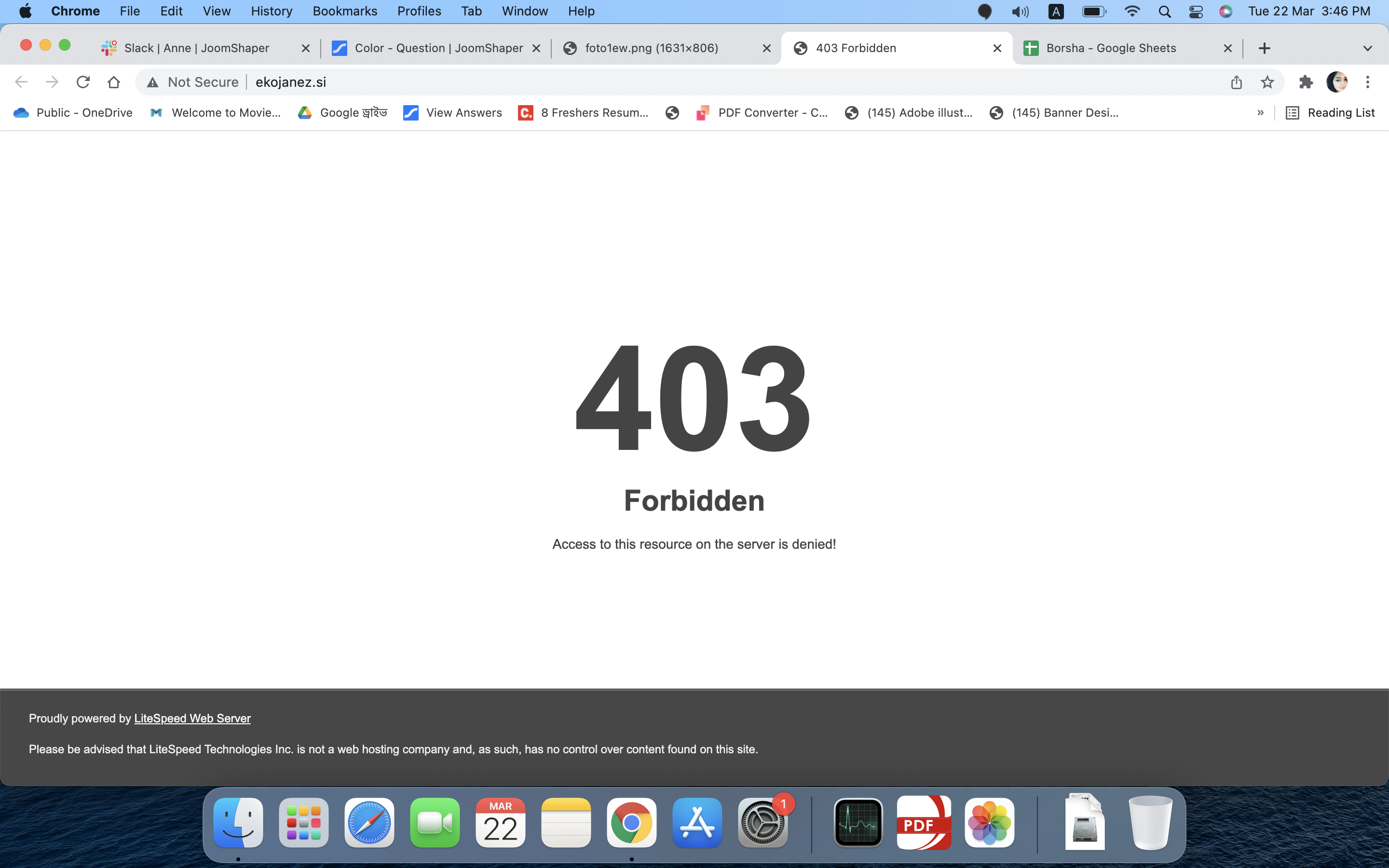
-Regards.
Igor04 Asked this
site is not publish. look hiden content
Igor04 Asked this
Wow, perfect.
Mehtaz Afsana Borsha Staff
Glad to know that:)
You are always welcome!
It would be very kind of you if you can manage some moment to give us feedback here:
https://extensions.joomla.org/extension/sp-page-builder/
https://www.trustpilot.com/review/www.joomshaper.com
Please let me know your name on the review.
Thanks for being with us :)
Log in to reply.