Template Megainc
F
Frank
Hello Support,
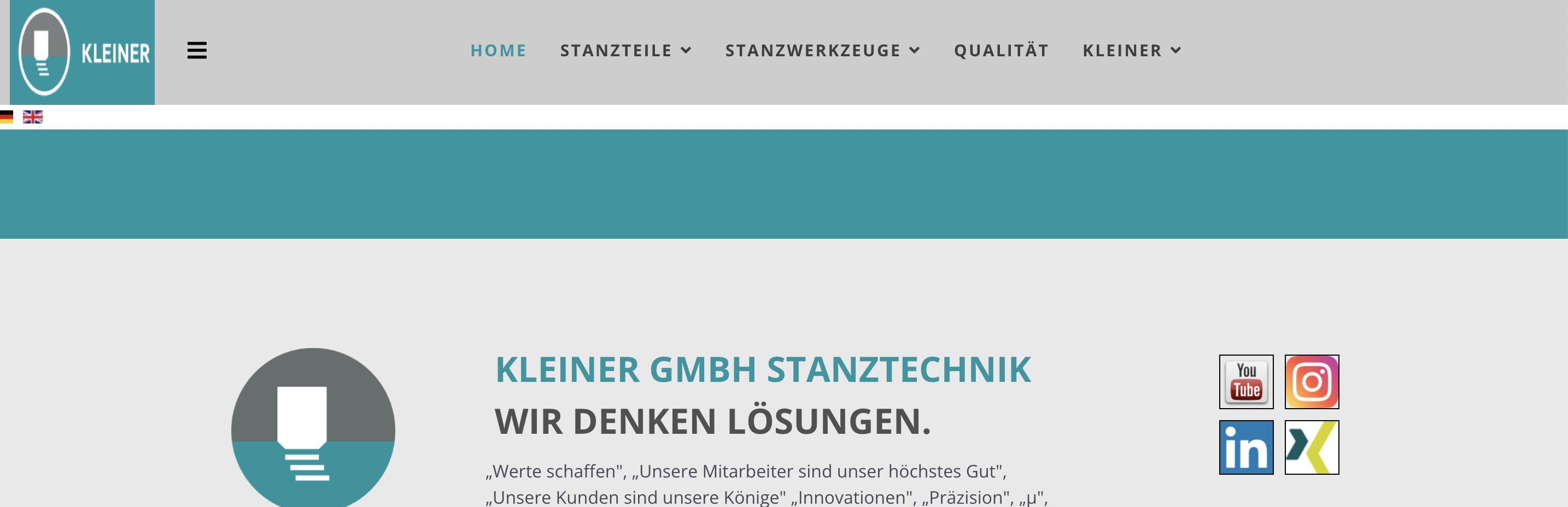
i am using the template megainc on the site www.kleiner-gmbh.de and on www.arbeiten-bei-kleiner.de. In smaller windows or on mobile devices the logo will be compressed. Can you please help me?
Also on www.arbeiten-bei-kleiner.de there is a black border. How can i remove this or how can i change this colour?
I can send you credentials if you want to log in.
Regards Frank
Images: https://prnt.sc/gI60WYAXo7Lk, https://prnt.sc/2J4CAOTxp1ri; https://prnt.sc/Vvt9N_kcuWrq
5 Answers
Order by
Oldest

Mehtaz Afsana Borsha
Accepted AnswerHi,
Thanks for contacting us. Do you want to fix this site mobile logo?
https://www.kleiner-gmbh.de/index.php/de/
It looks like this on my end.
For your Black border issue you have to use this custom CSS
#sp-header .logo{
  background-color:unset !important;
}
Path towards custom CSS: Extensions>Templates>Styles> Click on your current default template name then choose Template Options. Then find custom CSS within the custom code.
-Regards.
F
Frank
Accepted AnswerHi,
please look at the screenshots:
When i resize a browser on my PC the logo will be shrinked https://prnt.sc/NDAZVwpQGJs5
On my android handy the mobile logo looks like this: https://prnt.sc/98XdLvgD7AyY
F
Frank
Accepted AnswerSorry, i wrote to quick. Color does not change: https://prnt.sc/en7vhY2nTZo8
i have deleted all cache. Can you please look with your browser?