

Icons That Become Giants
FZ
FIRST ANIMAZIONE ITALIA S.R.L. - Matteo Zannoni
The icons of the Chronoforms v7 extension sometimes appear very large. The form is inserted into a Joomla module and then inserted into Page Builder. The template is Helix Ultimate.
Website
https://www.firstanimazione.com
9 Answers
Order by
Oldest

Mehtaz Afsana Borsha
Accepted AnswerHi
Thanks for contacting us. Could you please give me a screenshot of your issue?
-Regards.
FZ
FIRST ANIMAZIONE ITALIA S.R.L. - Matteo Zannoni
Accepted Answer
FZ
FIRST ANIMAZIONE ITALIA S.R.L. - Matteo Zannoni
Accepted Answer
Paul Frankowski
Accepted AnswerFirefox / Windows - their size is normal.
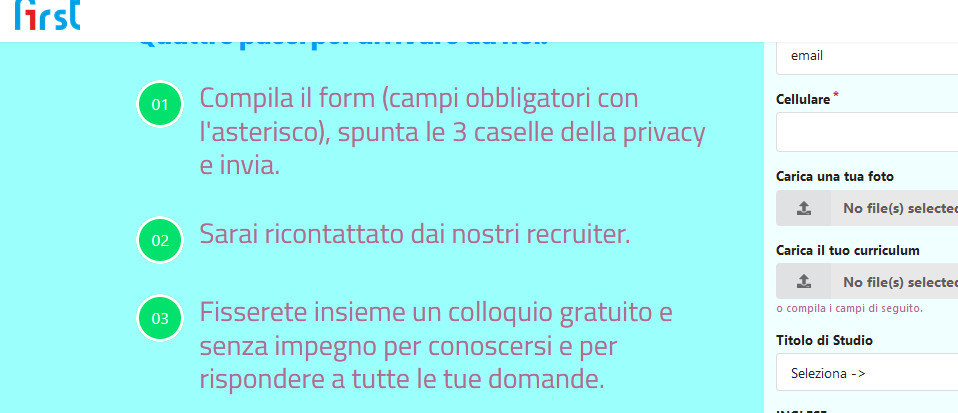
But on Chrome indeed they are huge. Those icons are not from Helix nor SPPB, anyway here is my custom CSS suggestion
svg.fasvg {width: 14px !important; }
it should help!
FZ
FIRST ANIMAZIONE ITALIA S.R.L. - Matteo Zannoni
Accepted AnswerBut how do you always answer accurately? Thank you very much. Then I'll update you.
FZ
FIRST ANIMAZIONE ITALIA S.R.L. - Matteo Zannoni
Accepted AnswerMaybe you answer me quickly because I am your only customer in the world ?! ... I inserted the custom css in Chronoforms and everything looks OK! Thanks.