

Change Sign In Redirect
JK
Jeffrey Kiefer
Using Helix Ultimate Joomla 4 default template. The sign in redirects to the profile page when logging in. How/where do I set this to redirect to home page. I can't seem to find the sign in in the menus.

8 Answers
Order by
Oldest

Ariba
Accepted AnswerHello
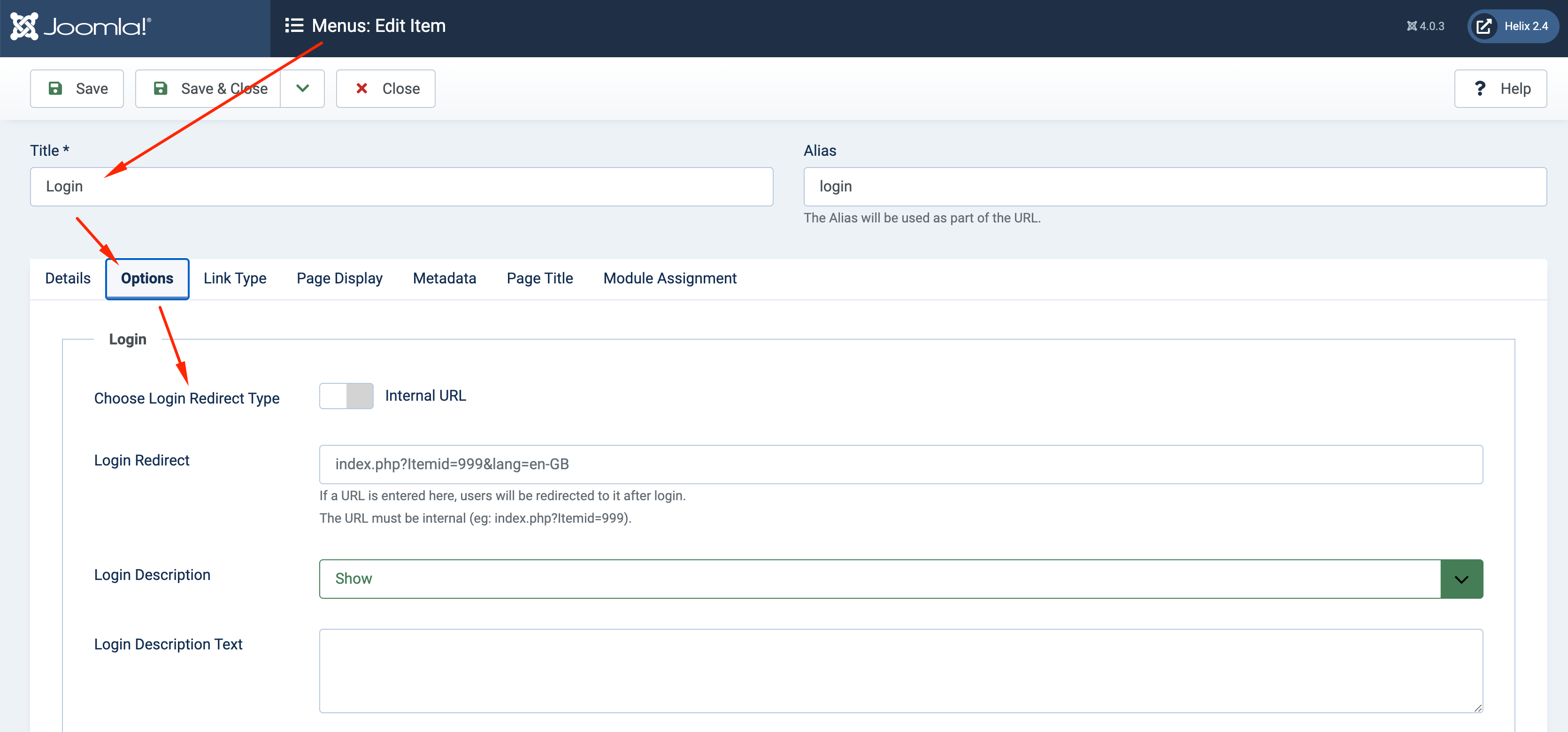
Thank you for your query. Could you please go to Login menu and change the login redirect in the options settings?
JK
Jeffrey Kiefer
Accepted AnswerI am aware of how to change login redirects. I am unable to find the login menu item called Sign In. I turned on the "enable login' in the basic settings of Helix. This created a sign in link on the main navigation. I am unable to find "Sign In" on the main navigation. I even checked the mega menu in the Helix backend dashboard. I can not find where to change it. This should be easy so I am guessing I overlooked it. I have changed every redirect I could find to home and after logging in I still go to the profile page and not the home page. Please help me understand where this setting is located. Thanks.
JK
Jeffrey Kiefer
Accepted AnswerI discovered the redirect is coming from one of my extensions. I am hoping this is what is causing the issues.
JK
Jeffrey Kiefer
Accepted AnswerI have checked and double checked. This is a Helix Demo Template issue. The login redirects to the profile page. If I create a new login menu item there is no issue. It only happens from the Sign In main menu item when enabled in basic settings tab. It is the same on all my Helix Default template sites. There has to be a simple fix for this?
JK
Jeffrey Kiefer
Accepted AnswerI fixed it. I had to create a hidden login and logout menu item. These somehow are connected to the sign in module.