

Display IPhone "Safari" Differs From Other Browsers
W
Wolfgang
I am currently creating a new website with the template "Pitech" / Joomla4.
In the slide show on "Home", 2 image motifs change, above each of them a mobile phone number is displayed. The display is identical for laptops and mobile phones (Android or iPhone) in WHITE. With the iPhone, however, the display is only "white" in ALL OTHER browsers, with the "standard browser SAFARI" the number is displayed in BLUE ... why? ... how can I change this?
9 Answers
Order by
Oldest

Ofi Khan
Accepted AnswerApology for the delay. I had to dig deeper for the issue. This is not actually our issue. Safari mobile browser takes the number as the phone number and hence it makes the text blue. This only happens with Safari mobile browser. Pretty apple stuff
Finally, I have found a workaround. I have added this line to your Before Head section of Template Options. This will stop Safari mobile browser to treat the numbers as phone numbers.
<meta name="format-detection" content="telephone=no">
Please check your site and accept the answer if your issue is solved. It will be then easier to find the solution for the other users with the same issue. There is a button to accept answer after each comment.
Thank you.
Ofi Khan
Accepted AnswerHello Wolfgang
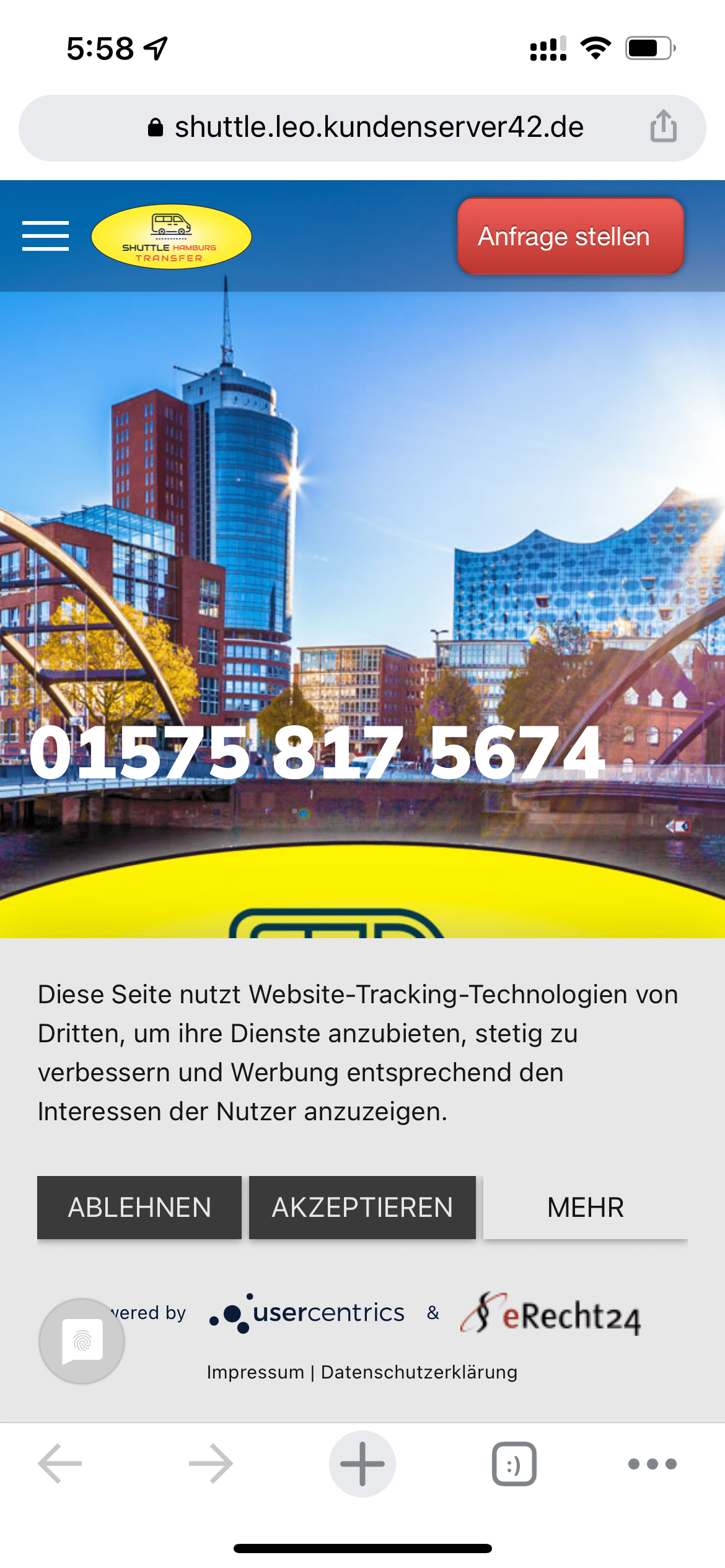
Please check your iPhone browser is updated or not. I can see numbers in white.
Best regards
W
Wolfgang
Accepted AnswerYou should have read the error message carefully: The problem is the display in the "Safari" browser (= standard on the Apple iPhone in Europe) ... ONLY IN SAFARI is the font shown in blue. All other browsers and all Android openings are correct. - Your screenshot was taken by a "Google Chrome" browser, and correct: The display is correct in "Chrome", which I also described in the error message.
I would appreciate if you could suggest a solution to my error message... even if the answer is: "Sorry, our templates are not suitable for Apple products"...
Ofi Khan
Accepted AnswerMy apology! Yes, you are right. Only in Safari mobile, the number is shown in blue.
Please share your administrator access here to check the issue. Use the Hidden Content box to share the credentials. Make sure that you have a full site backup with you before sharing.
W
Wolfgang
Accepted AnswerYes thank you! That's exactly the solution - of course I didn't come up with this "Apple idea" ... thank you very much again!
Ofi Khan
Accepted AnswerYou are welcome 😊
Learned a new thing from your post. Thank you for this.
I have a humble request. It would be very kind of you if you can manage some moment to give us feedback on
This will inspire us to improve.