Page output one big mesh - Forum | JoomShaper
Awaiting an answer SP Page Builder

Page output one big mesh

Asked by OHL 4 years ago Last activity 4 years ago

I have some Joomla pages that give huge errors and I think Joomshaper has something to do with this.

Please have a look at https://www.onehourlockup.nl/arrangementen-onehourlockup/buffetten

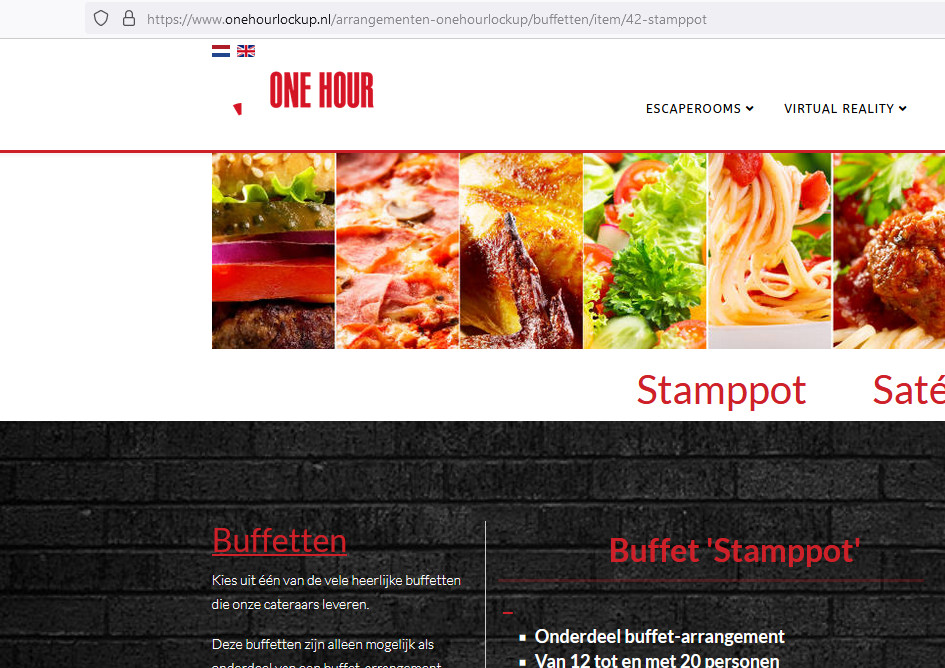
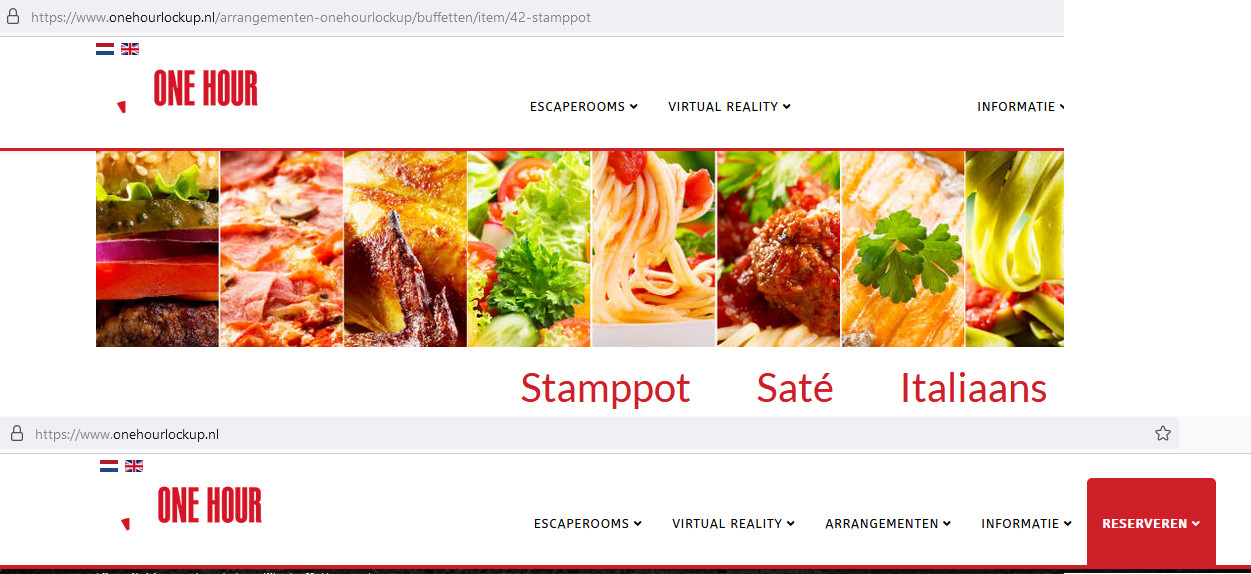
At the bottom of the page there is a link to "MEER INFORMATIE" in the block "Stamppot". When I open that page (https://www.onehourlockup.nl/arrangementen-onehourlockup/buffetten/item/42-stamppot) it is crap.

See https://www.onehourlockup.nl/error1.png and https://www.onehourlockup.nl/error2.png for the errors I encountered. Could it have something to do with this thread: https://archive.joomshaper.com/forums/what-does-this-block-is-for (the csrf.token part)?

10 replies

Paul Frankowski Senior Staff
4 years ago · edited

Hoi,

It's looks like damaged part of the code, missing whole part with css area!

Since when you have this issue?
Have changed PHP version, added extra rules to .htaccess or something else?

Paul Frankowski Senior Staff
4 years ago · edited

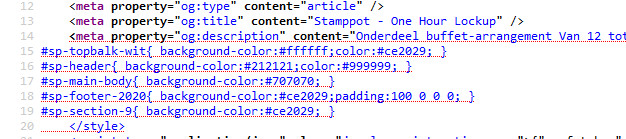
The bug in the html code starts in OG description meta ... maybe you added there something more than text ?? please check it ! becuase that meta is broken, no closing tag... and css below cut offf

foto_9103_2022.jpg

OHL Asked this

I cannnot find strange things. I use K2 for these items, but because the framework and template is yours it is hard for me to determine which product or combination is causing the problem.

OHL Asked this

I cannnot find strange things. I use K2 for these items, but because the framework and template is yours it is hard for me to determine which product or combination is causing the problem.

Paul Frankowski Senior Staff
4 years ago · edited
  1. K2 still in 2022, not a good idea. Migrate to articles asap.

  2. You didn't answer to my questions from my 1st post.

Paul Frankowski Senior Staff

Should be better.
\

foto_9105_2022.jpg

OHL Asked this

"Since when you have this issue? Have changed PHP version, added extra rules to .htaccess or something else?"

Sorry for not responding. I have this issue for several weeks / months now, still trying to find out what goes wrong.
I had not changed PHP version (was running 7.4.24) but I did tonight (8.0). This did not solve the problem.
I didn't do anything with .htaccess

I see the problem is now solved, but it looks there's another part of CSS now missing, because other things are not working correctly. For example my logo at the top left corner, that's now on a white background, that should be a dark background. So there's something missing. What have you changed? We're getting to a solution ;-)

OHL Asked this

I hope you have time to take a look, because after your changes my websites looks different.

Paul Frankowski Senior Staff
4 years ago · edited

But I didn't touch site CSS files.

Check if on that subpage all css file are loaded like in other subpages.

I don't see header design changes compare to home page.

foto_9121_2022.jpg


Maybe consider.... migrate to articles, and forget about buggy K2. Think about future, not past.

and K2 do not work with PHP 8.x!!!!

OHL Asked this

Thanks for your help. I will certainly stop K2 as soon as possible but it takes time to migrate.

Log in to reply.