Hello
Ive been trying to apply some custom CSS to add top/bottom spacing in my offcanvas submenu items, see screenshot here for example: https://prnt.sc/G-Scs7Ng8FEH
I cant seem to find the right CSS to apply, any suggestions?
Hello
Ive been trying to apply some custom CSS to add top/bottom spacing in my offcanvas submenu items, see screenshot here for example: https://prnt.sc/G-Scs7Ng8FEH
I cant seem to find the right CSS to apply, any suggestions?
Hi there!
Thanks for your query.
Would you please give me your site URL here to check, please?
Best Regards
Hello..any update?
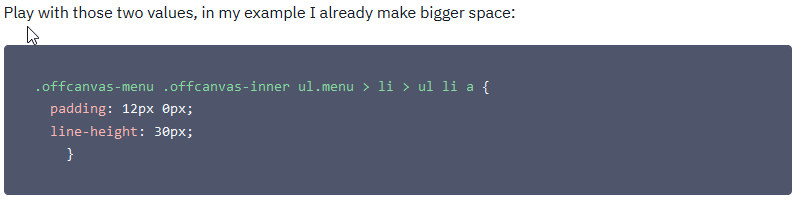
sorry for the delay.
Thank you Frank..and normally I can troubleshoot this stuff and do it myself using Inspector...but for some reason this CSS customization eluded me. Thanks again
you're welcome.
Sorry again for long waiting.
Hi, is there a way to change only the padding between the off canvas submenu items?
So in the screenshot, only padding on the 'arrows' (so not between the long menu titles)
https://prnt.sc/gh0AmjLw6pg3
Regards, Martin
It doesn't look like only padding, but line-height as well.
Share site URL (old doesn't work)
Hi Paul,
Url: https://www.bedrijfsfeest-op-eigen-locatie.nl/
Ok, now instead of my "old" Custom CSS (shared 5 months ago) please use only that "new" one:
.offcanvas-menu .offcanvas-inner ul.menu > li > ul li a {
  padding-bottom: 15px; line-height: 20px; display: block;}
.offcanvas-menu .offcanvas-inner {padding: 15px;}
After you should have that view
Hi Paul,
That's great, exactly what i meant. Thanks a lot for the quick reply!