Image Carousel: SP 4.0.7 - not possible to adjust the height of component - Forum | JoomShaper
Awaiting an answer SP Page Builder

Image Carousel: SP 4.0.7 - not possible to adjust the height of component

Asked by Robert Deutschmann 3 years ago Last activity 3 years ago

Hi

SP Page Builder V4.0.7
I am not able to set the height of the image carousel. With the previous version 3.x of SP Page Builder all worked fine, but after i updatet SP and after modified the start page the first time now i'm not able to change the height settings. But i have to change the heigth because SP Page Builder displays the component 3 times heigher than it should be. This effect happens after i saved the page the first time with SP 4.0.7. Sorry, but this "self destruction mode" is really a little bit horrible for us end user.

Please take a look on this website: https://www.jetscale.ch/

This is the current version - image carousel too height
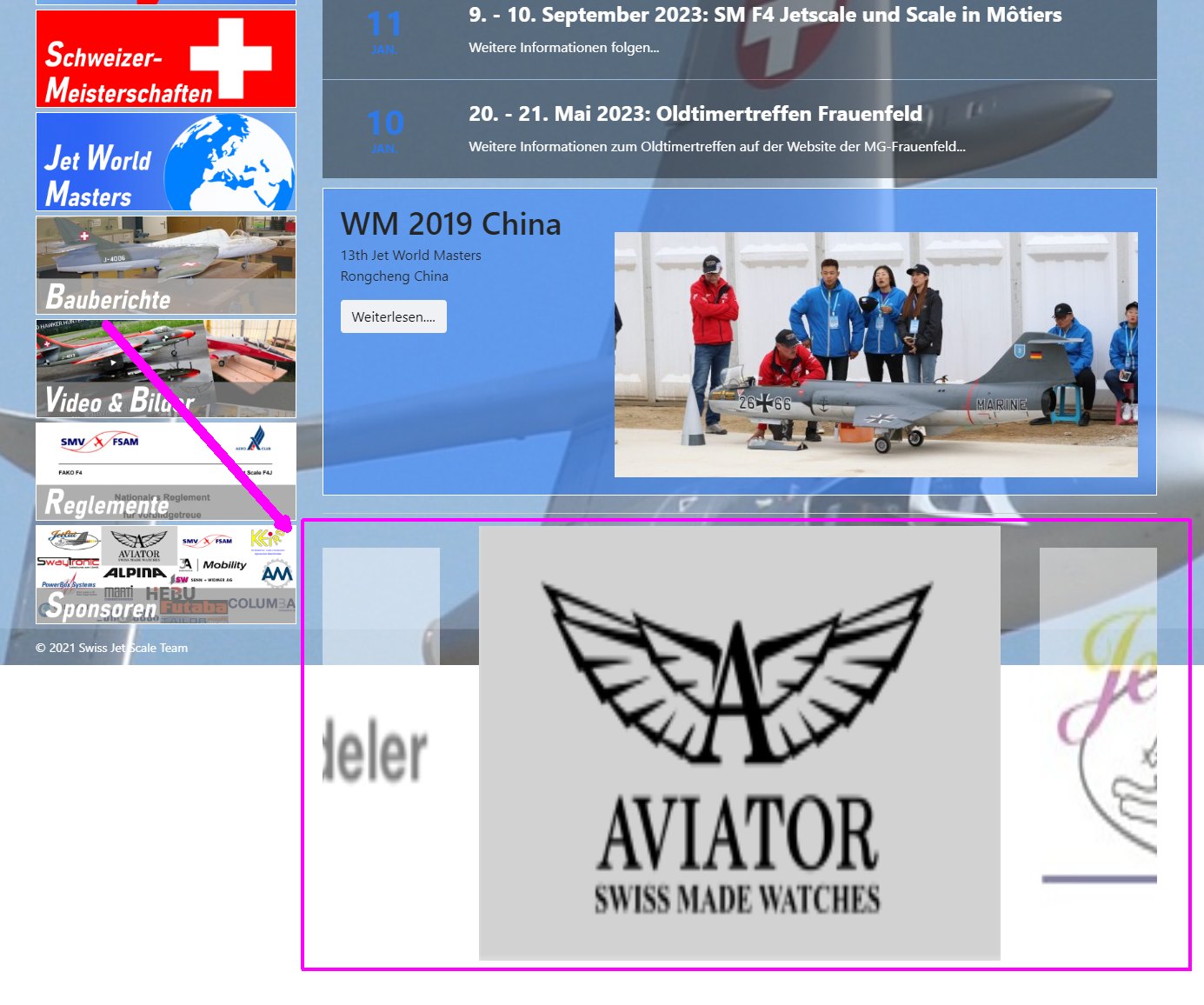
In this green box should the image corousel take place:
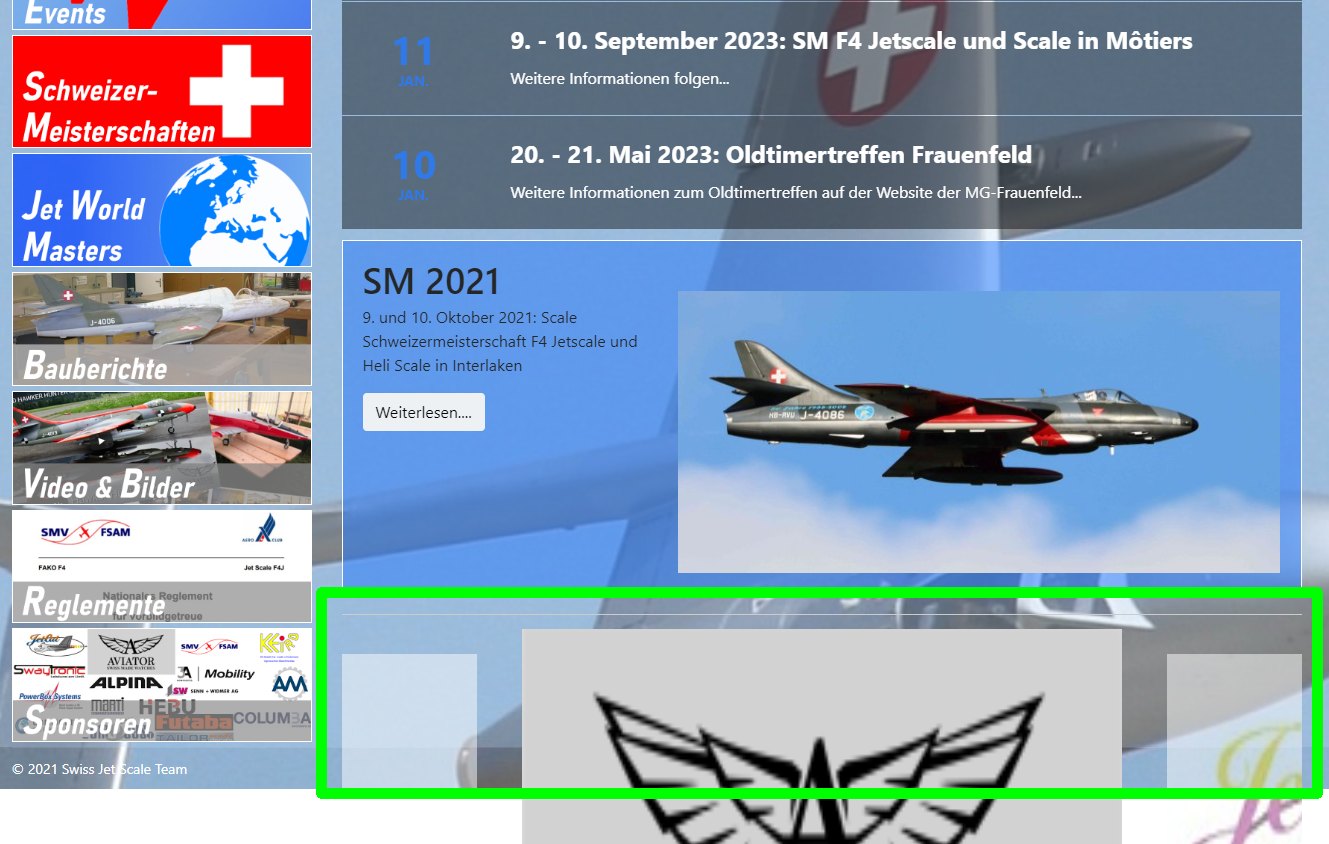
But no effect when changing the height
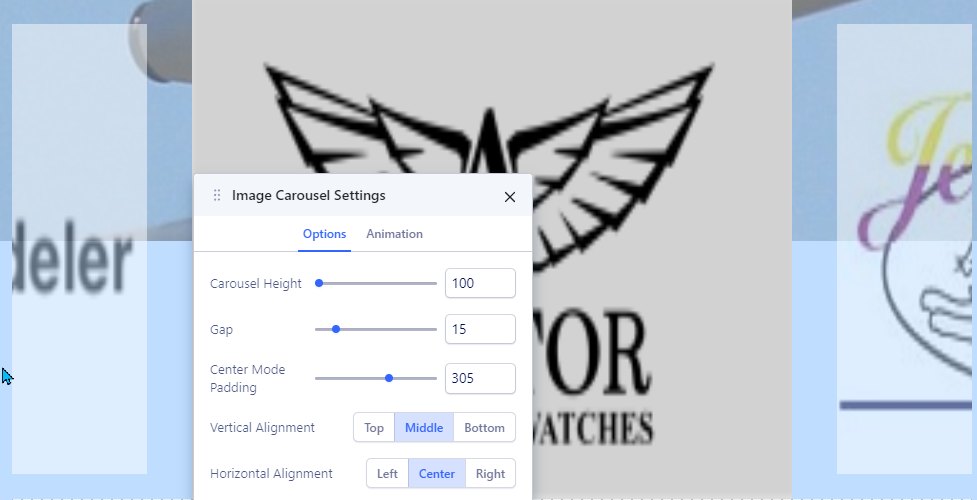
The same issue when inserting a new image carousel component. The height is always too height and not adjustable.

Thanks for any help & support.
Best regards,
Robert

11 replies

Robert Deutschmann Asked this

Hi

Meantime i registred that it looks the image carousel has a problem with responsive design. In mobile mode it looks fine but in desktop view the carousel images are to big.

Any idea how i can solve this?

br, Robert

Robert Deutschmann Asked this

Hi

It's me again. Still no answer on my problem...

Perhaps someone can help me. When i look into the image-carousel css i see that the dimensions are absolutly wrong:

element.style {
    transition: all 2500ms ease 0s;
    transform: translate3d(-7080px, 0px, 0px);
    width: 26620px;
    height: 500px;
}

The values for translate3d and width/height are too big. They should be like this

element.style {
    transition: all 2500ms ease 0s;
    transform: translate3d(0px, 0px, 0px);
    width: 15000px;
    height: 150px;
}

I tried to change this with a custom css in the component-settings. It is possible to change the width but no effect on the height-value. Any idea how to do this? Would be happy if there would be a forums reponse for help.

br, Robert

Ofi Khan Staff

Hello Robert Deutschmann

Apology for the inconvenience. Please share your administrator access here to check the issue. Use the Hidden Content box to share the credentials. Make sure that you have a full site backup with you before sharing.

Best regards

Robert Deutschmann Asked this

Hello Ofi Khan

Many thanks that you would help. I put the credentials in hidden context.

br, Robert

Robert Deutschmann Asked this

Hello Ofi Khan

Had you time to look into my issue?

br, Robert

Robert Deutschmann Asked this

Hi

Still no answer and support. :-/
Please help, customer is waiting for solution.

br, Robert

Robert Deutschmann Asked this

Hi Ofi Khan

Thanks, but sorry - the view looks still not better. How did you get your result view?
That is the current state. Could you please try again?

br, Robert

Robert Deutschmann Asked this

Hi Ofi Khan

Could you please take a look on my issue? Still the same problem.

Many thanks.
br, Robert

Ofi Khan Staff

I have checked your site and it is working fine. Please clear your browser cache and check again.

Log in to reply.