Hello team
We design a recipe website.
Suddenly without updates or something the space between the articles disapeared.
Why this is happening?
We can't find some setting
Hello team
We design a recipe website.
Suddenly without updates or something the space between the articles disapeared.
Why this is happening?
We can't find some setting
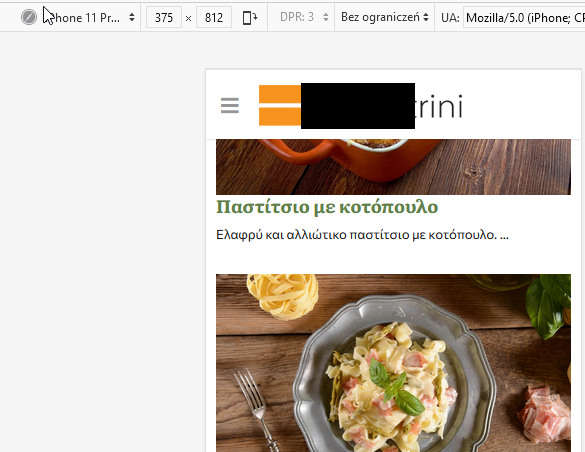
Suddenly the articles in the mobile view shows like 2 articles in one page.
Fixed. I used also that:
@media screen and (max-width: 580px) {
.sppb-col-6, .sppb-col-3, .sppb-col-4, .sppb-col-8, .sppb-col-10 {
  -ms-flex: 0 0 100%; flex: 0 0 100%; max-width: 100%;}
.sppb-addon-articles .sppb-addon-article {padding: 0px 10px;}
}
Yes, it should be fixed in next update.
Now is OK
Hi,
Can you share link to that page? It will be faster.
Quick fix to add left & right space - custom CSS:
.sppb-addon-articles .sppb-addon-article {
padding: 0px 5px; }Thank you Paul for the quick fix but we see that it doesn't apply on the responsive also.
Suddenly the articles in the mobile view shows like 2 articles in one page.
Provide you some admin credentials to check if that helps you.
Thank you in advance
My CSS was quick, but I saw it helped on subpage /sundages
it added only space as you could see...
Yes, checking others...
Thank you very much for your help Paul
