Proportions in image carousel on smartphones - Forum | JoomShaper
Staff replied SP Page Builder

Proportions in image carousel on smartphones

Asked by Georg Doll 3 years ago Last activity 3 years ago

Hello,
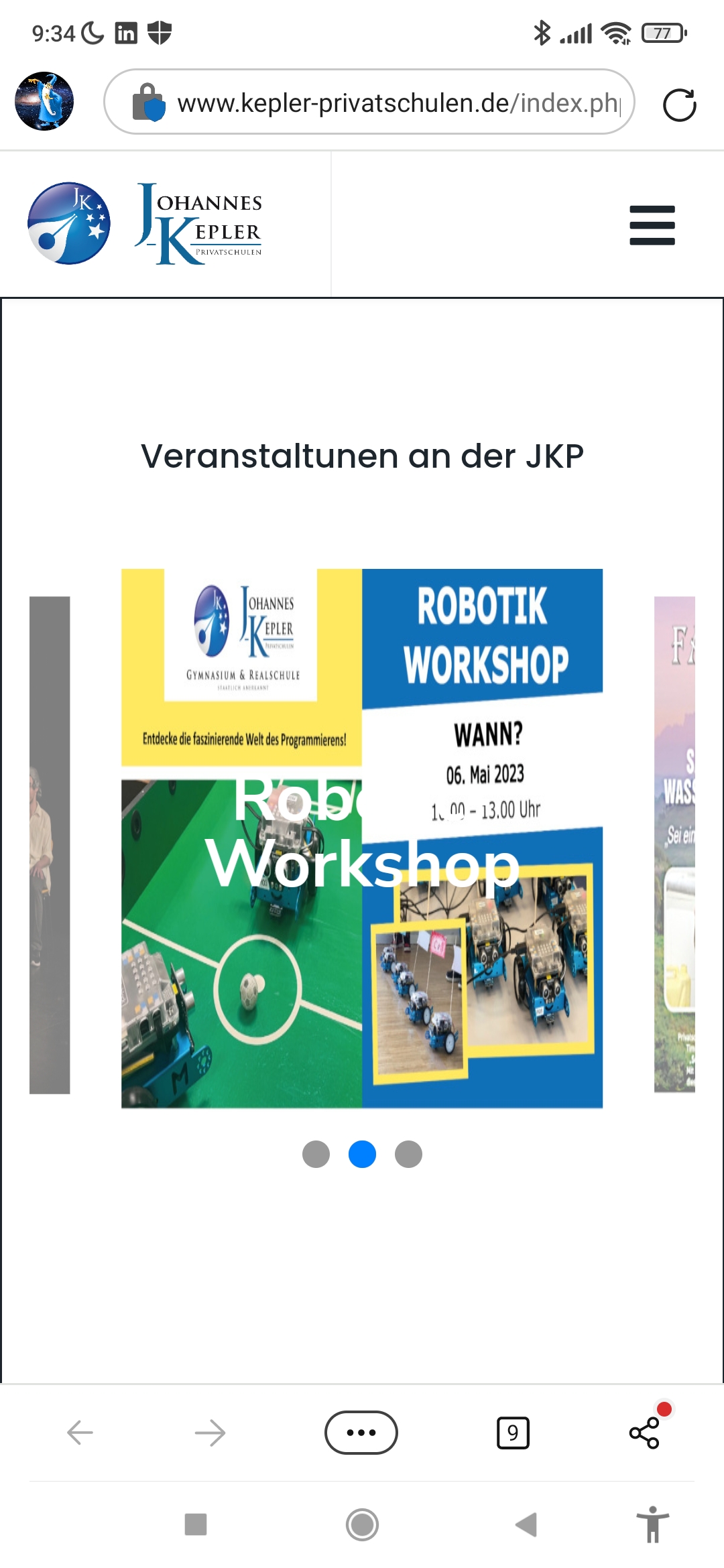
I have a problem with "image carousel" (and the same in "carousel" and "carousel pro"). When displayed on a smartphone it modifies the width of the image to fit into the screen, but it doesn't change the height of the image. It tried to work with "height" and "height window" but that hasn't any influence on the height of the image.
Is there a way to fix this?
Best regards,
Georg

Example:
https://www.kepler-privatschulen.de/index.php?option=com_sppagebuilder&view=page&id=119
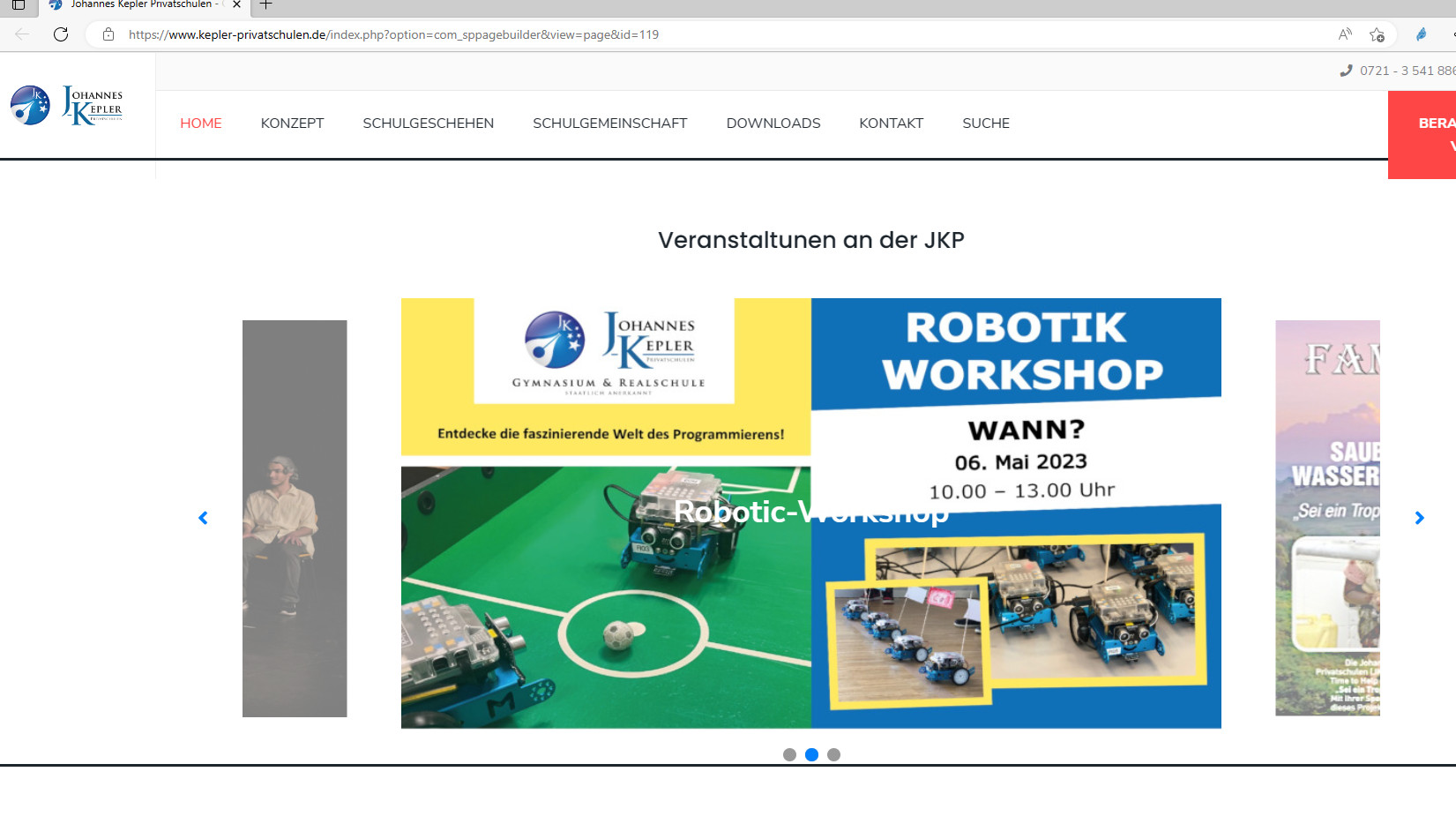
It looks great on landscape screen (pc, laptop) but the 16:9 images become an almost 1:1 image on a smartphone.

7 replies

Mehtaz Afsana Borsha Staff

Hi

Thanks for contacting us. Could you please give me a screenshot of your issue?

-Regards.

Mehtaz Afsana Borsha Staff

Isn't it ok? It seems fine to me.

Georg Doll Asked this

Have you seen both screenshots?
On PC screen it looks fine, on smartphone it doesn't.

Georg Doll Asked this

I'm talking about the edgewise display, not landscape.
There it makes the width smaller, which is ok, but it doesn't correct the height proportional.
As you can see: On big screen it is 16:9 on small screen it is almost 1:1, a circle becomes an ellipse on small screens (edgewise!). So the resolution may be ok, but the ratio width:height isn't on edgewise display.

The news carousel on the front site works edgwise and landscape but the employee doesn't like some other features of this carousel which can't be changed by me. So I need to switch to a different one.

Mehtaz Afsana Borsha Staff

You can use this custom CSS and set the width and height from here

@media (max-width: 844px){
.sppb-carousel-extended-item img{
    height: 300px !important;
    width: 300px !important;
}
}

Path towards custom CSS: Extensions>Templates>Styles> Click on your current default template name then choose Template Options. Then find custom CSS within the custom code.

Log in to reply.