Set background of a line (Raw) transparent and remove page spacing Hintergrund einer Zeile (Raw) transparent setzen und Seitenabstand entfernen - Forum | JoomShaper
Solved SP Page Builder

Set background of a line (Raw) transparent and remove page spacing Hintergrund einer Zeile (Raw) transparent setzen und Seitenabstand entfernen

Asked by Matthias Wulff 3 years ago Last activity 3 years ago

Hallo und guten Tag,

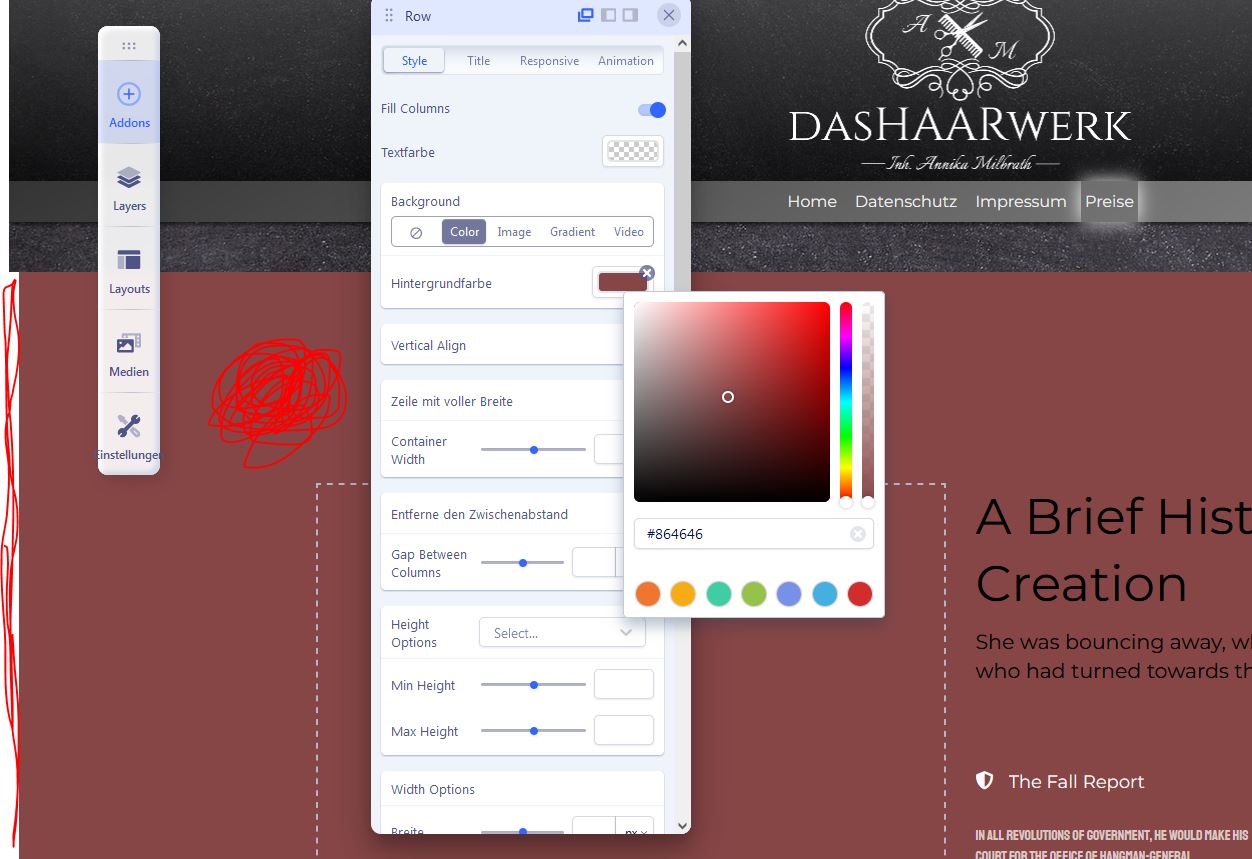
ich versuche den Hintergrund einer Zeile (Raw) transparent zu setzen so das ich die Hinterundstruktur des Templates sehe und ich versuche die Seitenabstände weg zu bekommen... Kann mir da jemand helfen?

hello and good day,

I'm trying to make the background of a line (raw) transparent so that I can see the background structure of the template and I'm trying to get rid of the page spacing... Can someone help me?

https://www.dashaarwerk-annika-milbrath.de/images/Farbe%20hintergrund%20transparent.jpg

Accepted answer

Marked as the solution
Mehtaz Afsana Borsha Staff

Do you want it like this?

https://prnt.sc/nokykljhU2OL

Then use this custom CSS

.sp-page-builder .page-content #section-id-1676643080592{
     opacity: 0.7;
}
.sp-page-builder .page-content #section-id-1678826910496{
 opacity: 0.7;
}

Path towards custom CSS: Extensions>Templates>Styles> Click on your current default template name then choose Template Options. Then find custom CSS within the custom code.

In the meanwhile you can follow these blogs, it will help you in your CSS work

https://www.w3schools.com/css/css_image_transparency.asp

https://www.joomshaper.com/blog/which-line-of-css-i-have-to-edit-code-inspector-in-action

Thanks.

8 more replies

Mehtaz Afsana Borsha Staff

Hi

Thanks for contacting us. Could you please give me the site credentials? I cant access on that.

-Regards.

Matthias Wulff Asked this

hello and good day I got the problem with the white sidebars under control. That was a setting in the template toaster. I use it for the basic structure of a website. Now I would like to set the cells of the Sp Pagebuilder to be transparent...Is this possible via css? Unfortunately I don't have a plan...

Mehtaz Afsana Borsha Staff

Could you please clear me one thing? Which portion background do you want to transparent? I can do it via CSS also. Could you please give me a screenshot of that portion?

Matthias Wulff Asked this

Hello,

Yes. Exactly. I would use that as a template if I had to make other RAW transparent as well... I can see which CSS code you used. Many thanks for your efforts;)

Matthias Wulff Asked this

hello and good day many thanks for the detailed help. The links will certainly help me a lot... This is exactly how the transparency should look... I can now get on better with the code inspector... Thanks;)

Mehtaz Afsana Borsha Staff

Glad to know that. You are always welcome.

Log in to reply.