hi,
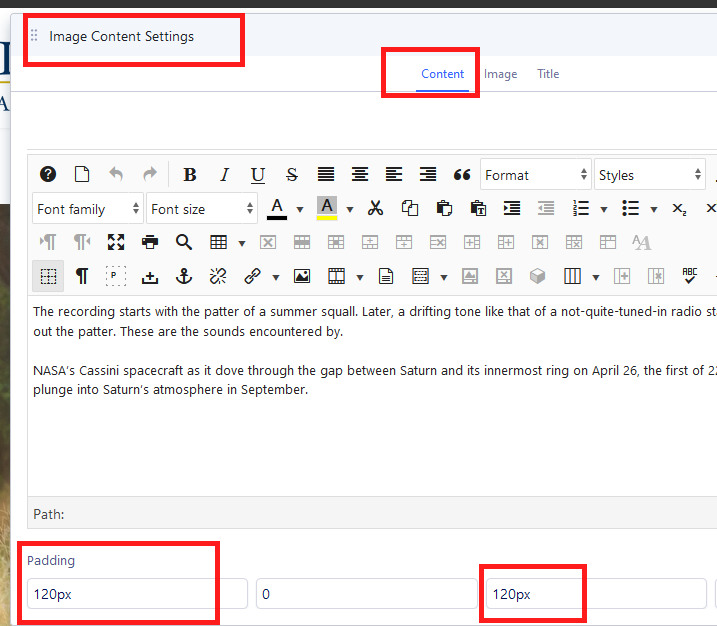
I am unable to modify the height size of my picture and keep it vertically centered. I would like to reduce the vertical height so there is not so much top and bottom space on the text side.
I was using this css and playing around with the percentages, but the text did not stay centered vertically in the block:
.sppb-addon-image-content .sppb-image-holder {
position: absolute;
top: 0;
width: 50%;
height:35%;
background-position: 100%;
background-size: cover;
}
https://awdtest3.com/images/image_height_issue.png
Thanks in advance for your assistance