Hi admin
Now i see have 3 class name active in 3 class name sppb-carousel-extended-item. But when begin and running, i only want have 1 class name active in 1 class name sppb-carousel-extended-item. Please help !. Thank
https://photos.app.goo.gl/rTC7wFPsdQ9cwBJKA
https://photos.app.goo.gl/Gj4EyZ8F3DaXog4R9
https://photos.app.goo.gl/J9RyNNowEzGnJiyo8
https://photos.app.goo.gl/LSdLnHc5DYqpsttX8
Awaiting an answer
SP Page Builder
I want only class active in image carousel
4 replies

Pavel
3 years ago
· edited
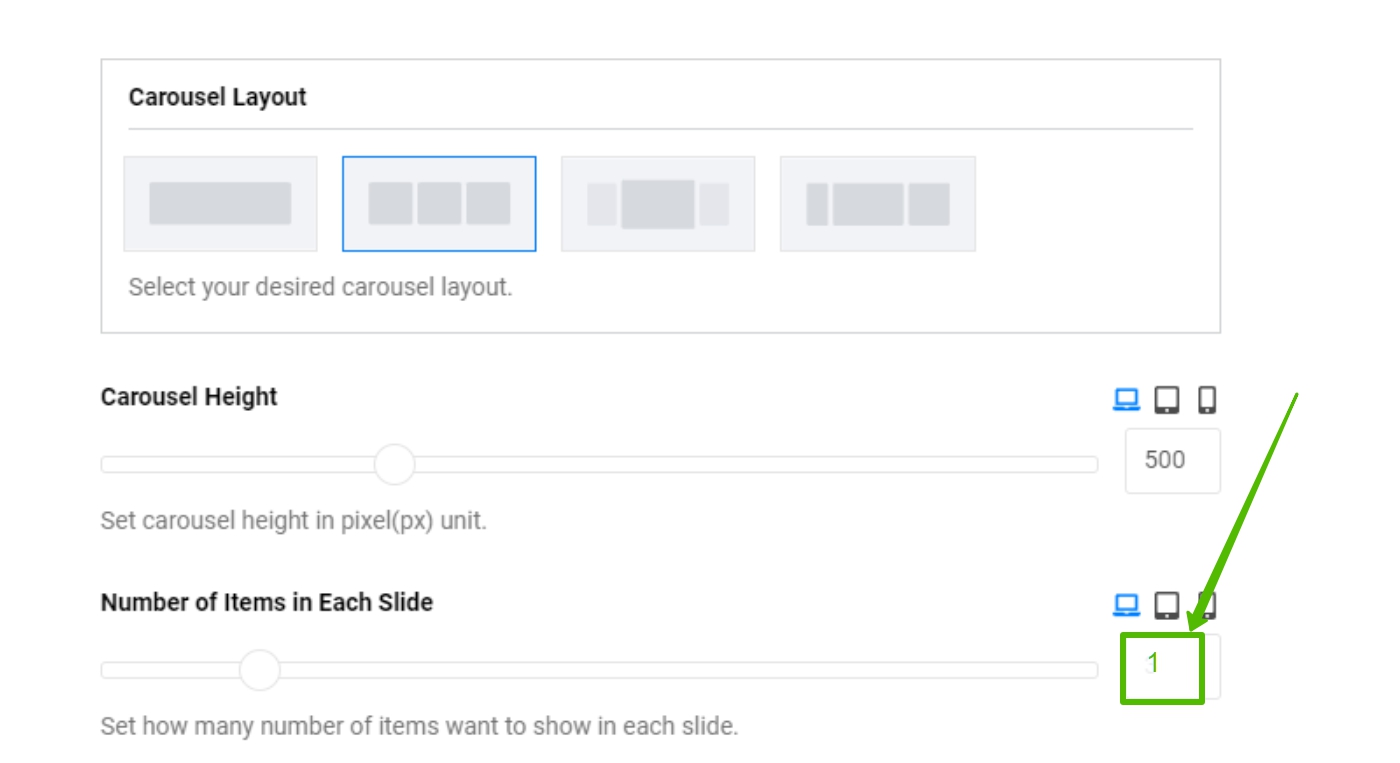
Hi. The active class is assigned to the elements located in the region of visibility. If you want one element with the active class, select one element for the show.
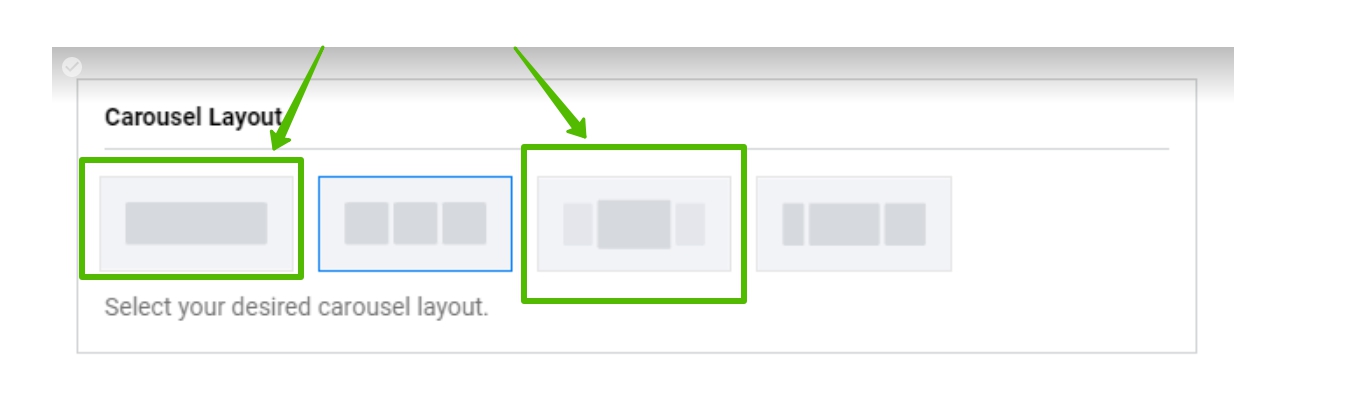
Or another layout

Mehtaz Afsana Borsha Staff
Hi
Thanks for contacting us. You can follow Pavels instructions. It may help you.
-Regards.
TRAN HUU QUOC VAN Asked this
Hi Pavels
i edited like you. But it show 1 item, it not show 3 items. I want it have 1 class active in 3 items each slide and it show like is page : https://sengroup.vn/
Pavel
3 years ago
· edited
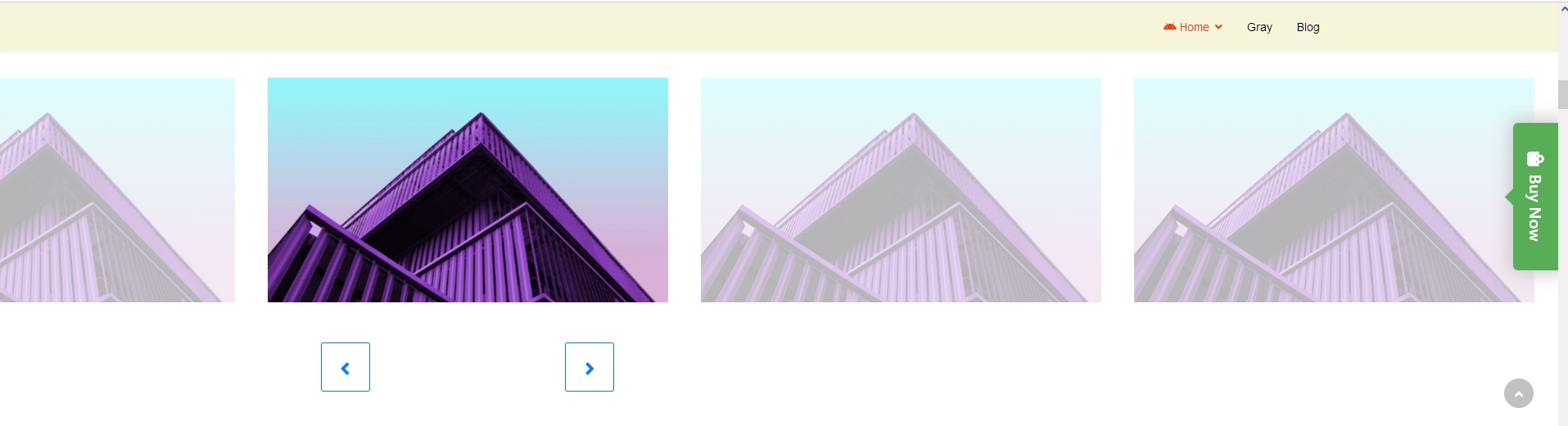
Hi. On this site it is configured as well as I told you above - 1 active item. The carousel cannot be configured differently. Just additional CSS code is used to create such an appearance.
I show you in SPPB 3 (in SPBP 4 the same).
Step 1
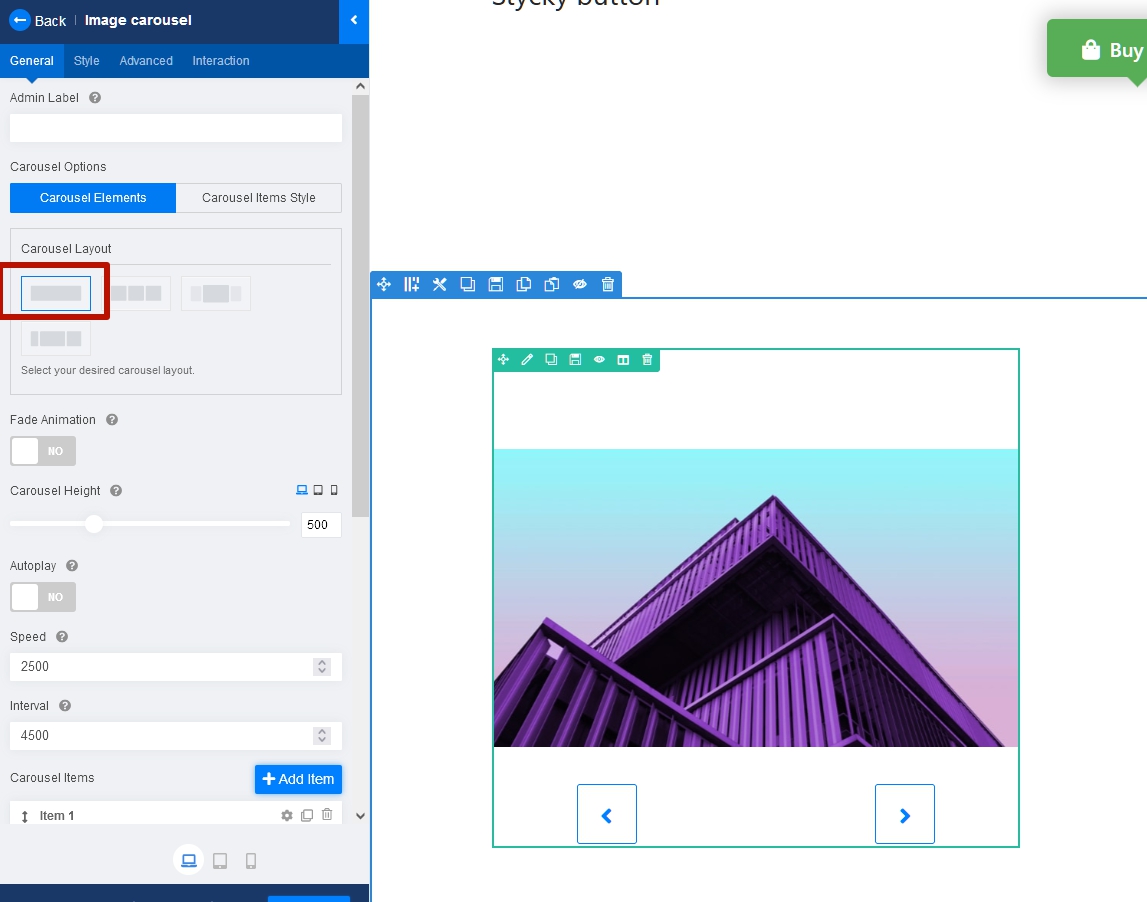
Step 2 - Set up it to your taste
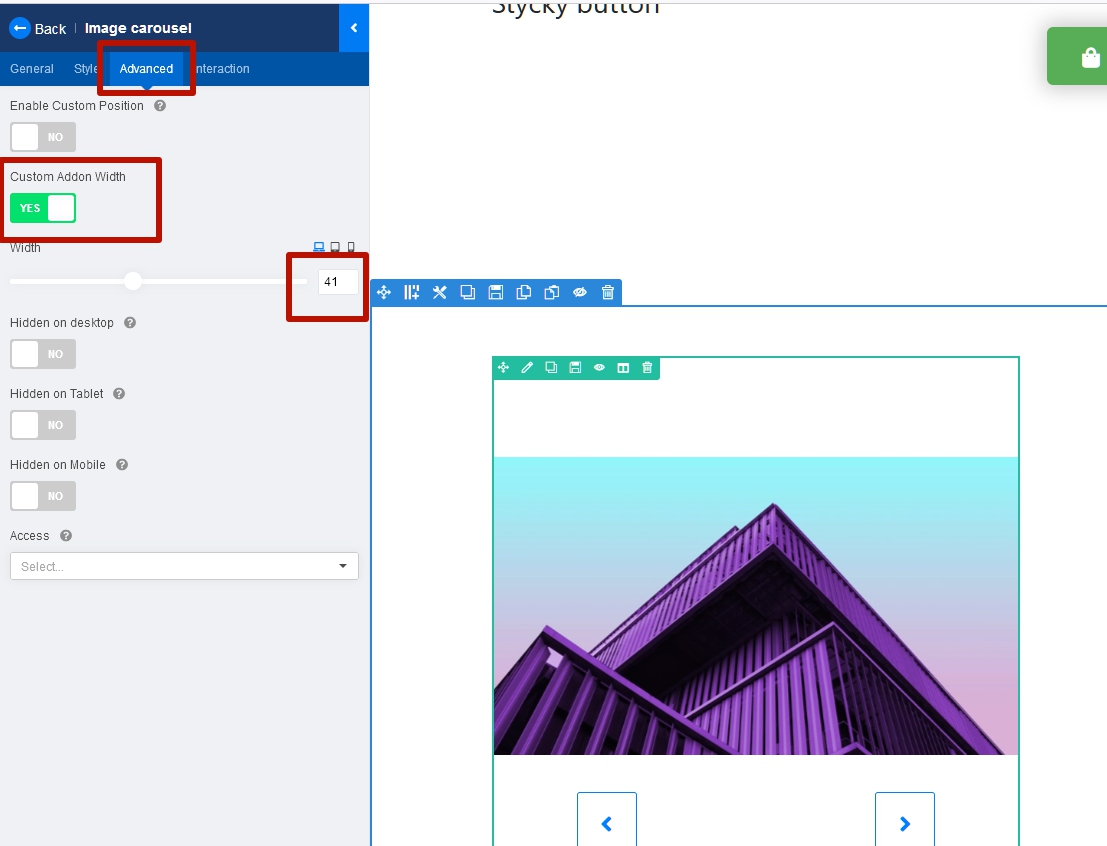
Step 3 - Add your own class to addon
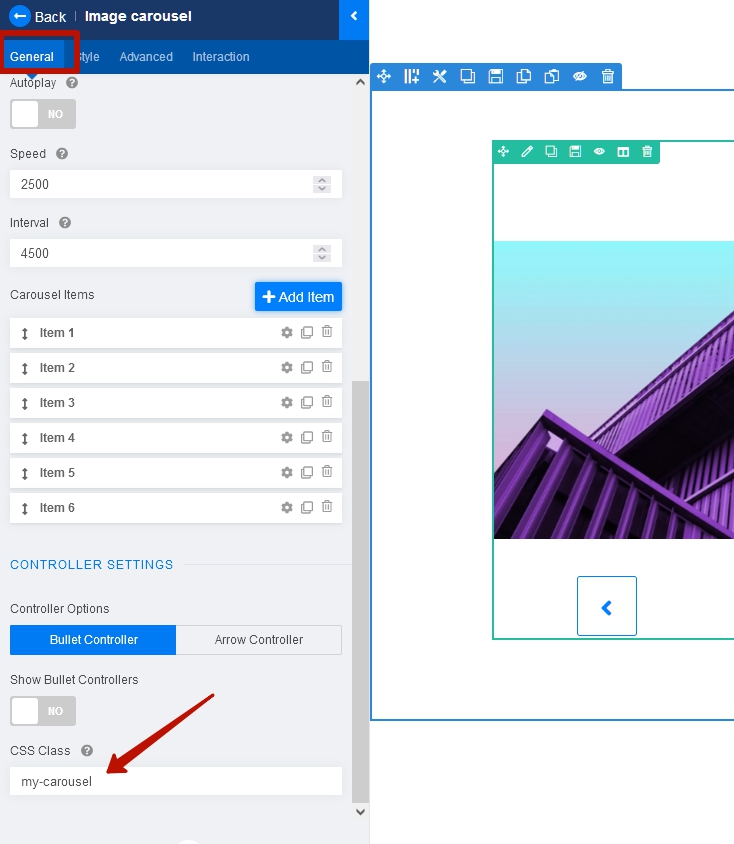
Step 4 - Use css
.YOUR_CLASS .sppb-carousel-extended-list {
    overflow: visible;
}
.YOUR_CLASS .sppb-carousel-extended-item {
    padding-inline: 20px;
    transition: opacity .3s;
}
.YOUR_CLASS .sppb-carousel-extended-item:not(.active) {
    opacity: .3;
}
Result
Log in to reply.