Hello,
when loading the page there is a white background for a short monent what isn't needed. How i can fix ist?
https://www.mephisto-oldenburg.de/
greetings!
Solved
SP Page Builder
white background for a moment
Accepted answer
Marked as the solution
Pavel
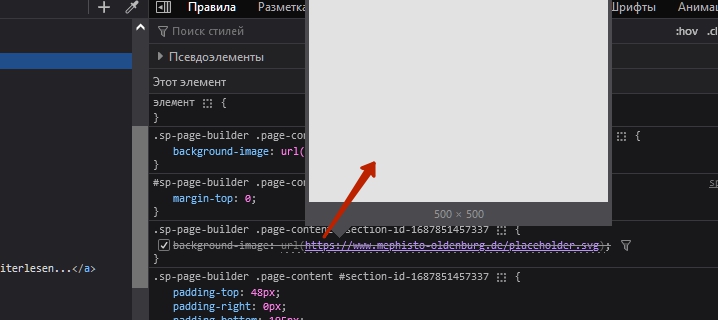
Also turn off the image lazy load or replace lazy load placeholder image with black one. Now it is grey.
4 more replies

Mehtaz Afsana Borsha Staff
Hi
Thanks for contacting us. Give me your super admin acees please, so that I can check.
-Regards.
deevau Asked this
here it is...

wintercorn
It's showing the flash of the coloured background before the image loads. It's not a perfect solution without admin access but this css fixes it:
section#section-id-1687851457337 {
background: #000 !important;
}
deevau Asked this
thanks for help but if i paste this code in custom.css of the page the image is not visible...
I think there must be a way without custom.css but in the settings of page builder
wintercorn
Well, you will have to experiment with this. I only did it with dev tools.
Pavel
3 years ago
· edited
Hi. Turn OFF any addon's animation in first section.
Animation which is activated depending on the element's position in the viewport should never be used in the first screen. This causes blinking, as the default styles are loaded before the javascript that activates the animation.
It is common web rule
deevau Asked this
Thanks, I've deactivated any animation in the section "Hero Section 02" and in every part of this section but there is no change...
deevau Asked this
Thats it! Thank you very much - dziękuję bardzo!
Log in to reply.