iFrame and other tags issue with Custom Html addon (SPPB 5.0.5) - Forum | JoomShaper
Solved SP Page Builder

iFrame and other tags issue with Custom Html addon (SPPB 5.0.5)

Asked by Pascal Wickert 3 years ago Last activity 3 years ago

Hi,

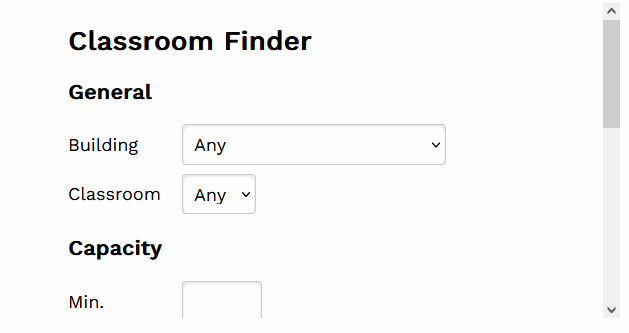
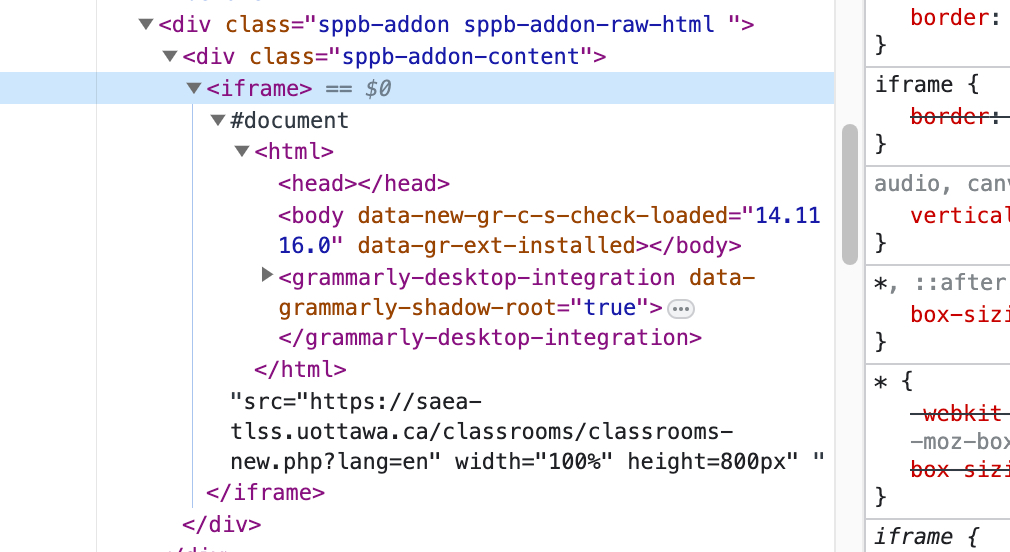
I am using sppb 5.0.5 and I still have issue showing iframe (see hidden content : 1. iFrame code):

https://saea-tlss.uottawa.ca/stageit/en/learning-spaces-equipment/classrooms

iFrame should appears under section : Classrooms equipment list and photos.

It was working with SPPB 5.0. JCE is allowing iFrame and Super admin have Text Filters set at No Filtering and I don'y have any security Joomla extension.

I am also using a Brevo form using a <style> tag. Tags and everything inside it are stripped too when saving.

Thank you,

Pascal

Accepted answer

Marked as the solution
Paul Frankowski Senior Staff
3 years ago · edited

Hi Pascal,

I tested your link inside my SPPB 5.0.5 Custom HTML addon and works. Maybe you made mistake in HTML syntax, for example, missing ( " ) ? check & compare!

info_1343_2023.gif

4 more replies

Paul Frankowski Senior Staff

About 2nd.

I do not know that form component to tell more, I never heard that name. Anyway, if it doesn't have module (I wonder why?) use old hack:

  1. Custom Module (Joomla core)
  2. Inside that module Options (tab) > Prepare Content: Yes
  3. Paste your code in "Custom" area
  4. Position "sppagebuilder"
  5. Publish
  6. in SPPB Page > Module addon > choose above module inside.
Pascal Wickert Asked this

Thank you Paul,

I'll try this and I will let you know for both cases....

Pascal Wickert Asked this

Paul...

I am ashamed and I owe you a pizza ;). It seems that we had an error in the code. Not sure what the difference was, but the iFrame it is working now.

I did not yet work on the Brevo form (busy with other stuff right now) but I will follow up later on. For now, I will accept your answer to close the ticket.

Thank you again!

Log in to reply.