Gap below text block and row - Forum | JoomShaper
Solved SP Page Builder

Gap below text block and row

Asked by crea-arte GmbH 3 years ago Last activity 3 years ago

Hi

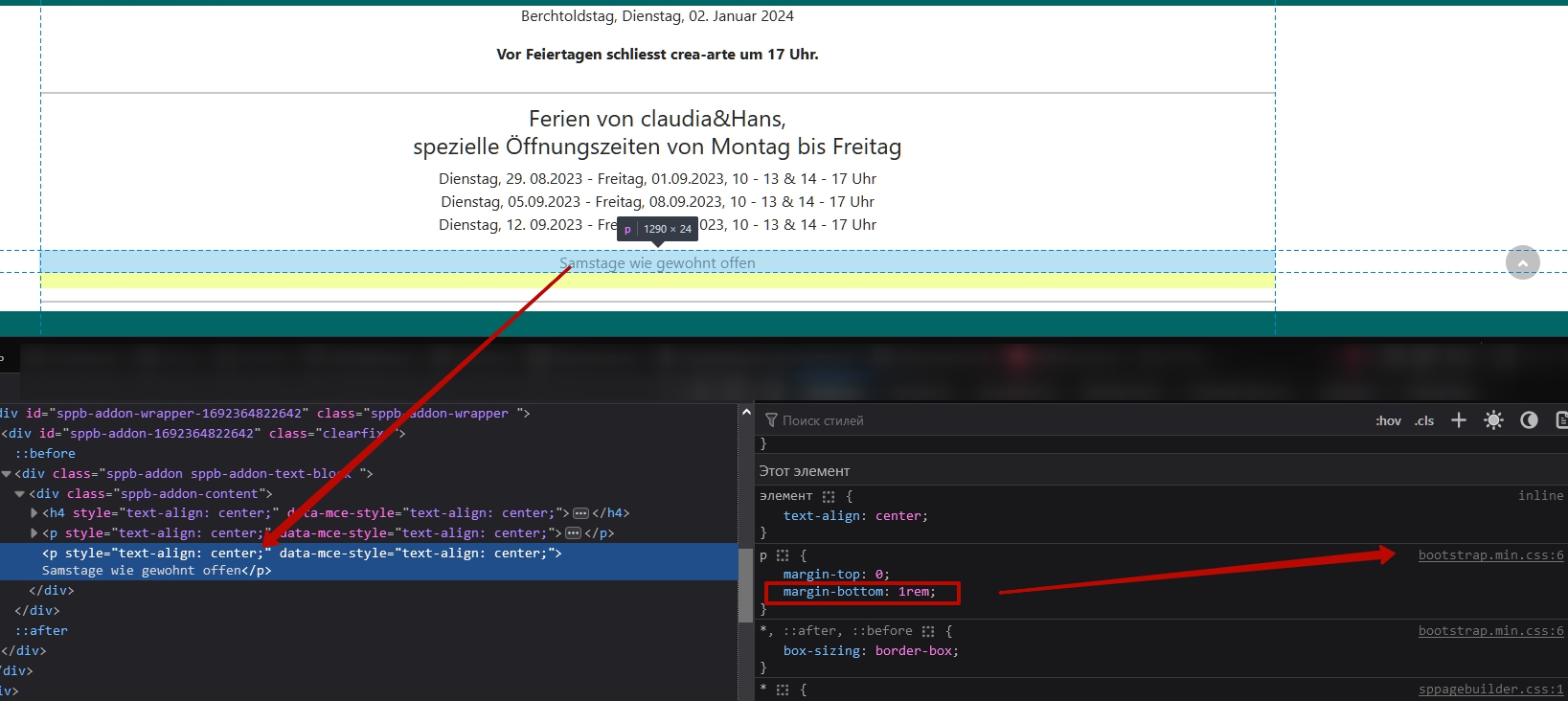
I have a gap below a text block and the row and can't remove it.
Marging and padding are both not definied.
I have tried it with margins and paddings, no success.

How can I remove this gap?

How can I post a picture? I have a screenshot of it, but can't post it here.

Thanks

Accepted answer

Marked as the solution
Pavel
3 years ago · edited

Hi. The p tag has margin bottom by default from Bootstrap. Change it to div or span

Tip:

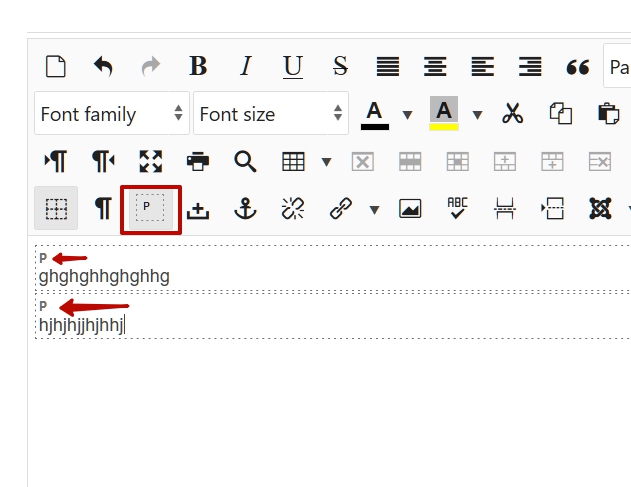
In TinyMCE and JCE is visual blocks option. Turn it ON that you can see what tags are in your content.

Tip 2:

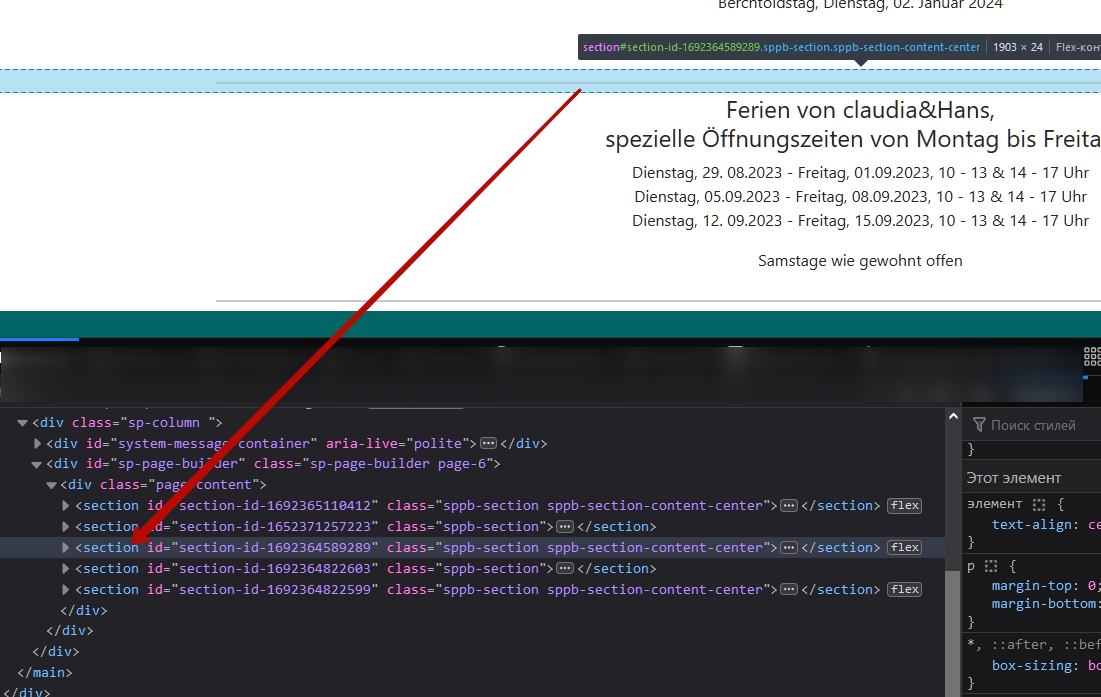
section - is a semantic tag and must necessarily contain at least one heading h.
And the use of section only to place a separator is too wasteful.

For the entire content of this page, only one section would be required. With your approach, you got five times the code that is bad for SEO and is excessive for performance.

4 more replies

Rashida Rahman Staff

Hi there!

Thanks for contacting us.

You can upload your screenshot to your online server or drive and then just share the link here.

Indication to which page and which portion you are talking will be better.

Best Regards

Rashida Rahman Staff

Hi crea-arte GmbH,

Your issue has been solved by Pavel I guess?

Please confirm.

Best Regards

crea-arte GmbH Asked this

Hi

Thanks for the answers.
I will check it on Thursday and will inform you then.

Kind regards
Hans

crea-arte GmbH Asked this

Hi

Thanks for the support.
It works now.

Kind regards
Hans

Rashida Rahman Staff

Thanks for the confirmation :)

Have a nice day!

Log in to reply.