Trying to fit the page builder into a Rockettheme template - Forum | JoomShaper
Solved SP Page Builder

Trying to fit the page builder into a Rockettheme template

Asked by Richard 3 years ago Last activity 3 years ago

I would like to use a Rockettheme template for a new site with SP Page Builder (its a long story!)

Having tried to set this up with some demo content i find that it fits really well down the right side but not the left and the top, as you can see there is a fairly large gap which i cant figure out how to fill. I approached RT about this and they suggest the following:

"It's not that it's not fitting within the Theme frame, it's not fitting within it's own frame. See attached. I have the main SP wrapper (.platform-content container is identical) highlighted in the Inspector and you can see the visual highlighting above (blue overlay)... you'll see the content spilling out the rightside of that. Unsure if that's intentional design or a conflict, but the Theme/Gantry is properly framing the rendered content."

https://prnt.sc/zbX5QuoPUSjh

This is the temp URL: https://training.temp-gingerweb.com/ hopefully you can easily see the gap on the left and the top, i would like to get it to fill the white space as closely as it does down the right side.

many thanks for any help you can give me here

Accepted answer

Marked as the solution
Pavel
3 years ago · edited

Hi Richard. If my memory does not change in Gantry this is custom.scss. But I don't know Gantry well, so I can advise you - it will be better to read Gantry documentation about custom CSS adding or contact Gantry support

6 more replies

Pavel

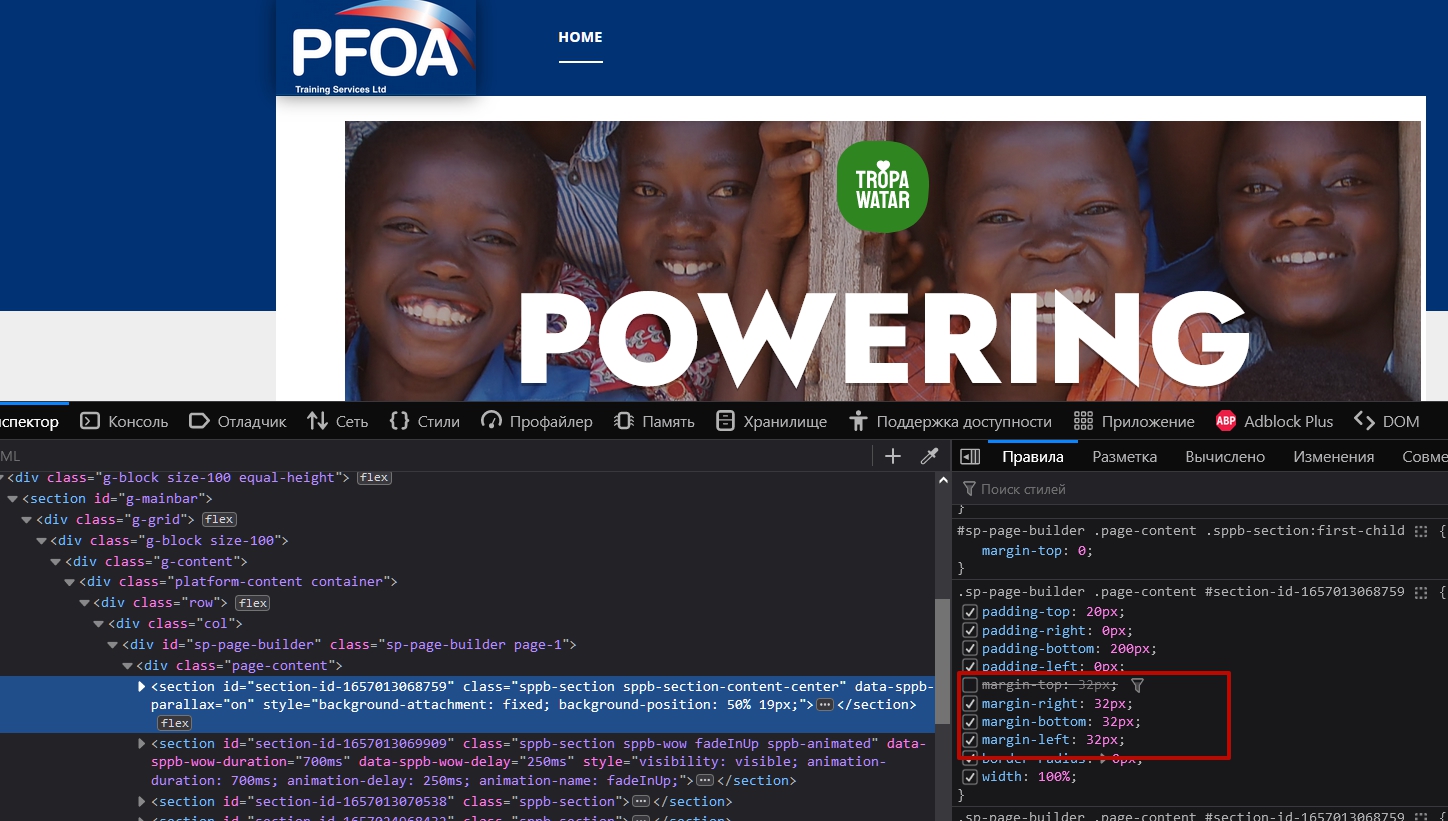
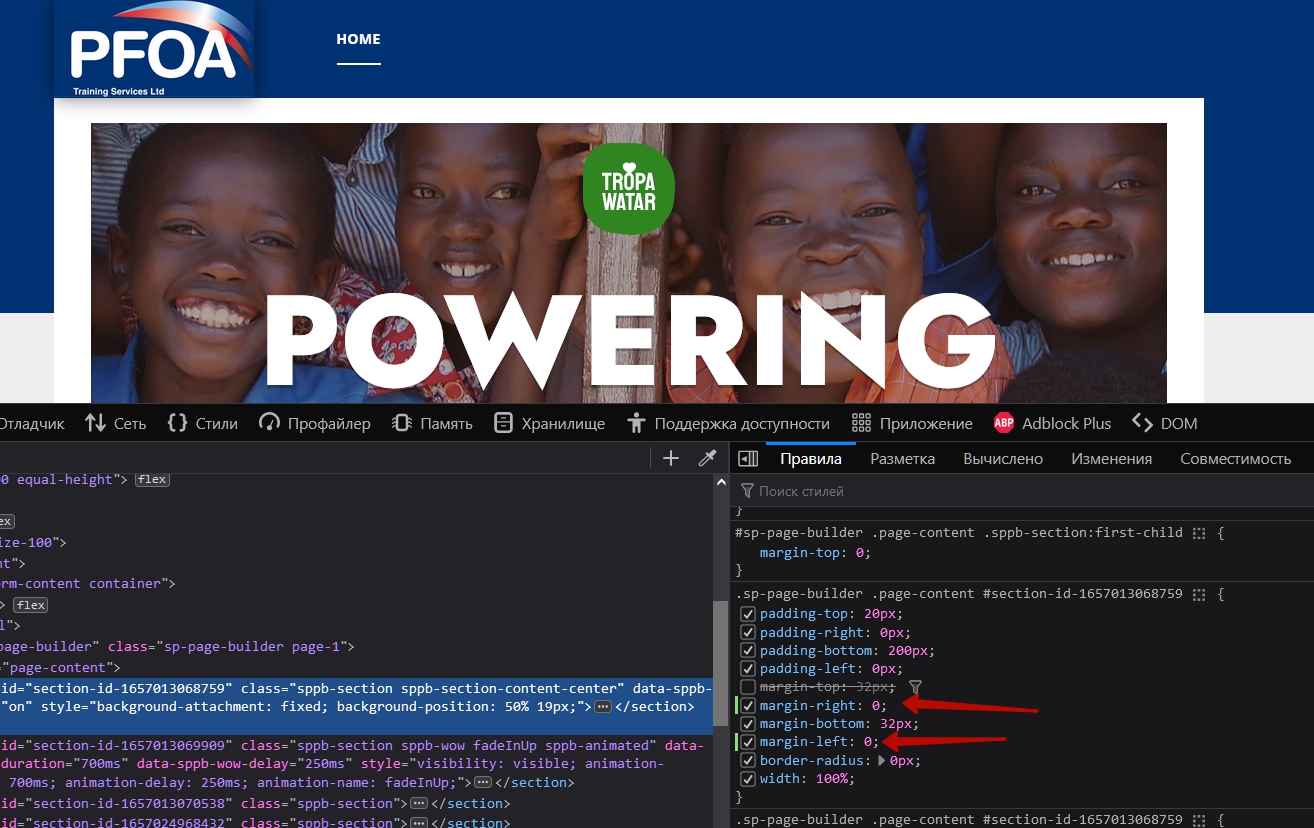
Hi. The reason is the margin settings in your SPPB section.

If you set left and right margins to 0 it will look ok

Pavel

If you want this appearance...

...you must prepare Gantry for SPPB pages using CSS

.com_sppagebuilder.view-page :is(.g-content, .platform-content.container) {
    margin: 0;
    padding: 0;
}
Pavel
3 years ago · edited

If you want full width appearance...

... CSS will be:

.com_sppagebuilder.view-page #g-navigation + .g-container {
    width: 100%;
}
.com_sppagebuilder.view-page #g-navigation + .g-container > .g-wrapper {
    margin-inline: 0;
}
.com_sppagebuilder.view-page :is(.g-content, .platform-content.container) {
    margin: 0;
    padding: 0;
}

And perhaps some other CSS code for fine tuning will be required.

Mehtaz Afsana Borsha Staff

Hi

Thanks for contacting us. You can follow Pavel's instruction. And thanks Pavel for sharing the solution.

-Regards.

Richard Asked this

That is amazing detail thanks Pavel!
I assumed the CSS adjustment would be in the Gantry custom.css file but that isnt working, where would i best put the mods?

Richard Asked this

OK Pavel thanks i will keep trying thank you very much for your time and effort

Log in to reply.