Hello everyone,
Are there instructions for helix ultimate ...how I can hide “reset password” in the login module?
best regards
michael
Hello everyone,
Are there instructions for helix ultimate ...how I can hide “reset password” in the login module?
best regards
michael
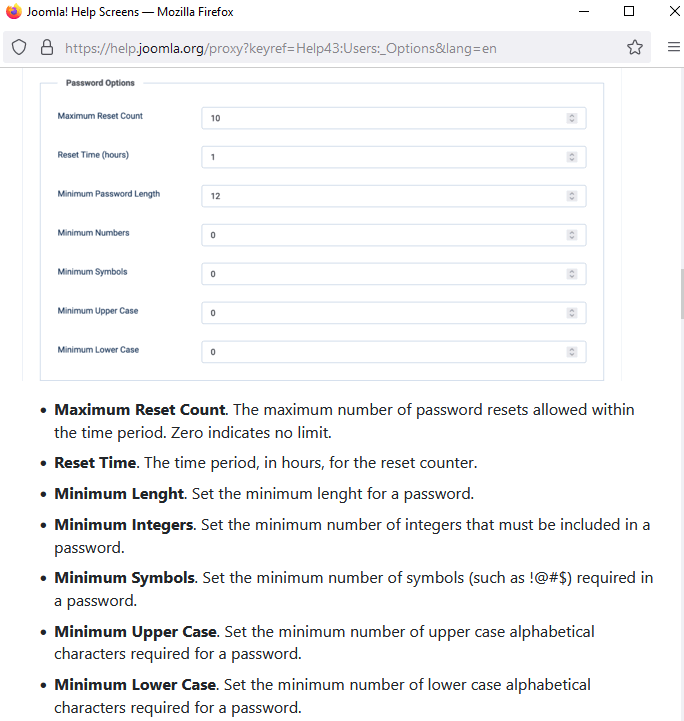
as 2nd step, I suggest to change value(s) in: Users > Options > Password Options (tab)
Joomla features & settings are on your hands.
Hi Michael,
by default Joomla doesn't allows that, that's why you can hide that link using two alternative methods:
#login-form > ul.unstyled li:nth-child(3) {
  display: none; pointer-events: none; }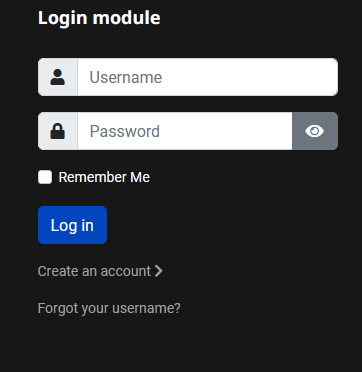
Hello Paul,
now i have found what i was looking for. Thats how it works.
.login .list-group {
display: none;
}
Thank you!
