Dear support,
I discovered a little image sign that I thougth is a bug there so I deleted the image, however I was able to see that it had a code before, I was stupid to do so. Now I am looking for the code so I can replace it as it had a feature for the site for my luck...
If you open the Barber template demo version: https://demo.joomshaper.com/?template=barber
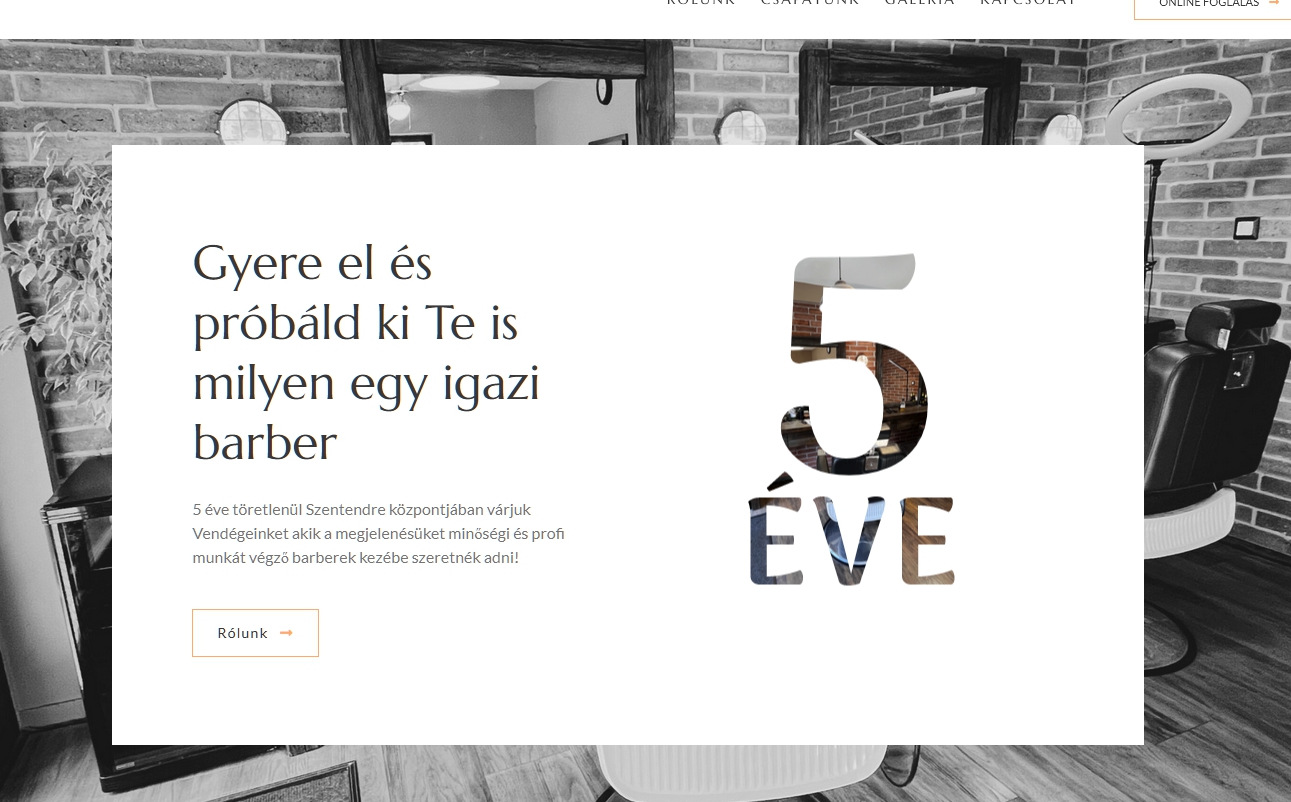
You can see if you scroll down on the home page until the big "20 YEARS" sign that there is a little image written on the left.
If you check my site for the exact location: https://szentendrebarber.hu/
You can see that what it was referring to.
So now that I deleted that image option from there I have to make it and paste the code for it so I have it look good again.
I do hope you understand my issue!
I was looking for the code in documentation but not find any.
I am looking foreward to your support so I don't need to reupload the whole page and start over because of my stupidity!
Thank you,
Adam