Solved Templates

Left Edge Alignments

Asked by Matt 3 years ago Last activity 2 years ago

Accepted answer

Marked as the solution
Pavel

I figured it out.

Hi. You made a crutch :)

  1. Just use CSS if there is not settings
.sppb-row-container {
    max-width: 1140px !important;
}

8 more replies

Ofi Khan Staff

Hello Matt

I have checked your site and it is working fine. Please share a screenshot of your issue to understand it better. Take a screenshot and share via any platform. For example: Lightshot or Imgur

Best regards

Ofi Khan Staff

okay, I get the thing. But which is you prefer. The first one or the second one with SP Page Builder?

Matt Asked this

Still waiting for some help with this.

Matt Asked this

The first, where everything is aligned down the left ane right side

Matt Asked this

Any ideas?

Ofi Khan Staff

Apology for the delay. Please follow Pavel's instruction below.

Pavel
2 years ago · edited

Hi.

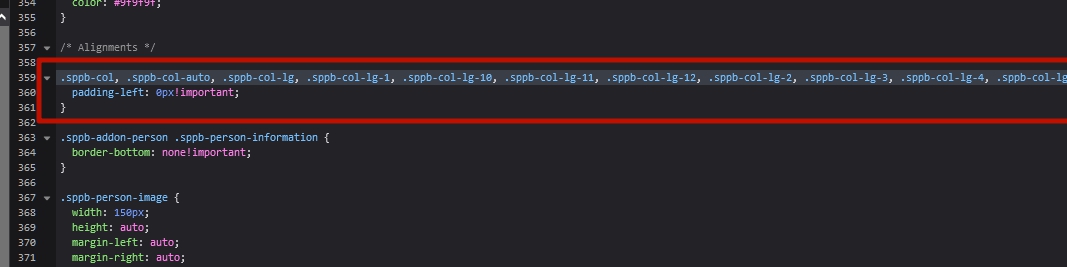
  1. First, delete this code from custom.css. This is not the right approach and will break many other things on your site.

  2. Set padding-left back to 0px in SPPB section.

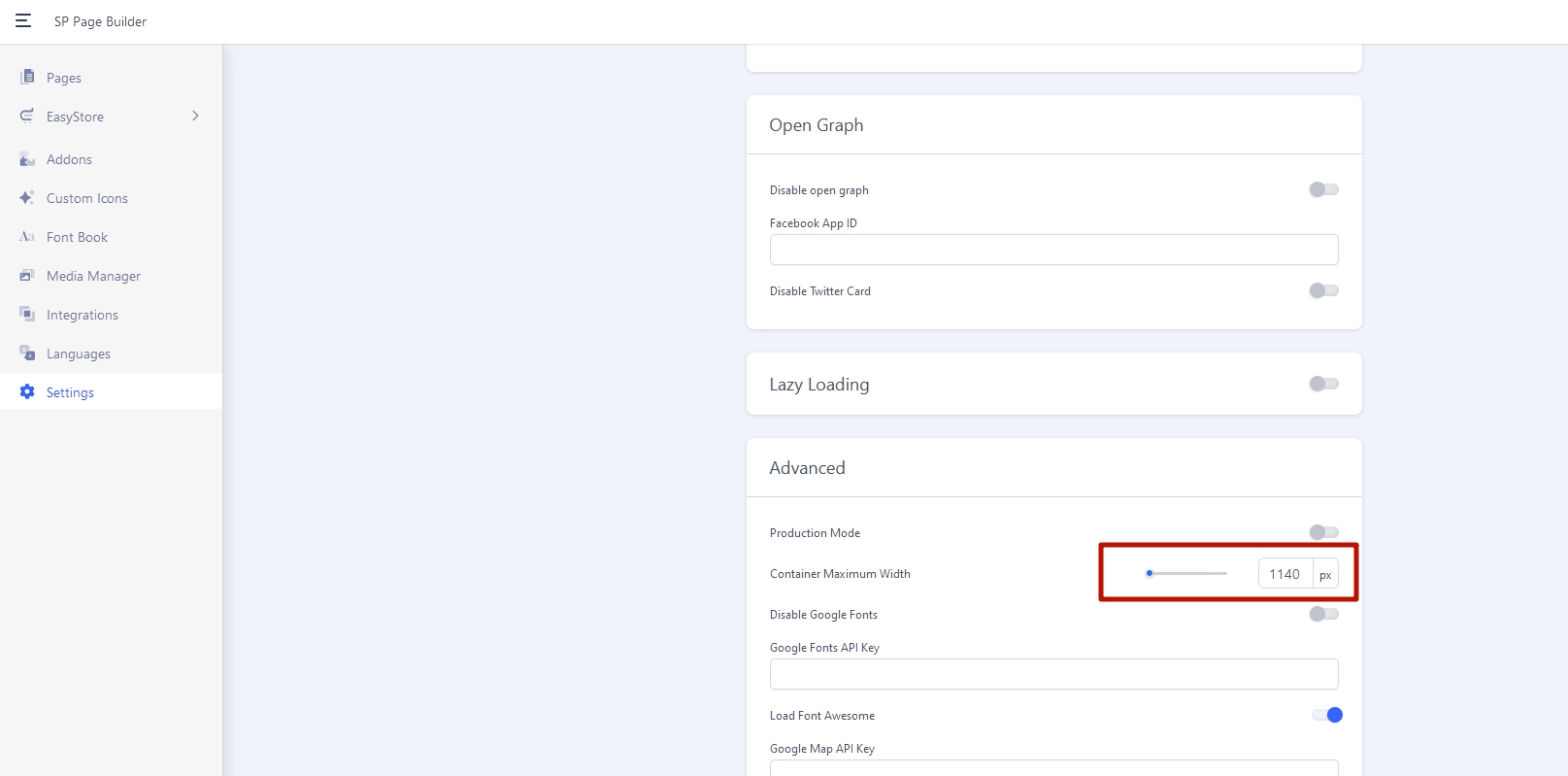
  3. Set SPPB container max width to 1140px

  4. And add this code to custom.css

    .sp-megamenu-parent {
         margin: 0;
    }

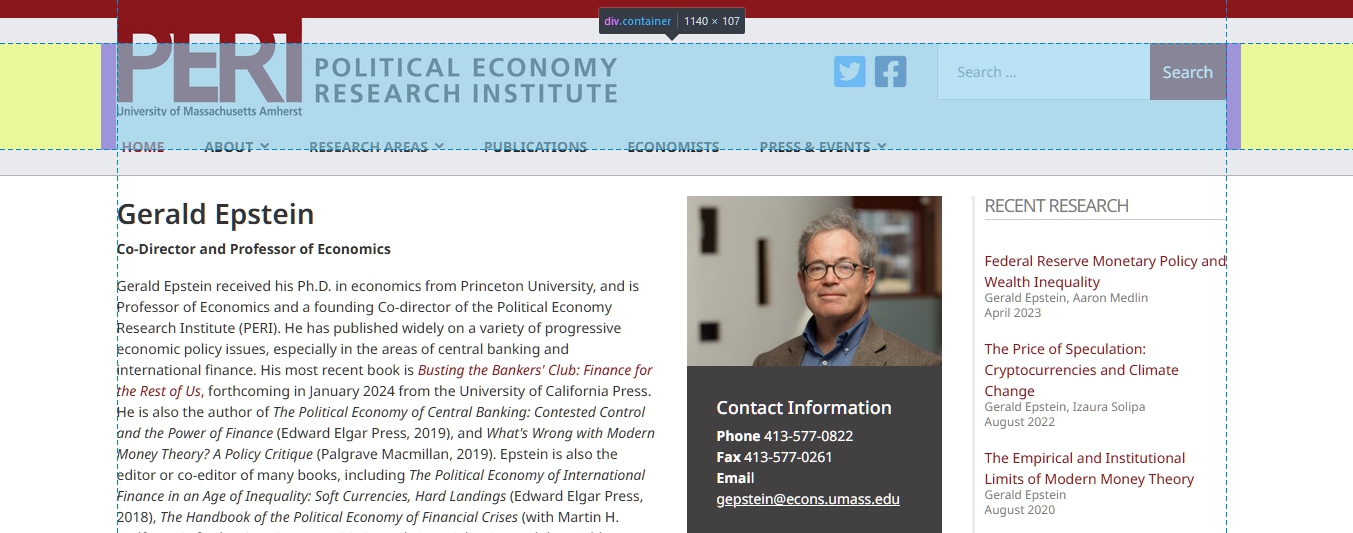
Result will be such

Matt Asked this

I figured it out.

It's SPPB 3.8.10. They won't let me update to 5x because they dispise the interface changes.

Matt Asked this

You made a crutch :)

Yup. Sometimes the customer isn't always right but if you want to get paid and didn't account for all the time needed to argue...

That's what I ended up using.

Log in to reply.