Image Vertical Align In SPPB Add-On Clients - Forum | JoomShaper
Solved SP Page Builder

Image Vertical Align In SPPB Add-On Clients

Asked by UMIF 2 years ago Last activity 2 years ago

Hi,

sorry for the additional post, but my previous question remains unanswered.
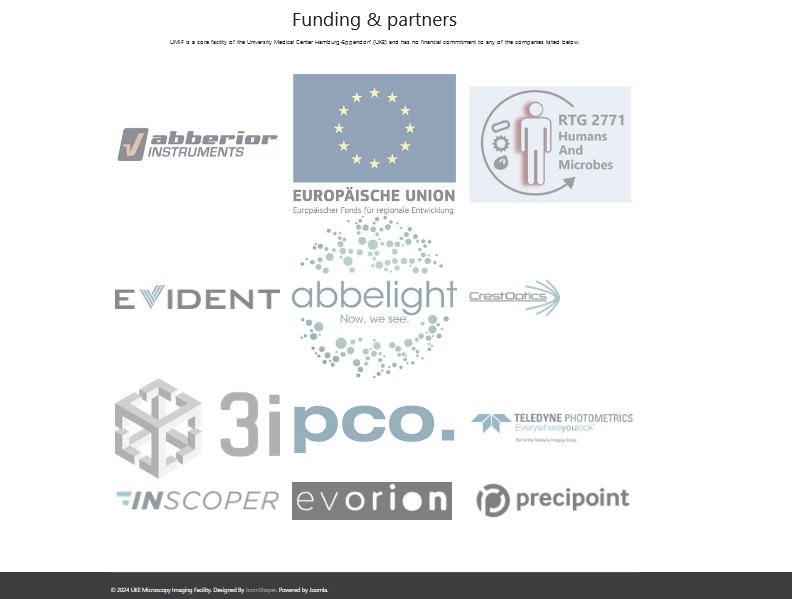
Is there a way to vertically align the company logos in the SPPB add-on "Clients"? By default they are aligned to the top somehow but that looks not nice. I would like to align them "middle". The logos have different sizes and aspect ratios.

Please find the described section at the bottom of the following page:

http://jos4.umif.de/about

Thanks and best regards,

Bernd

Accepted answer

Marked as the solution
Pavel

Hi. Try this CSS

.sppb-addon-clients [class*="sppb-col-"] a {
    display: flex;
    height: 100%;
    align-items: center;
}

4 more replies

Mehtaz Afsana Borsha Staff

Hi

Thanks for contacting us and sorry for your issue. Could you please give me a screenshot of your issue?

-Regards.

UMIF Asked this

Dear Mehtaz,

could you please browse to this page simply:

https://umif.de/about

The clients add-on is implemented at the bottom of the page.

Thanks and best regards,
Bernd

Mehtaz Afsana Borsha Staff
2 years ago · edited

As it is a different size logo I think you can do one thing, keep the circle type logo in one row and https://prnt.sc/gl4jsqloRxdE this type of logo in one row, then it will not look like this, It will then look nice.

UMIF Asked this

Dear Pavel,

thank you very much, that is exactly what I wanted!

Best regards,
Bernd

Log in to reply.