Hi,
I've selected, in the addon configuration > Advanced > Miscellaneous a specific user goup (i.e. Super User) but, in the frontend, the addon is seen to Guest too.
How can I solve?
Thank you
Awaiting an answer
SP Page Builder
Show addon to specific group of user
9 replies

Ofi Khan Staff
Hello Nicolò
Apology for the inconvenience. Please share the page with the specific user group assigned addons to check the issue. Also, share your access to check it. Use the Hidden Content box to share the credentials. Make sure that you have a full site backup with you before sharing.
Best regards
Nicolò Asked this
Hi,
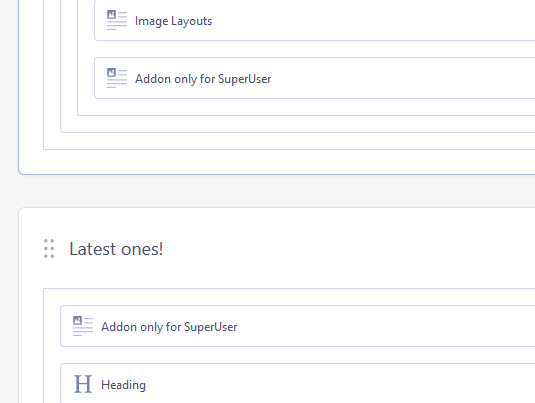
the page is https://shangshung.undercon.it/ . There is an Image Layout Addon called "Addon only for SuperUser".
Thank you
Ofi Khan Staff
You can set addon Super User only like this.
Are you talking about anything different?
Nicolò Asked this
Hi,
I've made the same thing in the home page but the addon is visible to anyone
Any suggestion?

Paul Frankowski Senior Staff
Ciao Nicolò ,
maybe you were logged on front-end as well?
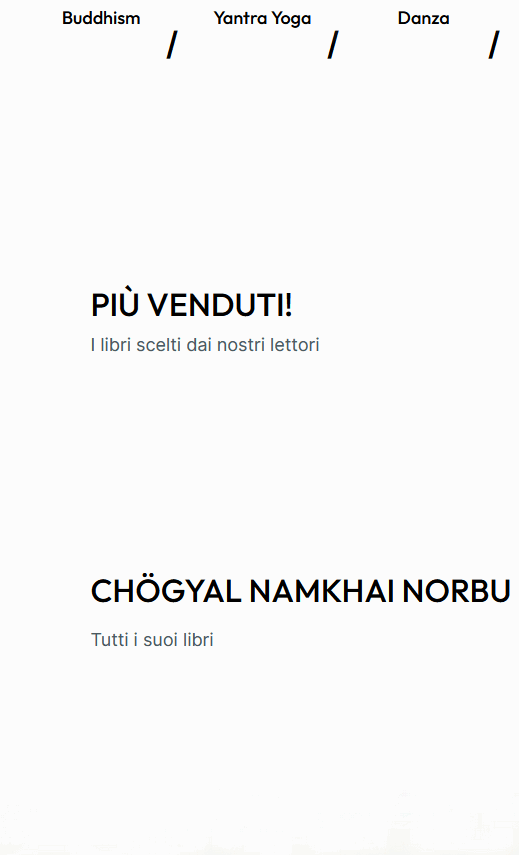
Please logout from front-end or check in Incognito mode (browser mode) and I assure you that you won't see those two addons
Nicolò Asked this
Hi,
I've tryed with another browser with clean cache never logged in and it doesn't work. I see the "Book fo Superuser" addon.
Nicolò Asked this
2 years ago
· edited
I've seen you have created a copy of the addon out of the DIV layer and it works. So, I think the problem is the function doesn't work when the addon is put under a DIV. Can you solve this issue?
Ofi Khan Staff
You have got it correctly. I have also found the same issue. It does not work if the addon is inside a div addon and the div is not set to specific permission. I have shared the issue with the development team. It will addressed in the next release.
Paul Frankowski Senior Staff
Right now just use those addons in classic grid, not in extra div to make them work/display as you want.
By now it's all we can suggest before offcial SPPB code fix.
Nicolò Asked this
But if I put the addons out of the div, they aren't shown in a single row. This is a beatiful effect of this template, try to solve this issue asap.
Thank you
Log in to reply.