Celestia CSS Editing
SG
Steven Gourlay
Hi, i want to remove the pattern from the the page title section of the theme, i have it below and im wondering if i edit this directly instead of custom css if i update the theme this will revert all of this back so how do i remove the pattern image into the custom css?
.sp-page-title { background-color: #153436; background-image: url("../images/bg-pattern.svg"); padding: 190px 0px 120px 0px }
2 Answers
Order by
Oldest

Paul Frankowski
Accepted AnswerHi Steven,
- Read: https://www.joomshaper.com/documentation/helix-framework/custom-code-css-js-meta
- Yes, you have to override that using Custom CSS
.sp-page-title { background-image: none !important; }
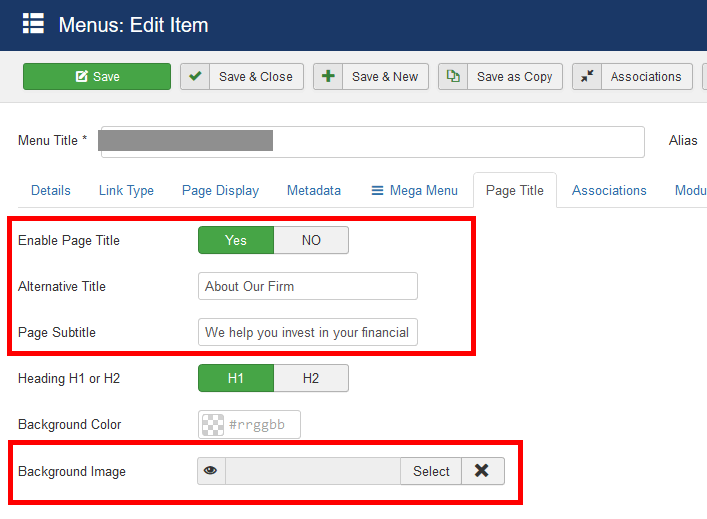
but before that .... check what you have here