Hello,
how can I hide the two entries in the item detail view (see picture)?
Best regards
Ingo
Hello,
how can I hide the two entries in the item detail view (see picture)?
Best regards
Ingo
It's problem with old templates, based on Helix3. With new ones, based on Helix Ultimate it shouldn't be that problem anymore.
In your case I had to override that file using raw Helix3 template > html\com_content\article\default.php
plus few lines of custom CSS to correct padding.
Hi Ingo,
As you know Joomla can display Create Date, Modify Date, Publish Date for Articles.
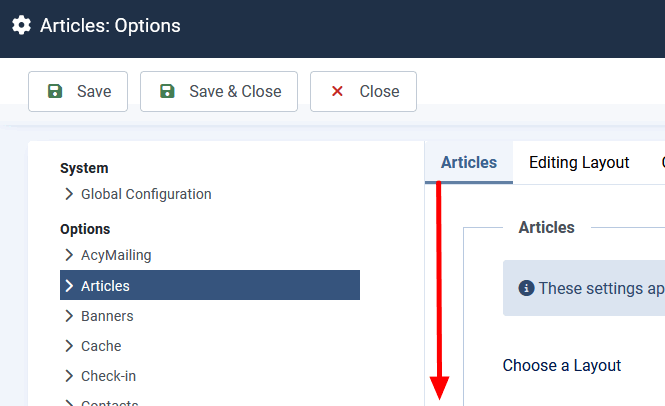
Go to Articles: Options > Articles - and choose what you need to keep.
Hello Paul,
many thanks for the quick response.
However, the creation date is still displayed twice. Why?
Best regards Ingo
What template you are using, full name please.
See Hidden Content
Hope template. Ok, I will check.
Either one would be ok
Clear browser cache and check.
Hello Paul,
what was the solution? I'm working on more web projects.
Best regards
Ingo
Hi Paul, the error is back after the update. Could you please describe the change?
Try that
.view-article .entry-header dl.article-info:nth-of-type(2)
{display: none !important; visibility: hidden;}Hi Paul,
it works. Thank you so much for the quick help.
Best regards,
Ingo
