I've made a shadow class for my images. But since the update to Sppage pro 5.4.6, the classes are inoperative to my img.
Did you make some change to the img element?
Thank you
Solved
SP Page Builder
Unable to ad my personnal class to the img element
Accepted answer
Marked as the solution
Toufiq Senior Staff
Add this css code.
.shadow2 .sppb-addon-single-image-container {
    box-shadow: 0px 20px 30px -10px rgb(38, 57, 77);
    background: #ddd;
}4 more replies
Toufiq Senior Staff
Hi there,
Thank you for reaching out, and I apologize for any inconvenience caused by this oversight. I have added css class inside the Image addon & it works fine.
Best regards,
Toufiqur Rahman (Team Lead, Support)
Gerald Asked this
Hello Toufiqur
Thanks for your answer.
Here is my css : .shadow2 img {box-shadow: rgb(38, 57, 77) 0px 20px 30px -10px;}
When I add css class "shadow2" inside the image addon it doesn't work.

Toufiq Senior Staff
Could you kindly grant me access to your Joomla administrator? I will check & get back to you soon.
Gerald Asked this
Here is the admin access
Gerald Asked this
Ok it works like that...
Thank you!
Have a nice day Toufiq
Toufiq Senior Staff
You are most welcome! We appreciate your feedback and are delighted to hear that you're satisfied with our service.
To officially close this forum post, mark it as accepted. If you have any more questions or need further assistance in the future, please don't hesitate to reach out to us.
As for writing a review about our product and support quality, we would greatly appreciate it! Your feedback helps us improve and serves as a valuable reference for others. Please take a moment to share your thoughts about your experience with our product and the support you received. Your input is valuable to us and the community. Thank you in advance for your time and support.
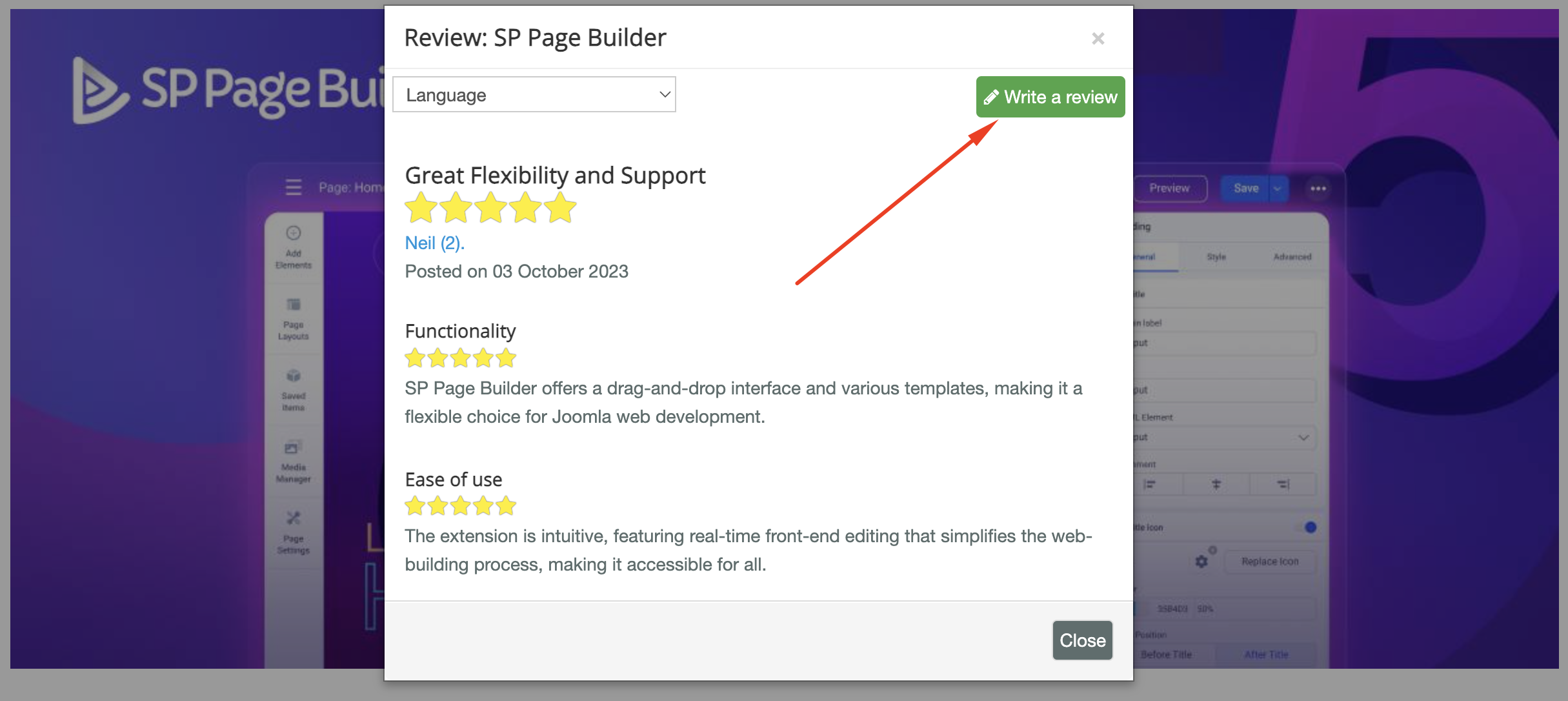
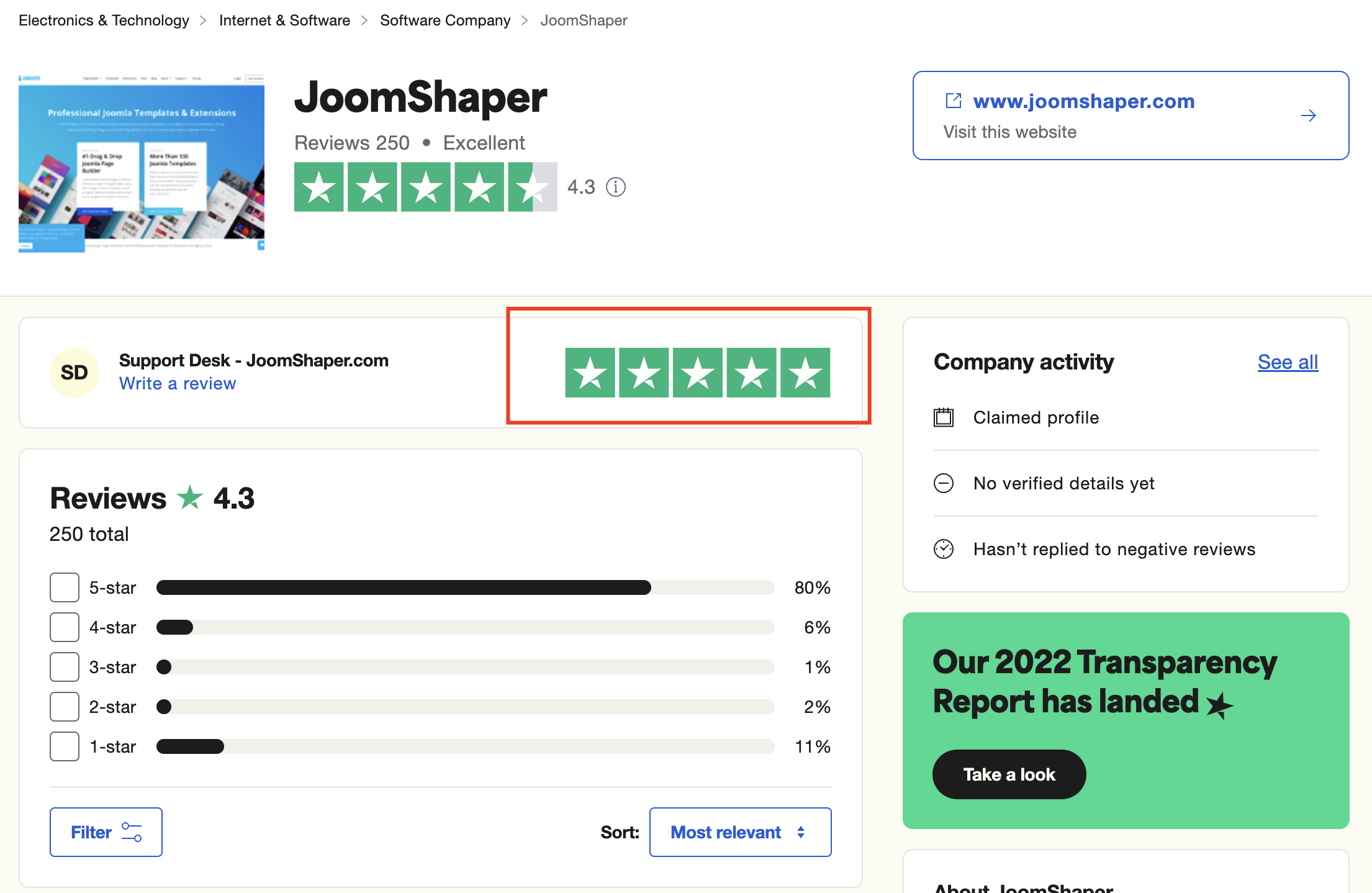
We're here to assist you with any further questions or requests you may have. Once again, thank you for choosing our product and for being a part of our community.
Best regards,
Toufiqur Rahman
Team Lead, Tech Support (JoomShaper)
Log in to reply.