Hi,
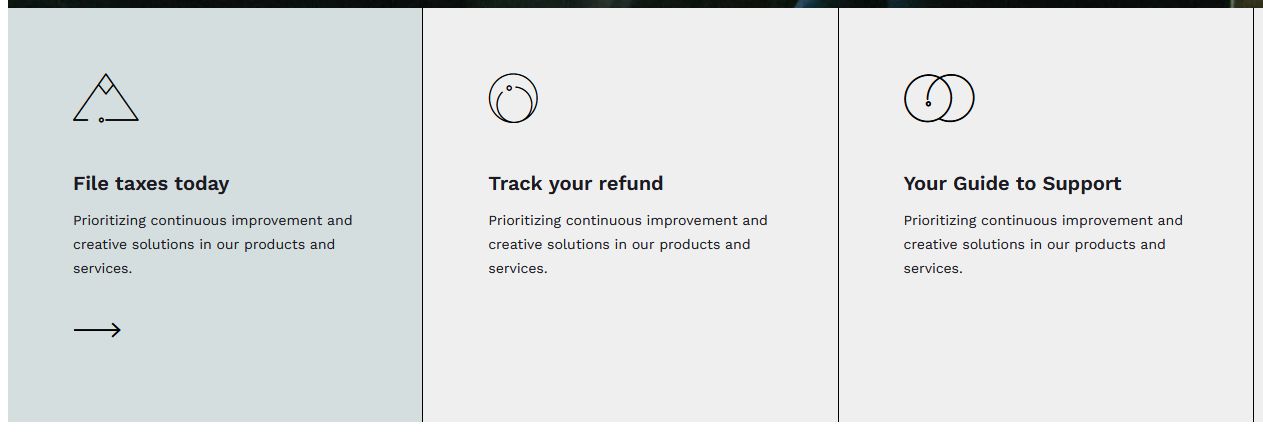
I'm looking for the abstract icons - Nestfund
Where can i find them? to insert elsewhere.
Hi,
I'm looking for the abstract icons - Nestfund
Where can i find them? to insert elsewhere.
Hi Rageed.
Those icons are from IconMoon library, this is Font Icon.
we used serveral of them. Class names start from icon-vector-1 to icon-vector-16 , but 12 is missing. They could be too abstract for typical website purpose.
I think, it will be easier for you just use classic image icons instead.
Thank you Paul.
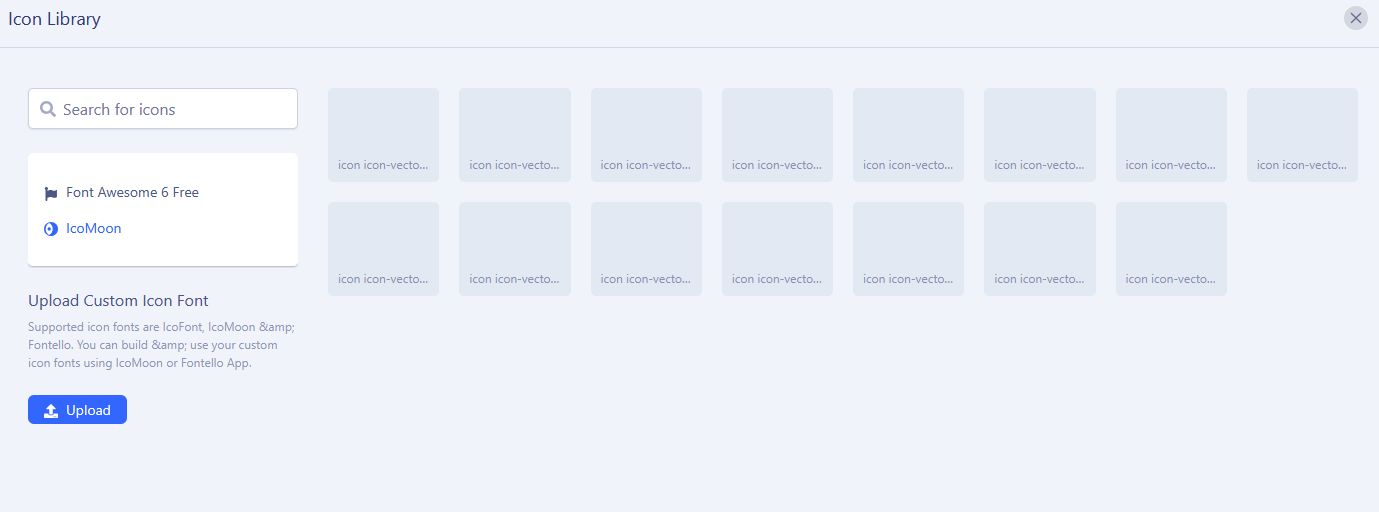
But why have the icomoon disappeared (image)?
When I select one, nothing is visible.
One more thing, I can't upload icons here.
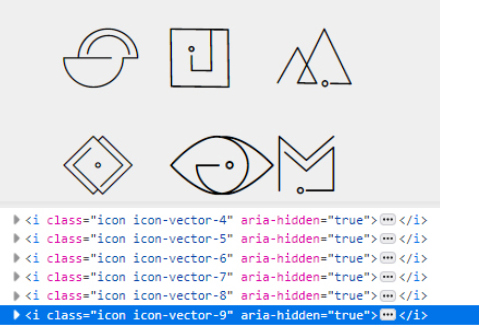
I don't know, but most of those icons are different variations of circles or square. Here is preview of 6 of them with class name. First is "icon-vector-4" (top-left)
And those are direct arrows from class icon-vector-10 and icon-vector-11
And icon (shape) used in "Financial Support" box is from class icon-vector-13. And that's all of them.
About Icon Upload - read SPPB documenation on how to use it > https://www.joomshaper.com/documentation/sp-page-builder/custom-icons
Where do I enter the command <i class="icon icon-vector-4" aria-hiden="true"></i> so that the icon is displayed?
When I try to upload icons, I get the message "file not supported (zip)".
Thank you.
Can you share access to admin area, I will make you a short video about icon use.
Ok, checking... read below
I see icons on preview, Firefox - yes, your website (admin back-editor)
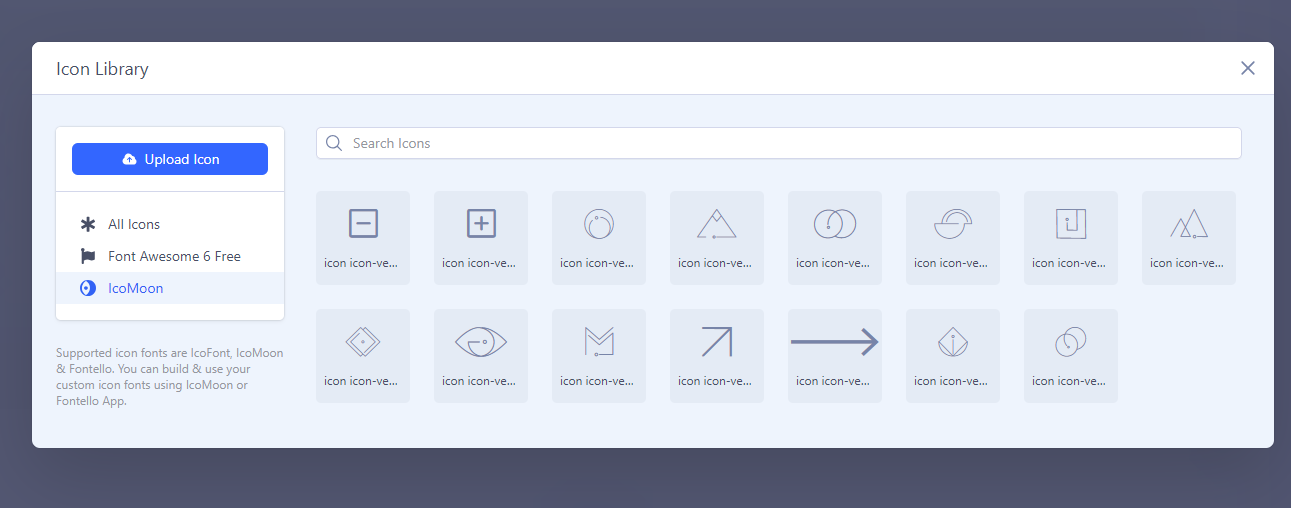
When I try to upload icons, I get the message "file not supported (zip)".
What font icons do you want to include? more details please.
for me it just look like this (Frontend Editor)?!
so it must be front-end editor problem, we will check that. For now to change icons from the list just use back-end editor where all icons are fully visible, and easier to choose one.
Yes, I did that and saved it, but the icons still aren't visible on the website!
Hopefully, on site are visible
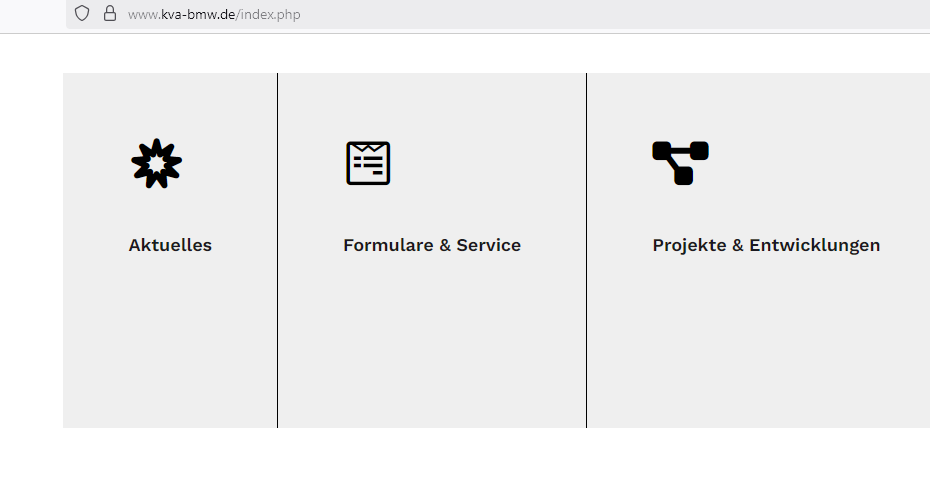
No not these, they are not icomoon. here:
Can you add that page to menu (as hidden menu item) and recheck url (share too)
Sorry, I don't quite understand what you mean.
But as you can see in the picture, the icons (icomoon) are not visible!?

Add that page to menu, as new menu item, then share URL to it. Becuase it may be problem with font file path, and that may help.
Same effect. It works in the backend, but not in the frontend. In the end, they're not visible on the page.
Also, I can't upload any icons!
Thanks.
I think by now just use images , not font icons. It will be faster. Our team has to check it etc.
Is there a solution in sight?
