

Change Default Icons In Top Position
ML
Mike Lawson
Hello, I am using a default header for my website in helix (top bar header) and would like to change the default font awesome icons for the phone, mobile, and email sections in the top position..Im attaching a link to the screenshot highlighting the items..I need to know the custom CSS to update it, please.
4 Answers
Order by
Oldest

Paul Frankowski
Accepted AnswerLook again Up, added more info. Yes, use Custom CSS to make this change. Sorry, but I am not FA support, I shared basic tips only, the whole rest on your hands/keyboard.
Paul Frankowski
Accepted AnswerHi Mike.
This is task from CSS & FA category, not even a Joomla itself.
All you have to do is override FA icon "ID" code from default to a new one, using the same FA version.
You have to override those classes:
.fa-phone::before {content: "\f095";}.fa-mobile-alt::before {content: "\f3cd";}.fa-envelope::before {content: "\f0e0";}
using new Icon(s) code from Font Awesome Free version 5.15 | https://fontawesome.com/icons
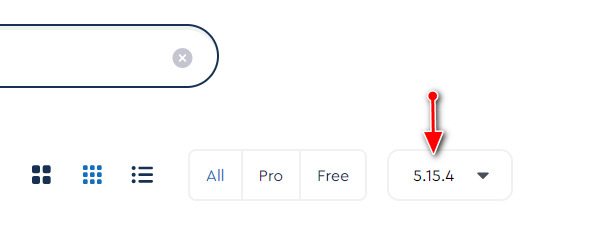
with v6 should work as well, but remember Free icons, not "Pro"
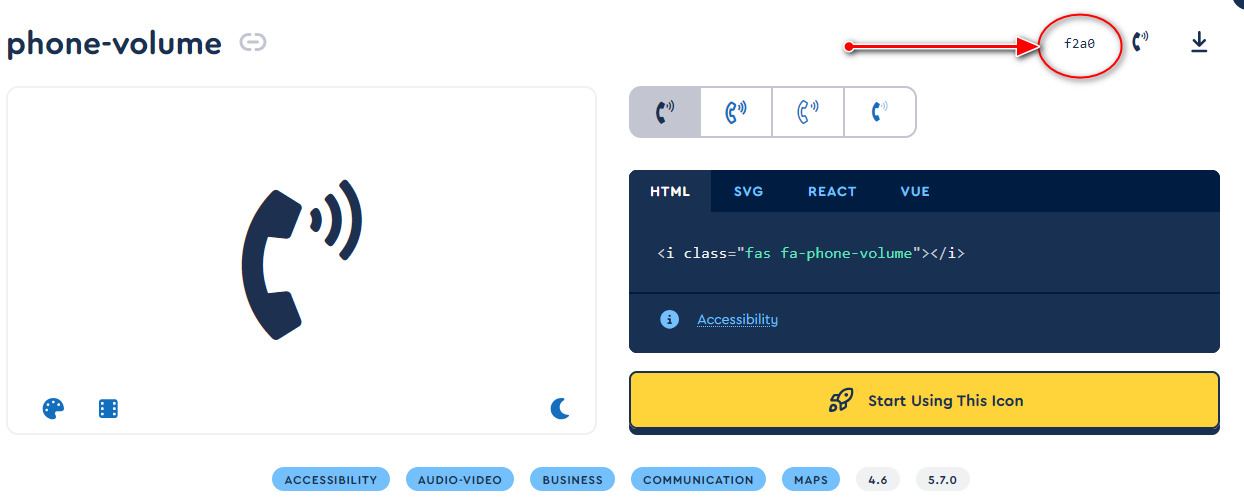
It means that a new 1st phone icon can be that one "phone-volume"
.fa-phone::before {content: "\f2a0";}
ML
Mike Lawson
Accepted AnswerFrank
Im a little confused. So this is a CSS edit in a specific core file? Or in Custom CSS field? Please elaborate and share valid CSS to make this change happen. Thanks