

Educon II Template - Drop Down Menu Hides Behind Screen On Laptops,
A
Athman
Hello Support,
The dropdown menu on my website hides behind the screen when on laptop, am using Educon II Template
14 Answers
Order by
Oldest

Toufiq
Accepted AnswerHi there,
Thank you for reaching out. I just checked your issue. But, no problem found on my end. Please check the screenshot.
Best regards,
Toufiqur Rahman (Team Lead, Support)
A
Athman
Accepted AnswerHi there,
the menu works perfectly on big screen (Desktops), but it hide behind screen on small screens (specifically the laptops), kindly see the screenshot attached
Toufiq
Accepted Answer
A
Athman
Accepted AnswerHi Toufiq,
I have implemented the suggestion, however, the menu still behaves the same. see screenshots
Toufiq
Accepted AnswerCould you kindly grant me access to your Joomla administrator area so that I can investigate the issue you're experiencing? Prior to providing access, please ensure that you have backed up your site. Additionally, it's important to note that providing login credentials is entirely voluntary on your part; we respect your decision either way. However, if you do choose to share the login details, it would greatly expedite the resolution process. Thank you for your cooperation.
A
Athman
Accepted AnswerHi Toufiq,
I would prefer to give you access to the backend, I have already backed up the site, find the credentials below

Paul Frankowski
Accepted AnswerMy suggestion
by custom CSS you can force to fit only for Smaller ScreenSize
@media screen and (max-width: 1440px) {
.sp-menu-full.container {width: 1024px;}
.sp-megamenu-parent .sp-dropdown .sp-dropdown-inner {padding: 10px;}
}

@media screen and (max-width: 1280px) {
 .sp-menu-full.container {width: 960px !important;}
}
this should be more universal tip for your site.
AND
Disable also [=] Offcanavs Menu from Desktop view, is not needed, and only takes space that you need for "normal" Menu
A
Athman
Accepted AnswerIts now Ok, do you mind to tell me what was the problem? thank you for the support
Toufiq
Accepted AnswerAdded custom css code inside the template custom code CSS box.
body.ltr .sp-megamenu-parent .sp-dropdown.sp-dropdown-main.sp-menu-full {
    left: -27%;
    right: 0;
}
A
Athman
Accepted AnswerThank you so much
Toufiq
Accepted AnswerYou are most welcome! We appreciate your feedback and are delighted to hear that you're satisfied with our service.
To officially close this forum post, mark it as accepted. If you have any more questions or need further assistance in the future, please don't hesitate to reach out to us.
As for writing a review about our product and support quality, we would greatly appreciate it! Your feedback helps us improve and serves as a valuable reference for others. Please take a moment to share your thoughts about your experience with our product and the support you received. Your input is valuable to us and the community. Thank you in advance for your time and support.
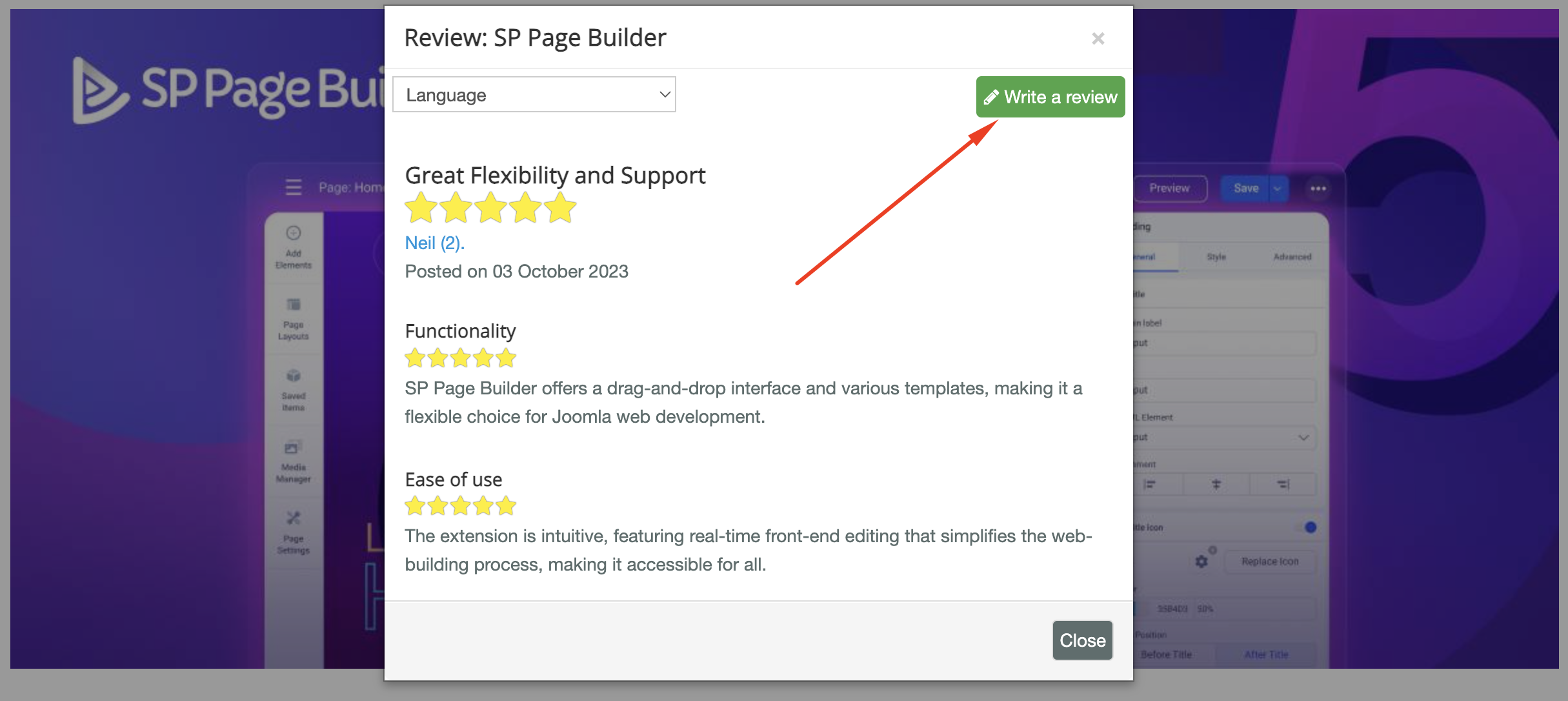
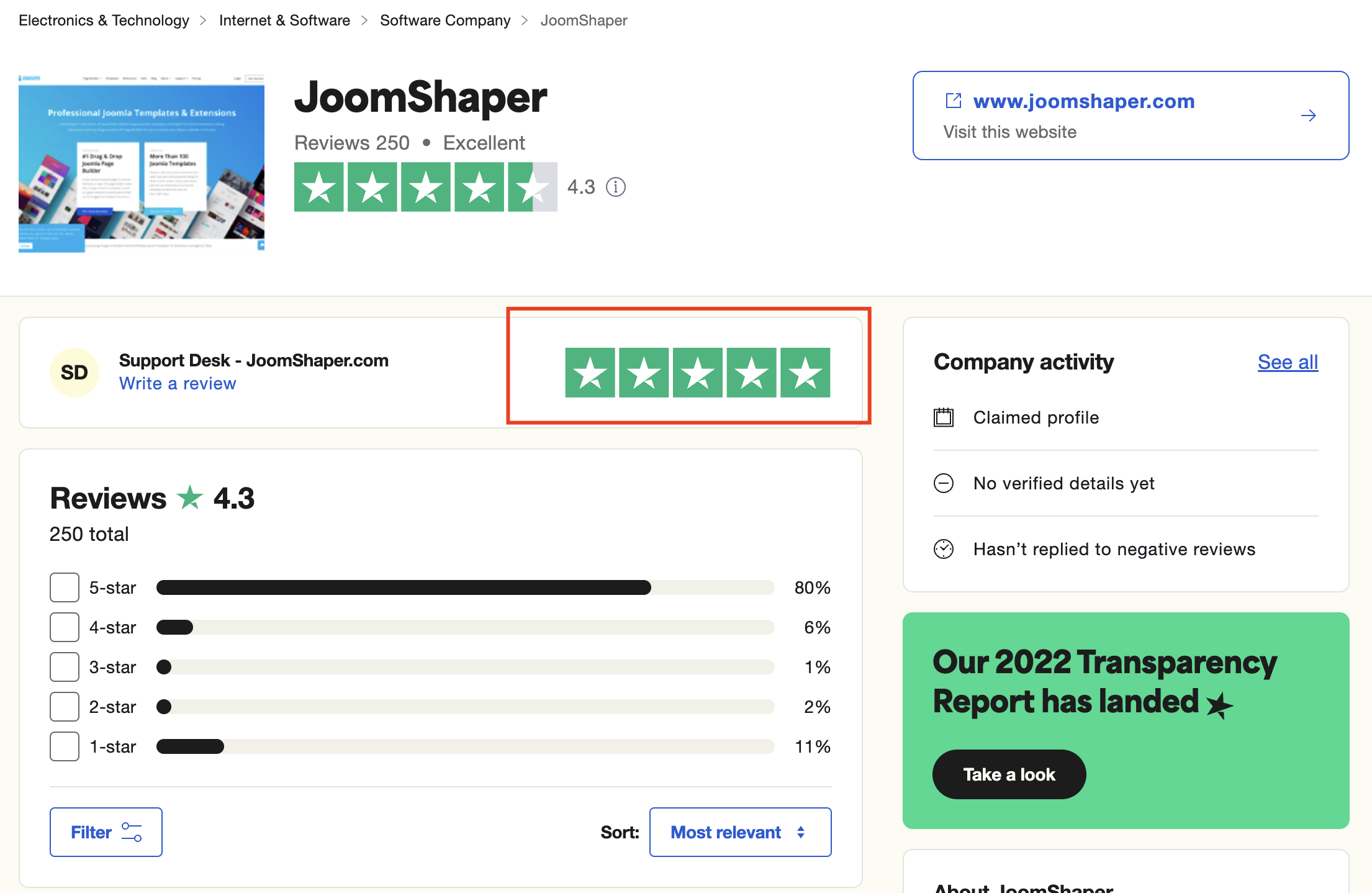
We're here to assist you with any further questions or requests you may have. Once again, thank you for choosing our product and for being a part of our community.
Best regards,
Toufiqur Rahman
Team Lead, Tech Support (JoomShaper)