Issue When Adding IFrame To SPPB (not The Whole One Page is Shown Anymore)
M
Michael
Hi, I have the following issue when adding an iFrame either bei "Raw HTML" Element or per code in Text-Field:
In SPPB everything is shown correct. But on the live Webpage the One Page stops after the iFrame. The rest of the One Page is not shown anymore.
When I go back to SPPB and delete the iFrame the whole One Page is shown again.
Any idea what could be the issue?
The iFrame I'm adding looks like this: <iframe src="https://...." width="100%" height="600px" frameborder="0" style="outline: none;"/>
Website
https://www.rcg-weissenburg.de/
8 Answers
Order by
Oldest

Paul Frankowski
Accepted AnswerHi Michael,
do you really have to use iframe? If yes, use it inside Custom code module. Then use that module using Module addon.
In general, iframes works, for example from Youtube or Google maps, your code can be more "tricky" or you have RSFirewall (or diffferent firewall) that may block it.
M
Michael
Accepted AnswerIssue with Iframe is solved by using a module and adding it to SPPB with Module addon. Thanks for that.
Paul Frankowski
Accepted AnswerYes, I see video on home page.
We have Video addon, you have to add YT URL and set other settings and video should be presented. If one video don't work check with different link, sometimes problem can be from YT clip privacy settings. Our code in addon is very basic from YT developers resource.
Paul Frankowski
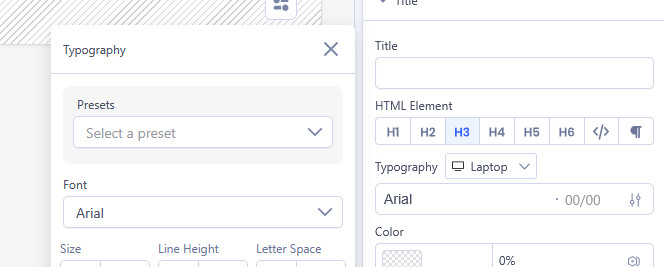
Accepted AnswerHmm. In that case, in Video addon: Turn Off Youtube Cookie: ON and make sure that Video addon don't have "Title" that use Google Font (!) and/or set Arial etc.