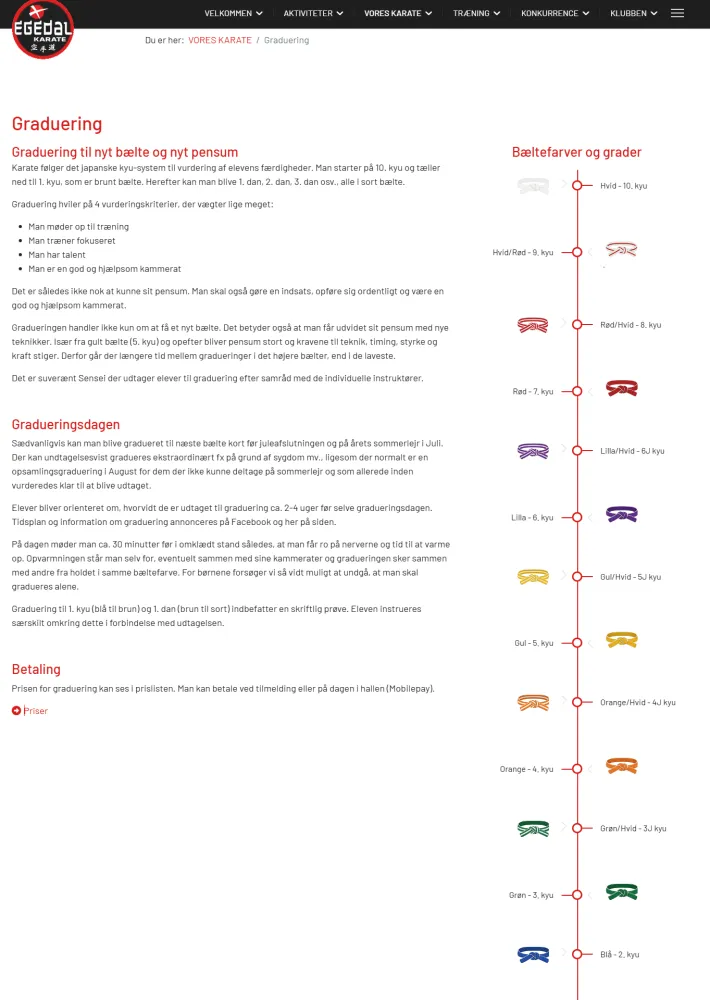
I have removed the padding-bottom: 30px using CSS (see below) in the Timeline add-on.
I would like to limit the space between the items to make the timeline shorter/more condenced on screen, but I cannot identify which CSS rule to change.
.sppb-addon-timeline .sppb-addon-timeline-wrapper .timeline-movement .timeline-item .timeline-panel {
text-align: initial;
padding: 20px;
border: solid 0px ;
border-radius: 0px;
position: relative;
width: 110px;
margin-left: 15px;
}
.sppb-addon-timeline .sppb-addon-timeline-wrapper .timeline-movement
Specificity: (0,3,0)
{
position: relative;
padding-top: 0;
padding-bottom: -30px important!;
}
*,