

Template Preview
JH
Jeff Honeyager
I sent a clien to your templates - so they could pick on to buy.
The previews are not working - all browsers.
4 Answers
Order by
Oldest

Ariba
Accepted AnswerHello
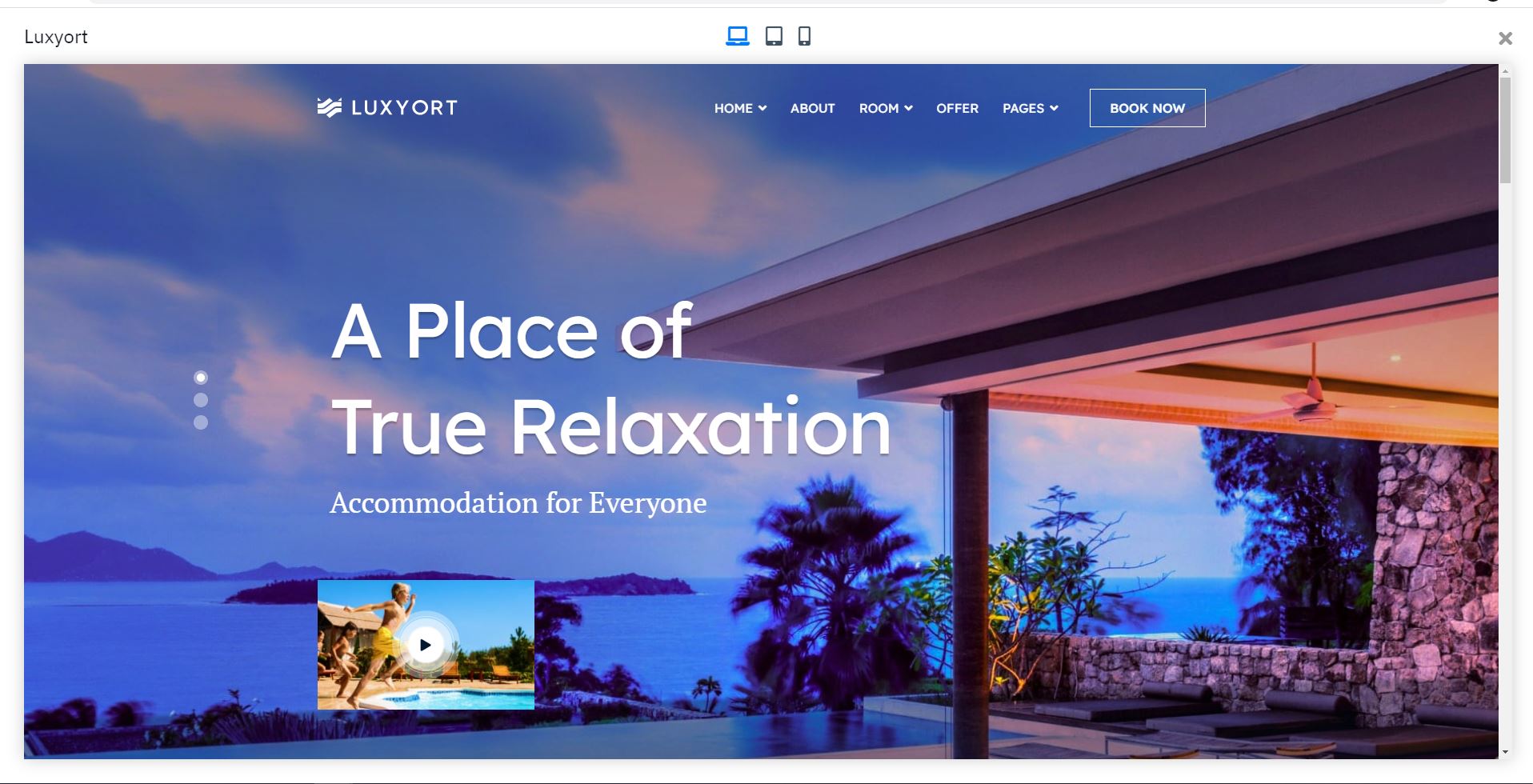
Sorry for the inconvenience. I checked from my end, all the previews are working, for example I have shared one of the screenshots below of the preview of Luxyort template that I just clicked on:
JH
Jeff Honeyager
Accepted AnswerIt may be via navigation...
Do this: at joomshaper.com
- Click On Products >> Templates
- On the Right-Hand-Side Select "Business & Corporate"
- Under "Business & Corporate" Click "Corporate"
- Select Preview ... any template preview
I get a blank screen... It appeares it is opening an iframe but nothing displays...
????
JH
Jeff Honeyager
Accepted Answer-
Click On Products >> Templates - On the Right-Hand-Side Select "Business & Corporate"
- Under "Business & Corporate" Click "Corporate"
- Select Preview ... any template preview
This is what I see: https://imgur.com/a/7DTcbgR