

Social Icons Not Responding

George Antonatos
Hello joomshaper team, we use Wimble template, and apllied a layout bundle, homepage Jewellery (the same happens at the demo, but of course there could be intentionally no link)
the live site is under the domain: kefaloniabridal.com
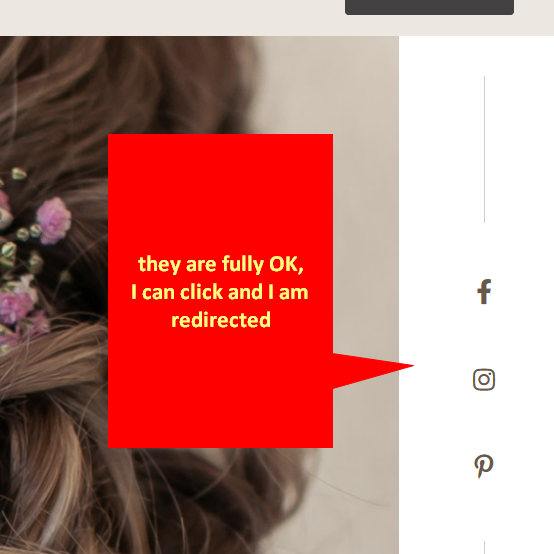
the social icons on the first page, are not clickable, the do not respond
can you please take a look and advise? (we also have a layout issue at the contact page, but this is priority)
10 Answers
Order by
Oldest

Rashida Rahman
Accepted AnswerHi,
Did you use the custom CSS from Paul's last solution? It should solve the issue for you!
Note: Path towards custom CSS: Extensions>Templates>Styles> Click on your current default template name then choose Template Options. Then find custom CSS within the custom code.
Best Regards
Rashida Rahman
Accepted AnswerIf I may... I don't know, for some reason it is not clickable for me too!
However, I think you can increase the addon CSS z-index of that icon group addon. I am sharing screenshots below for your ease:
Best Regards
George Antonatos
Accepted Answerhmm good idea Rashida! but it should respond like that at all browsers
George Antonatos
Accepted AnswerHello Rashida,
I increased the "Icon Group" addon CSS z-index to maximun and now it works. :)
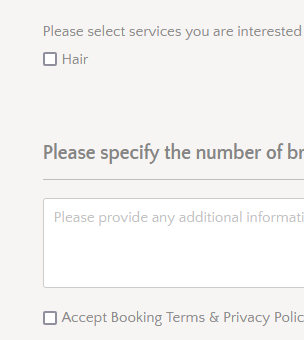
Could you please check also the contact form. The possition of the check boxs are off. url : https://kefaloniabridal.com/ellie-hair-kefalonia
Thank you in advance Rita

Paul Frankowski
Accepted AnswerIn template Options - Custom CSS or custom.css file please add this line:
.convertforms label {transform: none !important;}
After you will get this fixed checkbpx fields view
George Antonatos
Accepted AnswerThank you both so much, everything looks perfect now! have a nice weeked and thanks again for your support George & Rita